
A phone shuts down while charging under a pillow, and the case is hot. What should be done first?
Select an answer to reveal the explanation.
Short Explanation
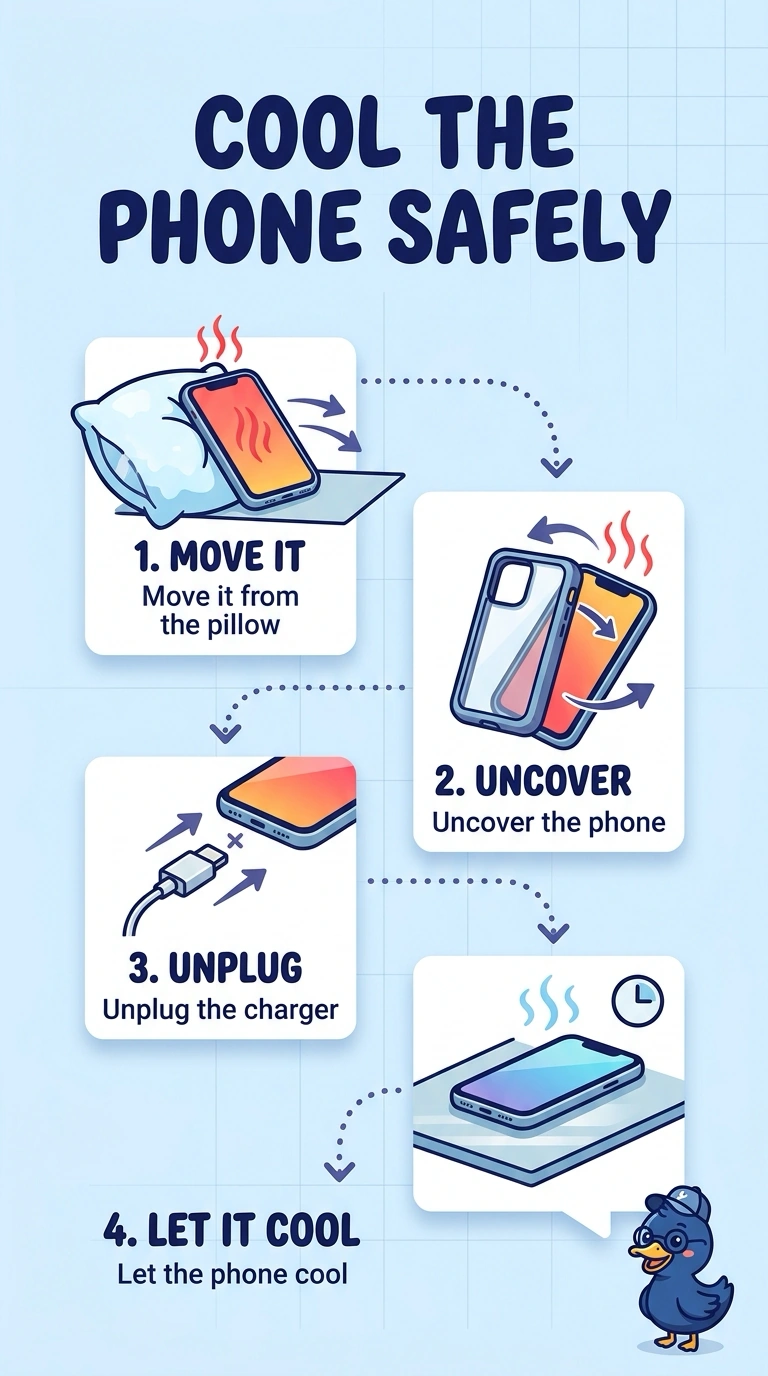
You’ve found the key clue: the pillow is trapping heat while the phone charges. Uncover it, unplug the charger, and let it cool; replacing the display, re-enrolling the phone in management, or turning off GPS won’t help it shed heat.
Full Explanation
Charging produces heat, and a pillow traps that heat. A shutdown with a hot case while the phone is buried points to overheating, so first uncover the phone, unplug the charger, and let it cool before using it again. Replacing the display does not address the trapped heat or the charging conditions, so the problem could recur. Re-enrolling the phone in management can apply device settings, but it cannot vent heat from a phone under a pillow. Turning off GPS is also not the remedy: location radio use is not what makes a phone overheat when it is insulated while charging. Exam caveat: if the phone is swollen after heating, treat the battery as damaged, stop charging it, and do not put it back on the charger; a bulge signals a more urgent fault. Practical check: let the phone cool in the open, then charge it on a hard surface and confirm it no longer shuts down. Tell the user not to charge it under bedding again.