
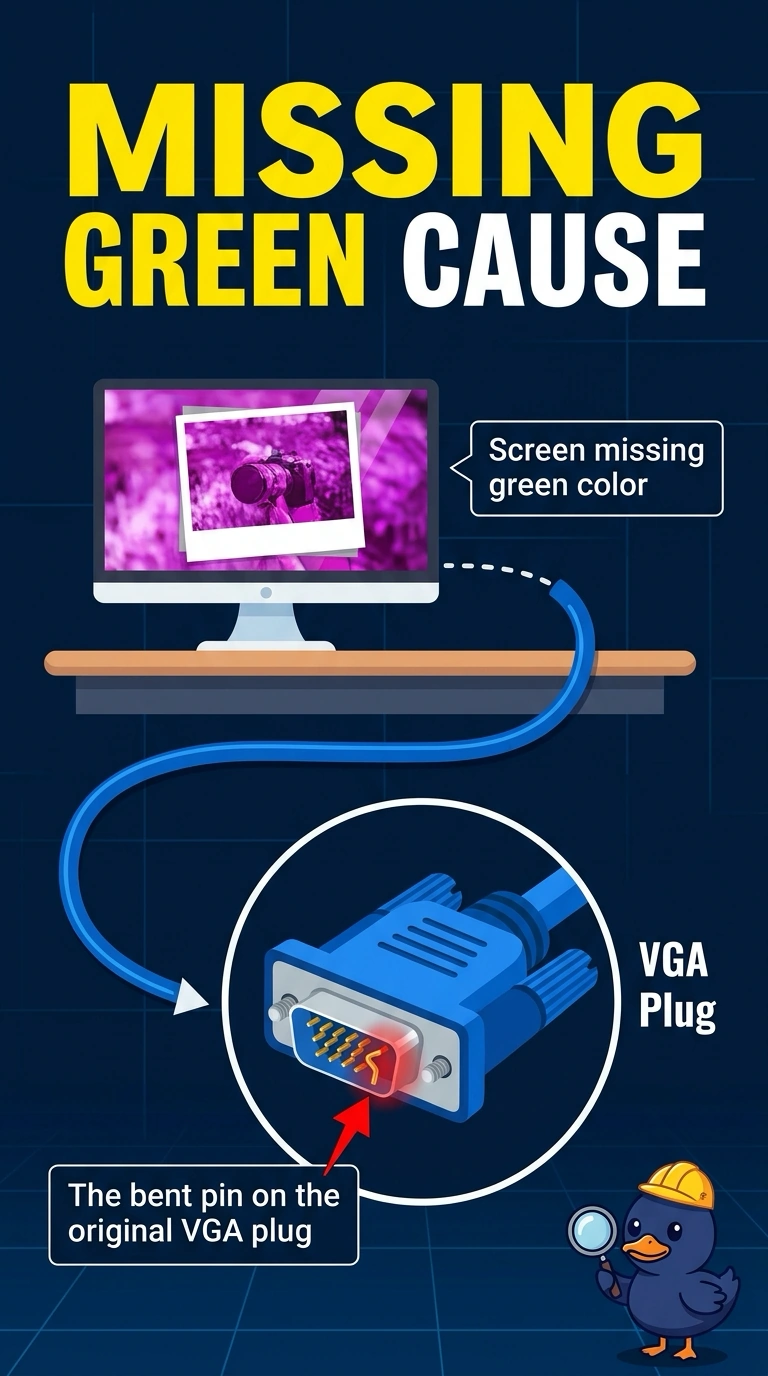
A monitor's VGA picture is missing green. One pin on the VGA plug is bent, and a different VGA cable shows normal color. Which cause fits?
Select an answer to reveal the explanation.
Short Explanation
One pin in the analog plug is bent flat, and a straight cable brings the green back. You replace or repair that cable. Dots that never light, a ghosted image, and a backlight circuit would stay wrong after the cable change.
Full Explanation
VGA carries the color signals on separate pins. A bent pin can drop one color, and a different cable that shows normal color proves the monitor and the PC can produce green. The bent pin on the original plug is the cause. Dead pixels stay in place on the panel when you change cables. They do not return a missing color. Burn-in is a permanent ghost of an image. It does not bend a connector pin. An inverter drives a fluorescent backlight. A dark lamp would dim the whole picture, not remove green only on one analog cable. Exam caveat: straighten a pin only if it is a gentle bend and the pin is not cracked. A cracked pin means a new cable. Operational check: fit a known-good VGA cable, confirm green is back, and retire the bent plug. Retire the bent plug so it is not packed as a spare. Confirm green is back on a color page, not only on a desktop icon. Do not put the bent cable back in the spare kit.