
A laptop loses Wi-Fi in a far office and works when it is carried next to the access point. Which cause fits the far office?
Select an answer to reveal the explanation.
Short Explanation
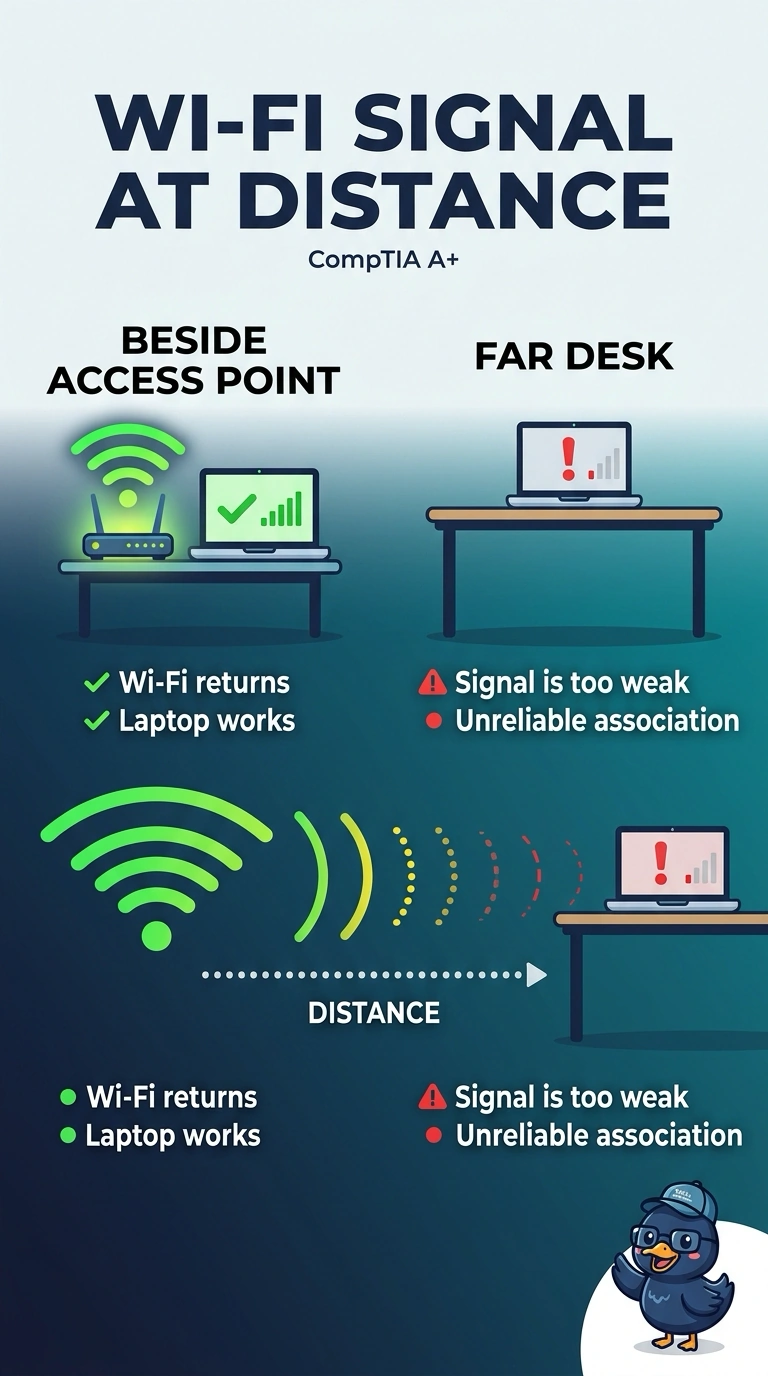
You can picture the Wi-Fi signal fading as you move farther down the hall: beside the access point, the laptop connects, but at the far desk the signal is too weak for a reliable association. A DNS failure, an expiring DHCP reservation, or a wired duplex mismatch would not be fixed simply by carrying the laptop back beside the access point.
Full Explanation
Wireless signal gets weaker with distance and with walls. When your laptop associates beside the access point but loses Wi-Fi in the far office, the signal at the far desk is too weak for a reliable association. A DNS failure would affect name lookups, not the laptop’s ability to associate with Wi-Fi, and moving beside the access point would not repair DNS. A DHCP reservation ties an address to a MAC address; it does not expire because you moved a few rooms away, and moving closer would not renew it. A duplex mismatch affects a wired link, but the laptop is using Wi-Fi rather than the cable. Exam caveat: a weak signal reading confirms poor coverage at that location, but association beside the access point alone does not measure how weak the signal is at the far desk. Practical check: measure the signal at the far desk, then move the desk or add an access point if the level is poor. Retest there and confirm the laptop stays associated.