
A printer's screen is frozen, the buttons do nothing, and jobs wait. The printer does not respond to a status check. What should be tried first?
Select an answer to reveal the explanation.
Short Explanation
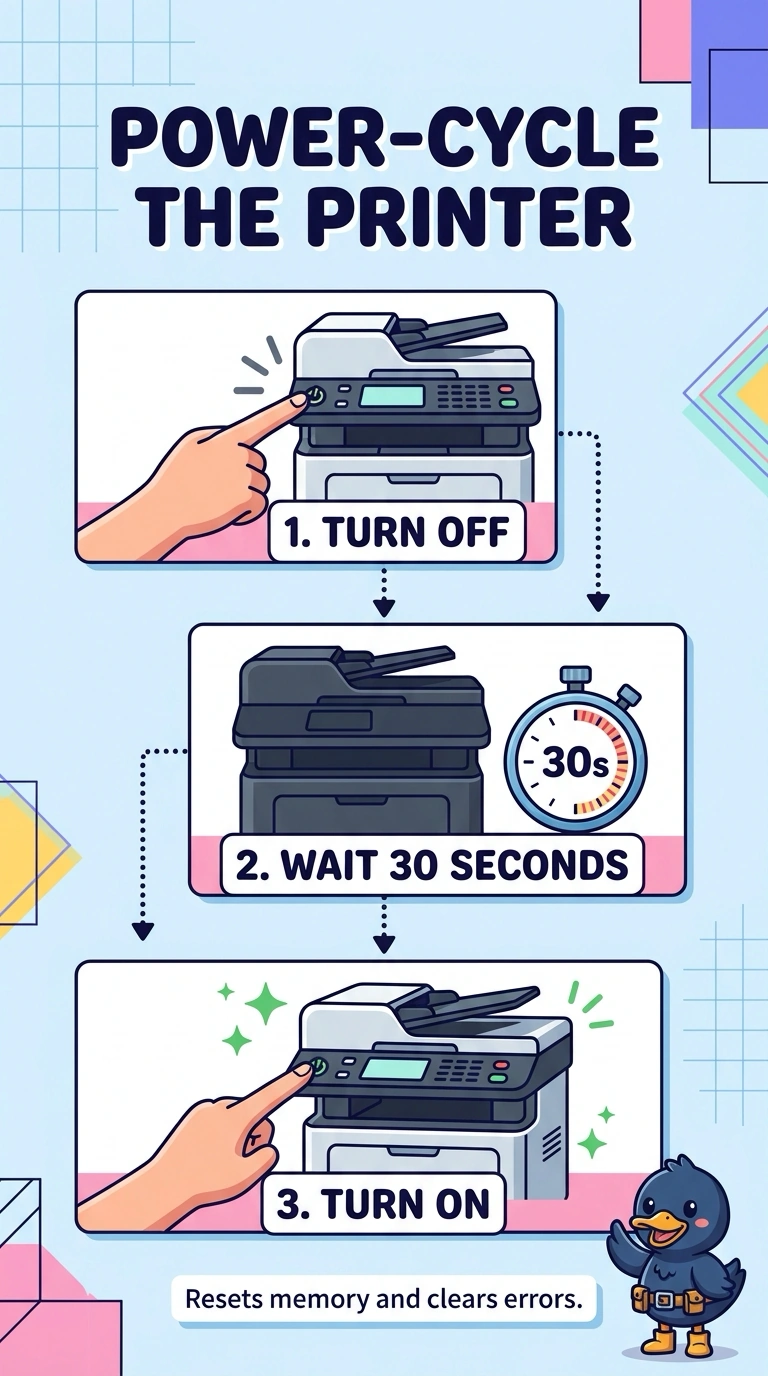
You can treat the frozen printer panel like a phone that will not wake until it restarts. Power-cycle the printer first; replacing the PC motherboard, changing DNS, or replacing the user's monitor will not restart the printer's frozen panel.
Full Explanation
A printer panel that ignores buttons, with jobs waiting and no response to a status check, needs a restart before you replace parts. Power-cycling the printer is the first try because it can clear a one-time hang. Replacing the motherboard in the PC that sent the last job targets a different machine; that motherboard did not freeze the printer's screen. DNS resolves names, so changing the DNS server does not redraw a frozen panel or make its buttons work. The user's monitor is a separate display, while the frozen screen described here is the printer's own panel; replacing the monitor leaves that panel stuck. Exam caveat: if the panel freezes again after a clean power cycle, look at firmware and a possibly failing control board rather than immediately swapping parts again. The first restart helps show whether the freeze was temporary. For a practical check, remove power, wait, restore power, and confirm the panel responds and the waiting job prints or displays a clear error before replacing a board.