
A desktop loses power when the case is bumped. The power cord is loose where it enters the power supply. Which repair fits?
Select an answer to reveal the explanation.
Short Explanation
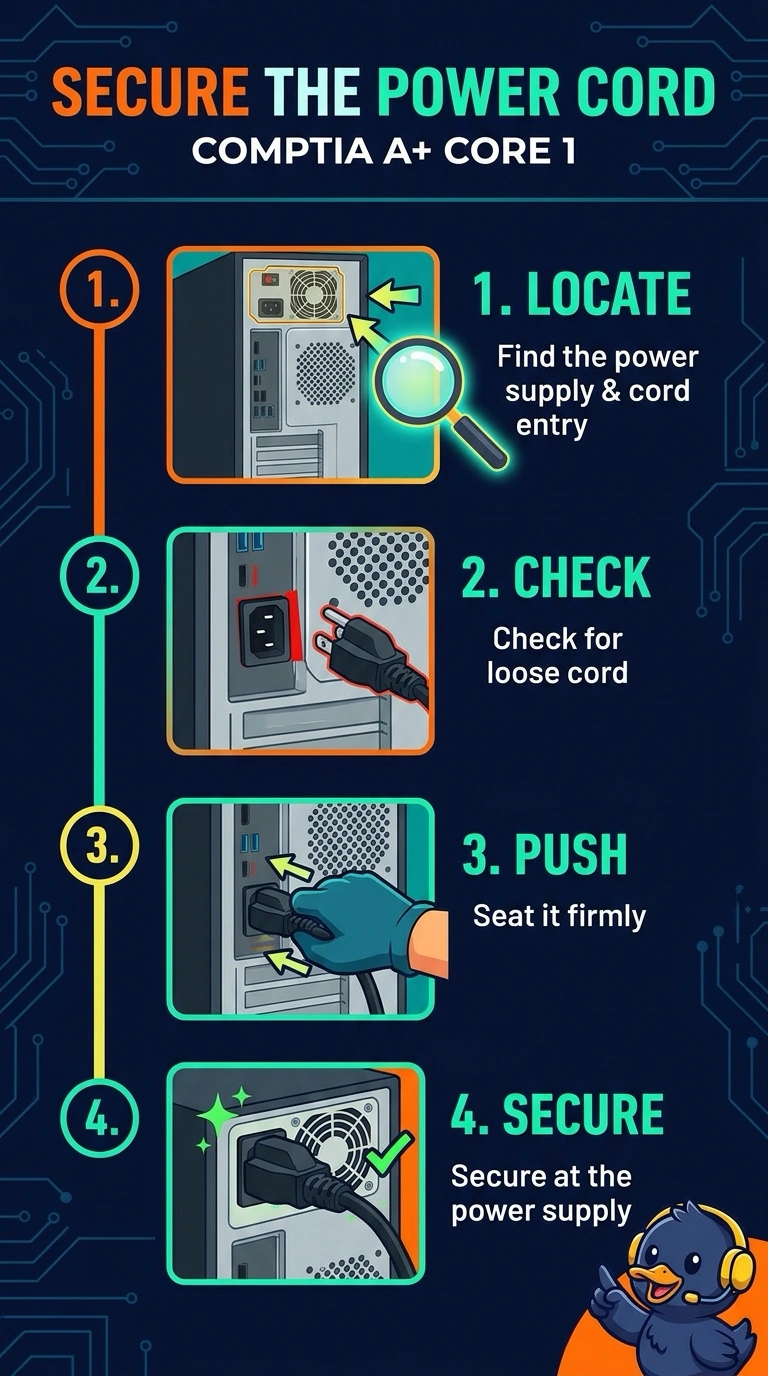
When the cord is barely seated, a bump can pull it out and cut power. You can seat the cord firmly at the power supply to secure the connection. Replacing the processor or monitor, or changing the firmware boot order, will not tighten the plug.
Full Explanation
A power cord that is loose where it enters the power supply can lose its connection when the case is bumped, cutting power to the desktop. Seating the cord firmly at the power supply directly addresses the visible cause: the plug is not securely connected. Replacing the processor does not secure the power cord; a bump to the case does not mean the processor has loosened in its socket. Replacing the monitor also leaves the loose cord in place: the monitor receives video, but it does not supply power to the desktop through the power-supply inlet. Changing the firmware boot order selects which disk the computer tries to start from; it cannot tighten a power connector. Exam caveat: this repair fits when the cord is loose, but if the inlet itself is cracked, seating the cord may not make the connection reliable. Practical check: after firmly seating the cord, bump the case gently and confirm that the desktop stays on. Plug the cord in until the socket grips it, not merely until it touches.