
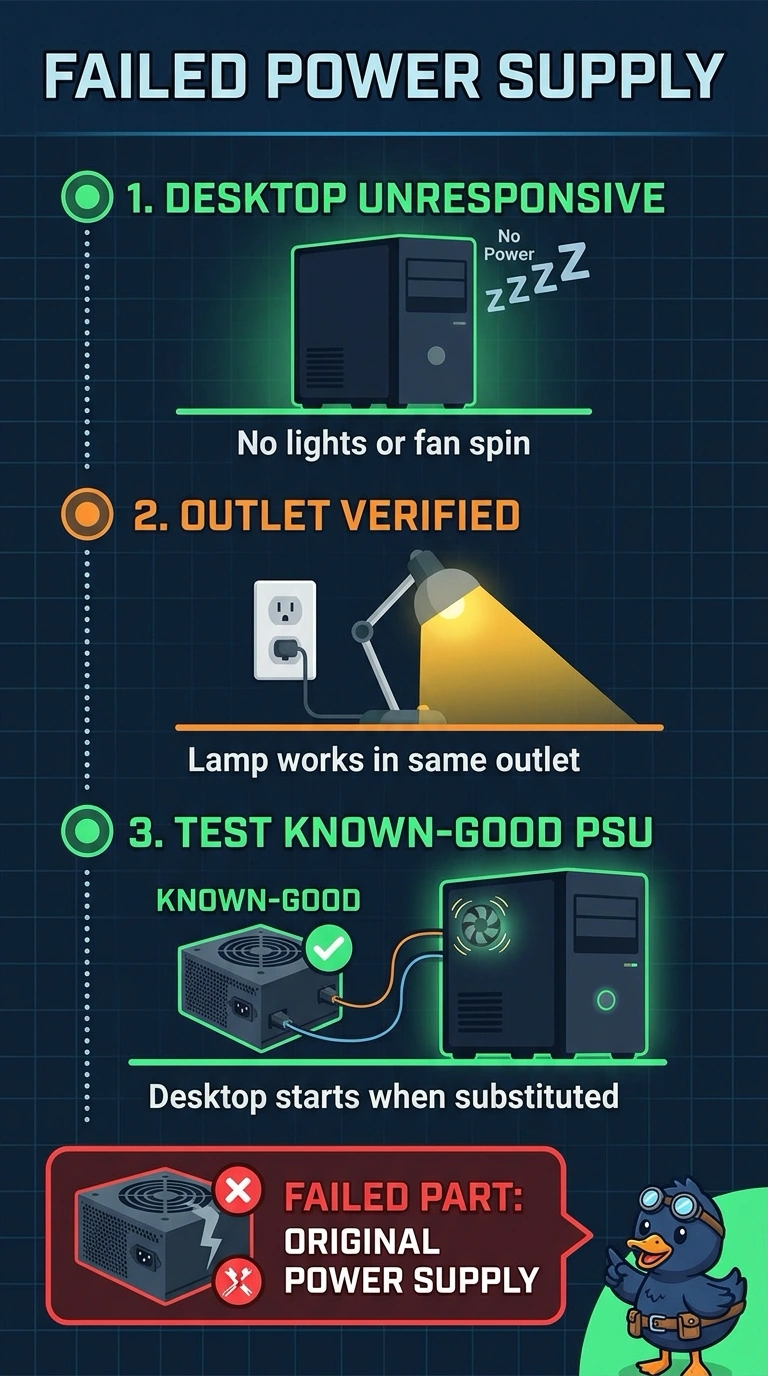
A desktop shows no lights and no fan spin. A lamp works in the same outlet, and the desktop starts when a known-good power supply is substituted. Which part failed?
Select an answer to reveal the explanation.
Short Explanation
You’ve confirmed the outlet works, and the desktop starts with a known-good supply, so the failed part is the one you replaced. You should replace the original power supply. A dark monitor, spent CMOS battery, or HDMI cable cannot explain a desktop with no lights or fan spin that starts when the supply is swapped.
Full Explanation
No lights and no fan spin mean the motherboard is not receiving power. The outlet works for a lamp, and the desktop starts with a known-good supply, which isolates the original power supply as the failed part. A monitor can have its own display fault, but that would not explain why the desktop had no fan spin or lights; the monitor is not the cause identified by this test. A spent CMOS battery can cause the clock or firmware settings to be lost, but it does not stop the fans and lights. An HDMI cable carries video and may provide a little power to small accessories on some displays; it does not feed power from the monitor to the motherboard, and it cannot explain why the desktop was lifeless until the supply was swapped. Exam caveat: match the replacement supply’s wattage and connectors to the desktop, since an undersized supply may start the machine and then fail under load. Practical check: install the known-good unit or an equivalent replacement, match its connectors to the motherboard and drives, then confirm the fans spin and that the silence or any burning smell does not return before closing the case.