
A workstation has become slow to open files. SMART reports pending sectors that keep climbing, and the drive has not started clicking. Which part is failing?
Select an answer to reveal the explanation.
Short Explanation
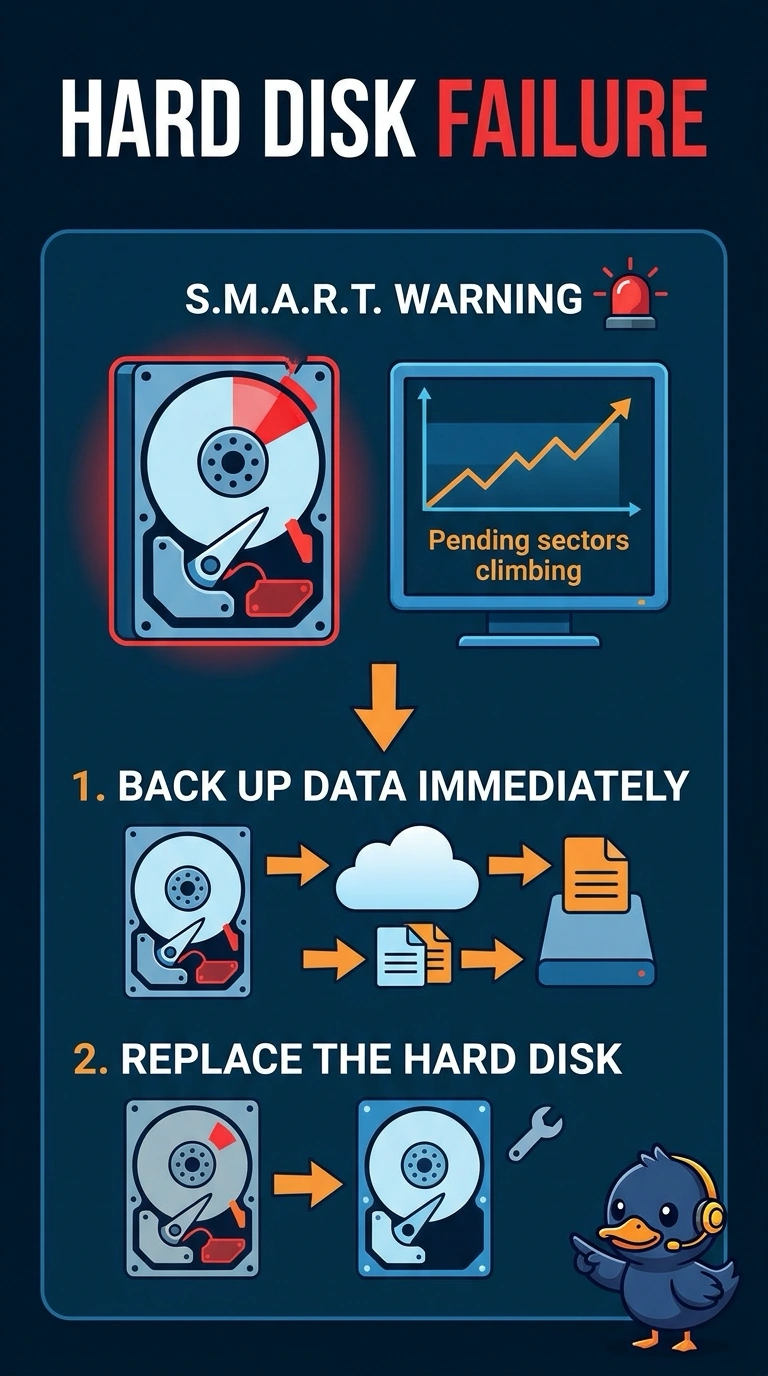
The drive is raising its hand before it starts clicking, and the hand is the climbing pending-sector count. You back the disk up and replace it. A fan, a screen, and a printer cartridge do not keep a sector map.
Full Explanation
SMART pending sectors are spots the drive is having trouble reading. A count that keeps climbing, together with slow file opens, means the hard disk is failing even though it has not started clicking. Back up what you can and replace the drive. A CPU fan can make noise or let a processor overheat. It does not reallocate disk sectors. The monitor shows a picture. It does not store the drive's SMART attributes. Toner is a printer consumable. It cannot delay file opens because of a disk health counter. Exam caveat: copy the important files before you run hours of diagnostics that stress a dying disk. The warning is already enough to stop trusting it. Operational check: record the SMART values, copy the files to another disk, install a replacement, and confirm the new drive does not report pending sectors. Copy the files first. Do not spend the afternoon stress-testing a disk that is already warning you. Install the replacement and confirm it does not report pending sectors. Keep the old drive only long enough to finish the copy, then take it out of service.