
A laser printer grinds and will not feed. A torn label is stuck in the paper path. Which action stops the grind?
Select an answer to reveal the explanation.
Short Explanation
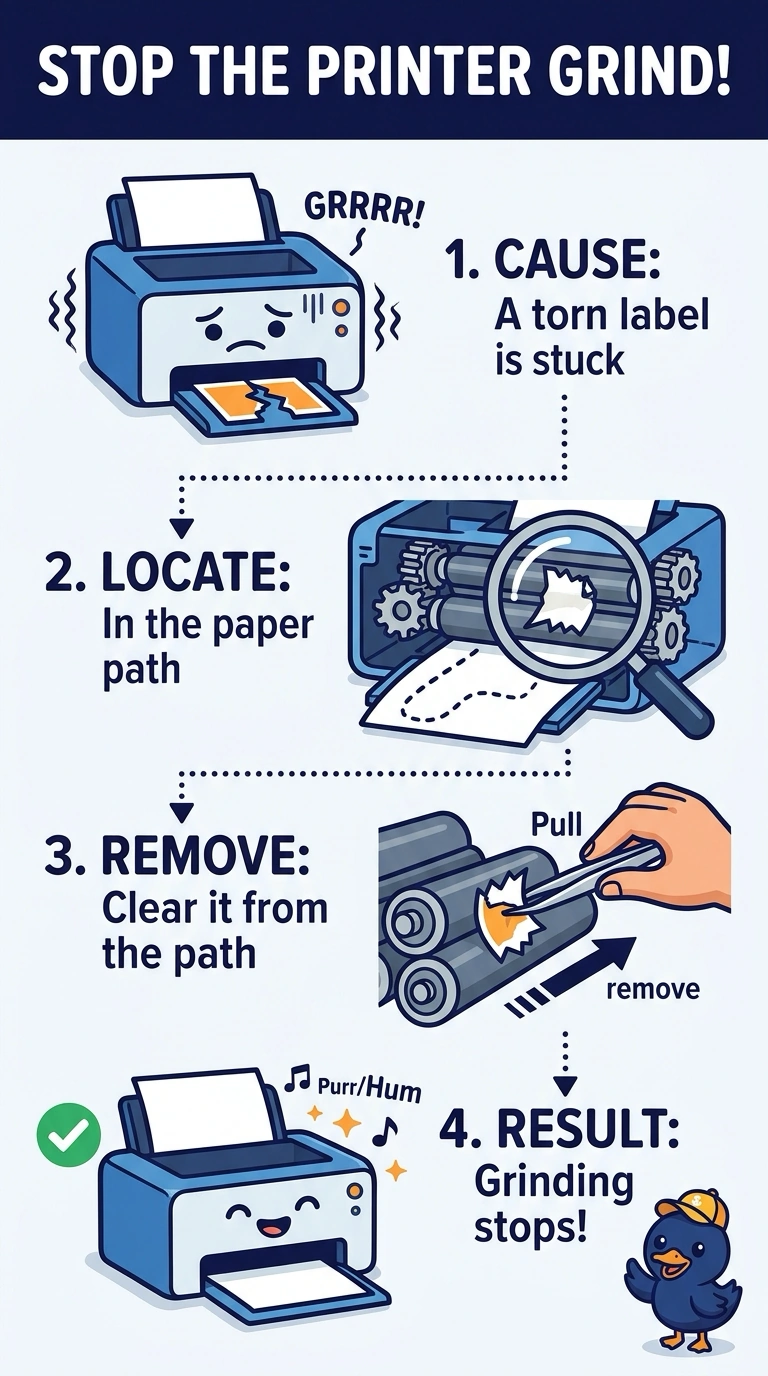
Something that is not paper is stuck where paper should slide, and the printer is chewing on it. You remove the torn label. A driver, more memory in the PC, and a subnet mask do not reach into the path.
Full Explanation
A grind with a torn label stuck in the path means the mechanism is hitting debris. Removing the label is what stops it. A print driver tells the printer how to draw a page. It cannot dissolve a label already inside the printer. Memory in the PC helps the computer prepare jobs. It does not clear the paper path. The subnet mask decides which IP addresses are local. It has no effect on a mechanical grind. Exam caveat: turn the printer off and watch for a hot fuser before you pull the label. Peel it out in one piece so adhesive is not left on a roller. Operational check: remove the label, run a blank sheet, and confirm the grind is gone. Peel the label out in one piece so adhesive is not left on a roller. Run a blank sheet and listen for the grind. Inspect the rollers for leftover adhesive before the next job.