
A workstation's network link light is off. The patch cable was crushed by a cart and the jacket is flattened. Which repair restores the link?
Select an answer to reveal the explanation.
Short Explanation
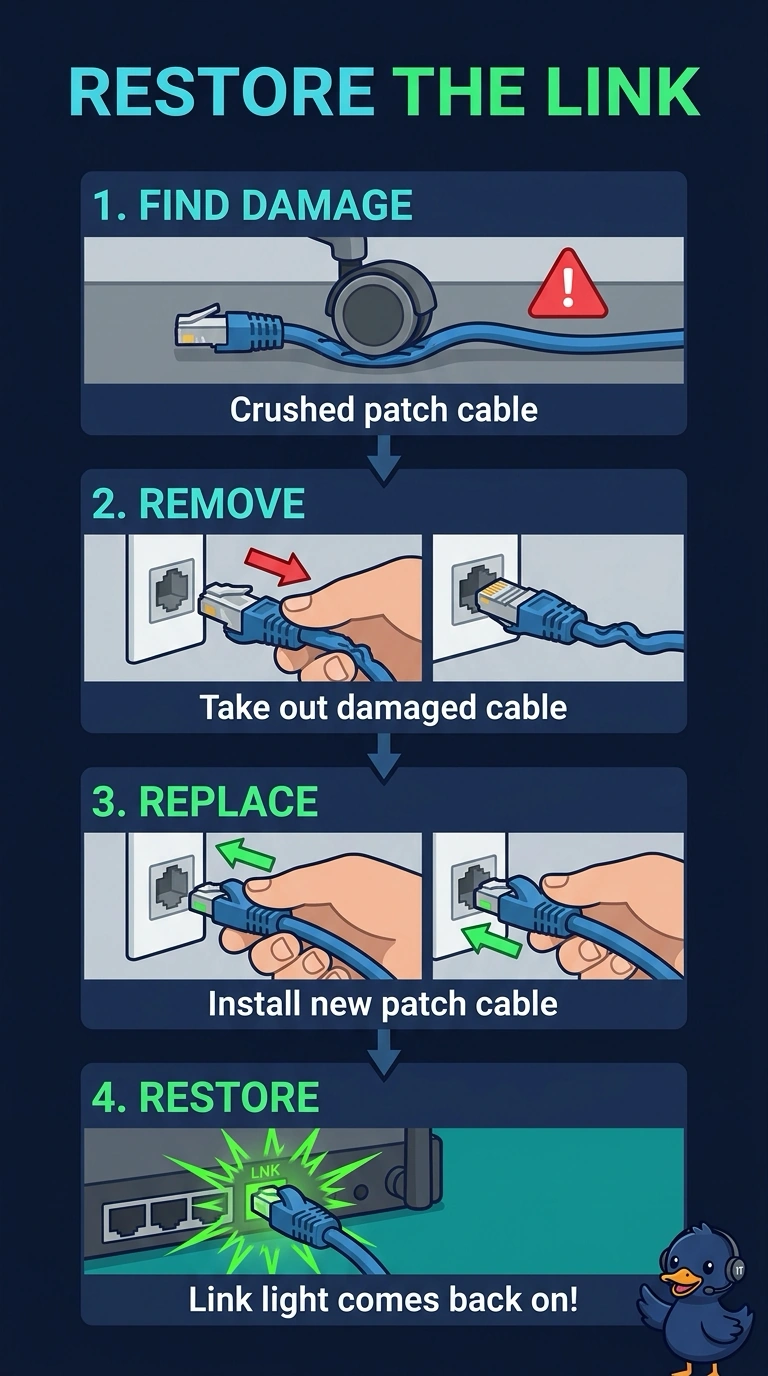
Your link light is dark, and the patch cable is visibly crushed. Replace the damaged cable to restore the physical connection; DNS, a DHCP renewal, and a monitor replacement cannot repair it. You can then check that the light comes on.
Full Explanation
A link light indicates that the workstation’s network interface detects a physical connection. Because the patch cable is visibly crushed, replacing it can restore the link. Changing the DNS server cannot light the port: DNS resolves names after a network connection exists. Renewing the DHCP lease also cannot bring up a link light without a working physical connection; the renewal needs a functioning link to reach the DHCP server and cannot repair a damaged cable. Replacing the monitor will not help because the monitor displays a picture and does not provide the workstation’s network link light. Exam caveat: if a known-good cable still leaves the light off, check the switch port and the workstation’s network interface. Practical check: install a new patch cable, confirm that the link light comes on, and verify that the workstation gets an address. Mark and discard the crushed cable so it is not reused at another desk.