
Coffee has just spilled across a laptop keyboard, and the laptop is still powered on. What should the technician do first?
Select an answer to reveal the explanation.
Short Explanation
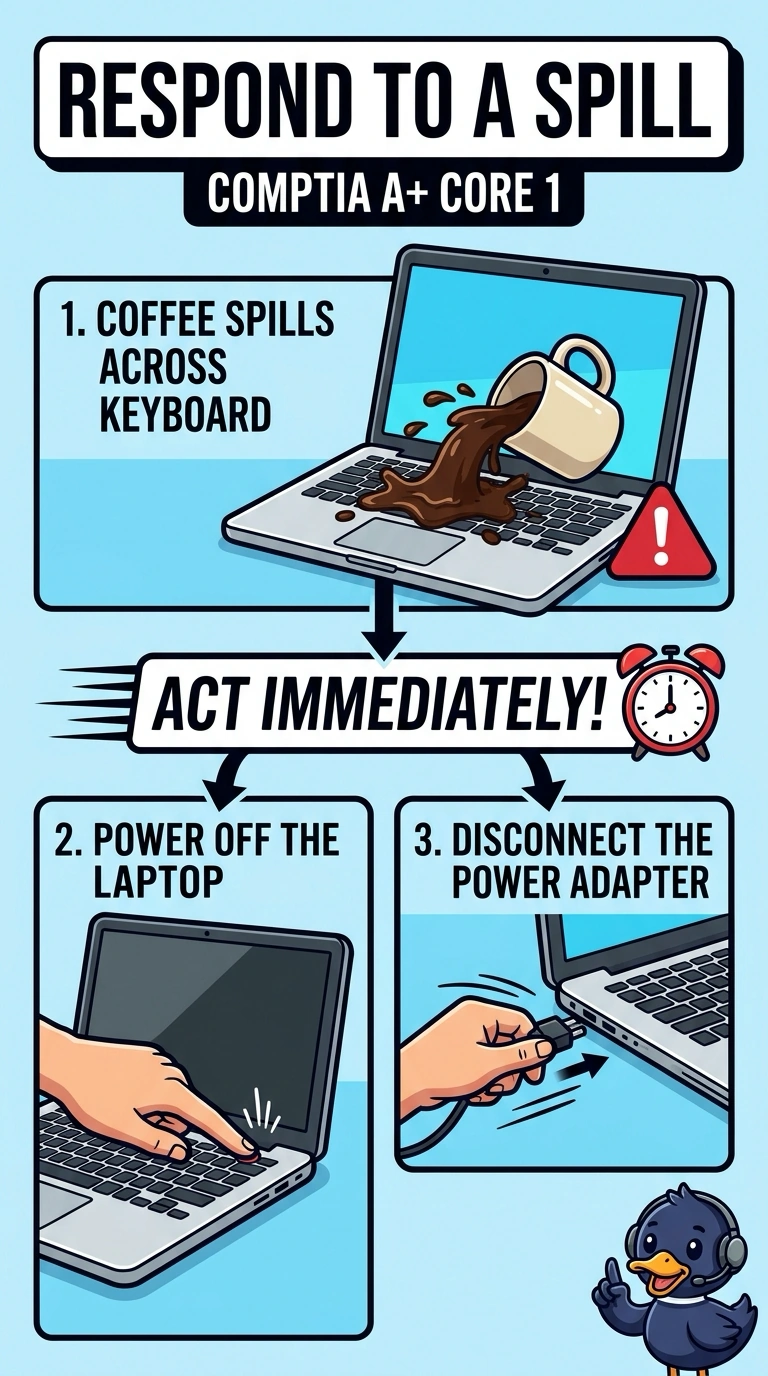
Liquid and live power are a bad pair, like water in a toaster that is still plugged in. You power the laptop off and disconnect the adapter first. Typing through the spill, aiming a heater at the powered laptop, or installing updates leaves power on a wet keyboard.
Full Explanation
Liquid on a powered laptop can short the keyboard and the board beneath it. Your first action is to remove power: shut the laptop down and disconnect the power adapter so the spill is no longer sitting on a live circuit. Keeping typing leaves that circuit energized and can push liquid around. Aiming a heater at the keyboard while the laptop stays on adds heat to a wet, powered machine, which can warp plastic or drive liquid deeper. Installing pending updates requires the system to keep running and takes time; updates are not more urgent than removing power from a wet keyboard. Exam caveat: if the laptop has a removable battery, remove it only if the model allows this without driving liquid farther inside. Do not power the laptop back on to see whether it survived until it has had time to dry. Practical check: power it off, disconnect the adapter, and then drain and dry the keyboard according to the shop’s liquid procedure. Keep it off until it has dried, and do not test it while wet.