
A few dots on a monitor stay black no matter what image is shown, and a different cable does not move them. Which fault is that?
Select an answer to reveal the explanation.
Short Explanation
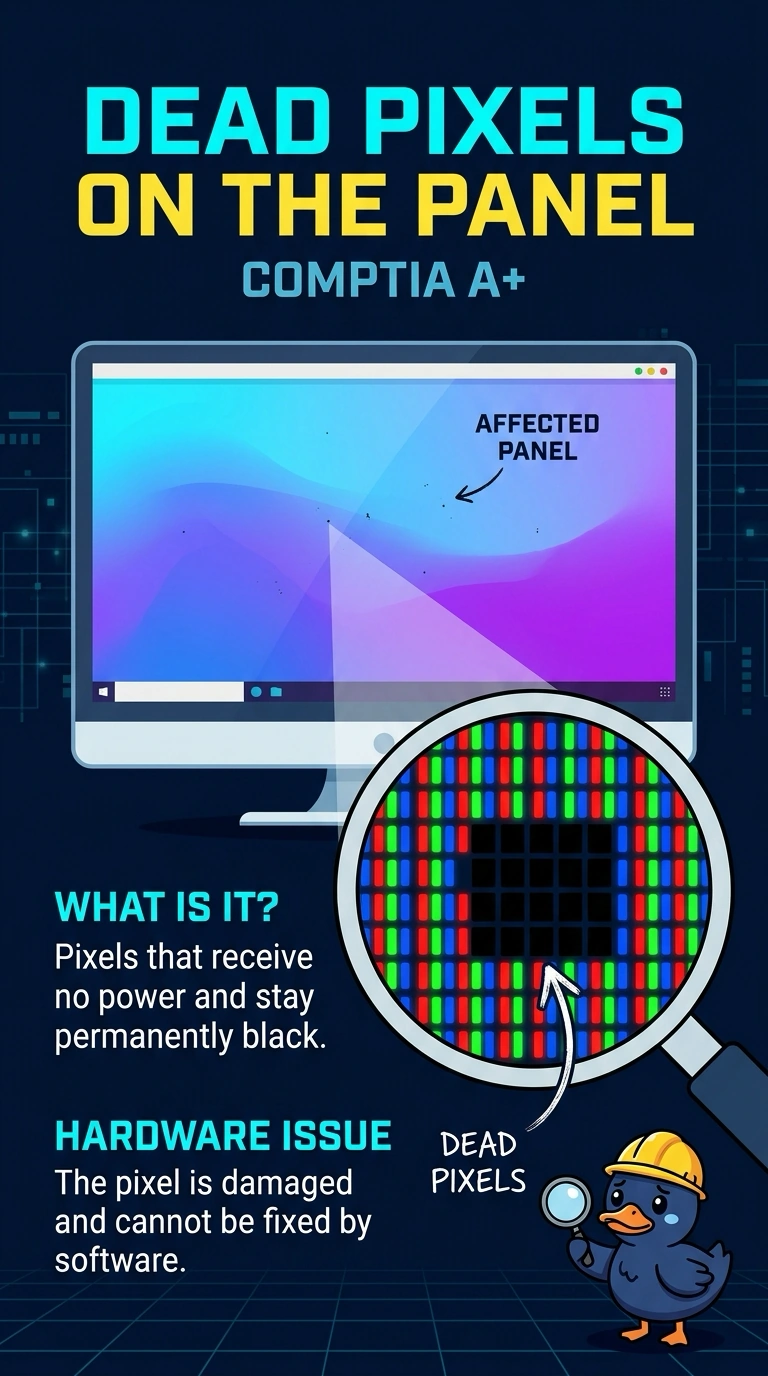
A handful of dots never light, like tiles missing from a wall, and they stay put when you change the cable. You are looking at dead pixels on the panel. A noisy cable, a ghosted toolbar, or a refresh setting would not nail the same dots black in every image.
Full Explanation
Dead pixels are individual dots that no longer light. They stay black in the same places regardless of the image, and a different cable does not move them because the fault is in the panel. A noisy analog cable makes the picture fuzzy or streaked across an area. It does not pin a few specific dots black on every image. Burn-in is a faint permanent copy of something that sat on the screen, such as a toolbar, not a scatter of dots that never light. The wrong refresh rate can cause flicker or a blank screen if the panel cannot use it. It does not permanently switch off individual pixels. Exam caveat: a stuck pixel can sometimes be recovered, and a dead pixel usually cannot. If the dots stay black after a power cycle and a cable change, treat them as dead pixels. Operational check: photograph the dots, confirm they remain on a solid white image, and replace the panel if the count is beyond what the user will accept. Photograph the dots on a white screen so the replacement panel has a record to beat.