
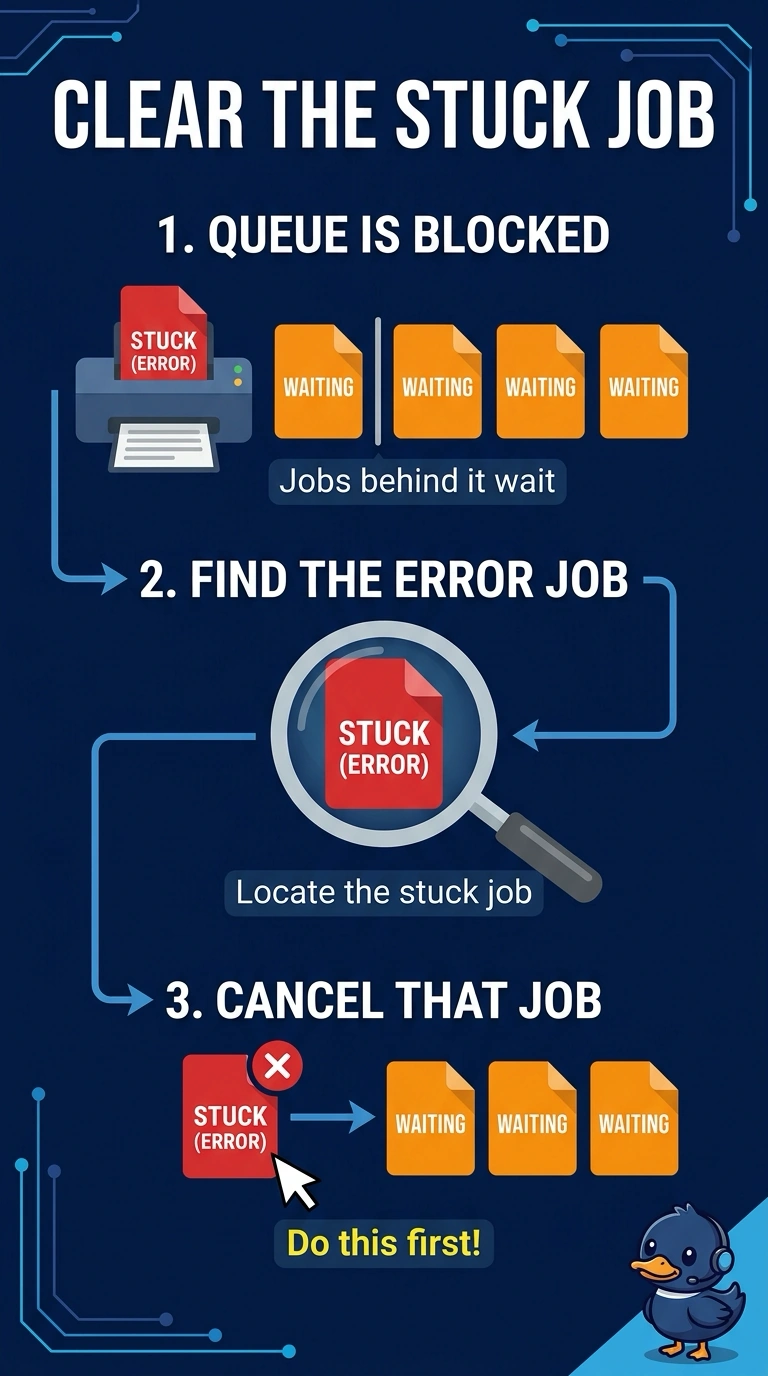
A front-desk queue shows one job in an error state, and every job behind it waits. The printer's own test page is fine. What should be done first?
Select an answer to reveal the explanation.
Short Explanation
The line at the counter is held up by one order that the kitchen rejected. You cancel that stuck job so the rest can move. A drum, a fresh operating system, and a new network adapter do not explain a healthy test page sitting behind one bad job.
Full Explanation
A queue stops when the job at the head is in an error state and the jobs behind it are waiting their turn. The printer's own test page is fine, so the engine works and the first action is to cancel the stuck job. The imaging drum would mark every page, including the test page. A clean test page means the drum is not what is holding the queue. Reinstalling an operating system on a PC does not clear a job already stuck on the queue, and the last good job is not the one in error. The network adapter is moving the test, and the printer is producing that page, so the adapter is not the reason one job is flagged as an error. Exam caveat: note the error text before you cancel, in case the job was failing because of a tray or a credential you still need to fix. Operational check: cancel the error job, confirm the next job prints, and only then resubmit the document that failed. Note the error text before the cancel so a tray or a credential problem is not thrown away with the job. Resubmit the failed document only after the rest of the queue is moving.