
Each page from a laser printer shows a faint copy of the previous page, and the printer's own test page does the same thing. Which cause fits?
Select an answer to reveal the explanation.
Short Explanation
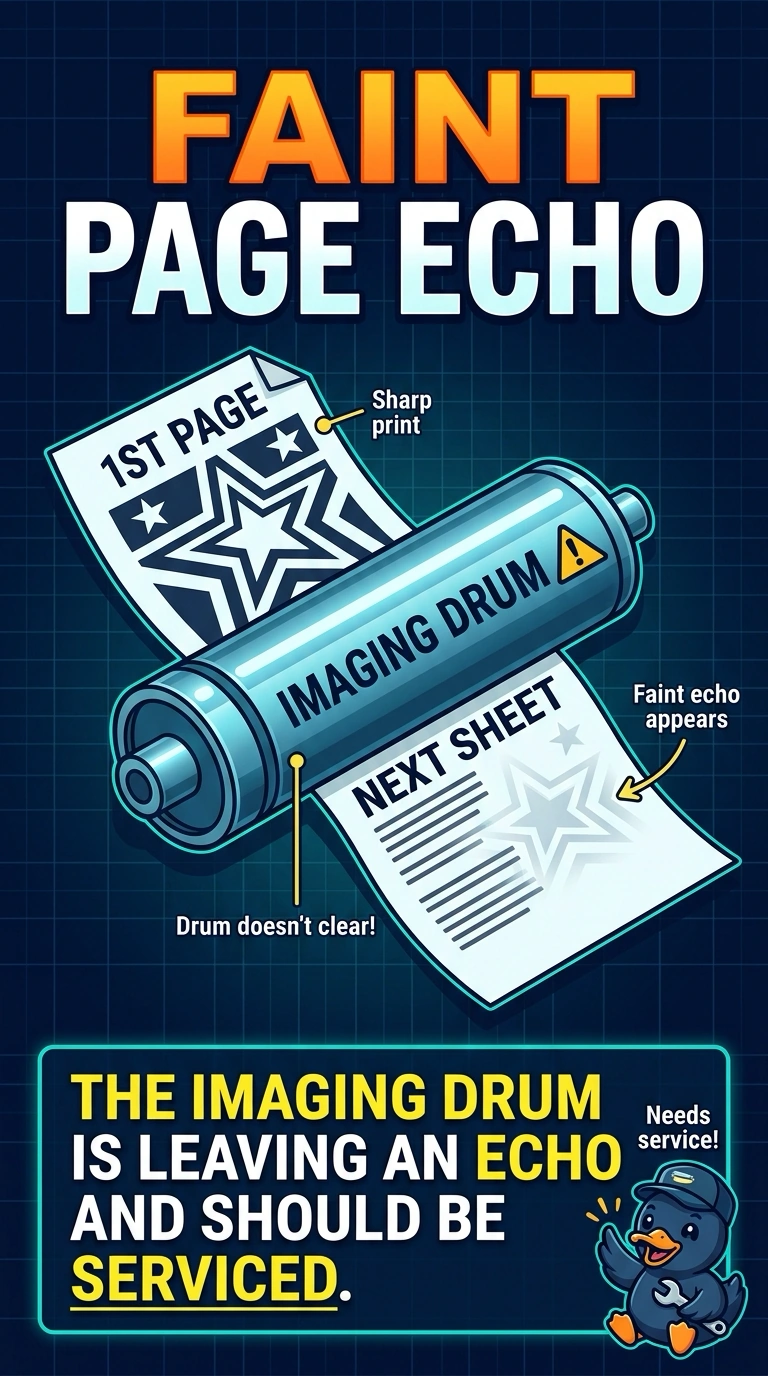
You’re seeing the same faint image even on a page the printer produces itself, which points to a problem inside the printer. The imaging drum is carrying an echo of the previous page and should be serviced. The computer’s print driver, computer memory, and duplex setting do not explain that repeated image on the printer’s own test page.
Full Explanation
A faint copy of the previous page on the next sheet is an echo image, which occurs when the printing process does not clear the prior image properly. Because the printer’s own test page shows the same echo, the fault is inside the printer; the imaging drum is the listed part to service. The computer’s print driver is not the cause indicated by this symptom: even if a driver is involved in composing a page, the printer’s own test page reproduces the echo as well. Too little memory in the computer can limit the size of a job the computer prepares, but it does not make the printer repeat the previous image faintly on its internal test page. A duplex setting prints on both sides of a sheet; it is not meant to place a faint copy of the previous page on the next sheet. Exam caveat: the symptom identifies an imaging-process problem, but it does not by itself prove that the drum is the only part involved. Practical check: after servicing the drum, print two different internal test pages and confirm that the second page no longer carries the first page’s image.