
A ceiling projector shows an image, then dims and shuts off. Its air filter is packed with dust. Which action addresses the shutdown?
Select an answer to reveal the explanation.
Short Explanation
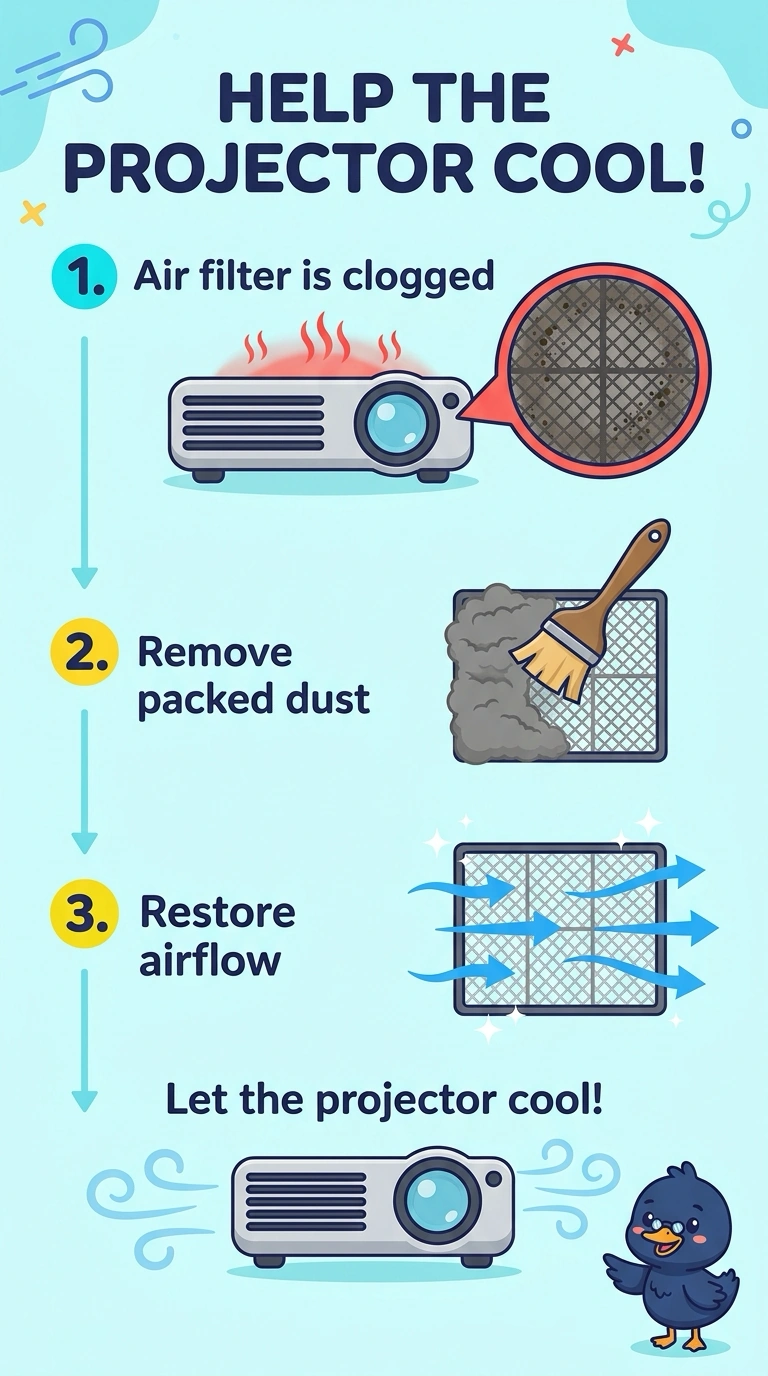
You can see the projector is struggling to cool because its air filter is packed with dust. Cleaning the clogged filter restores airflow; changing the input, replacing a panel for burn-in, or replacing the lamp while leaving the filter packed does not address the blockage.
Full Explanation
A projector may shut down to protect itself from overheating, and a filter packed with dust can restrict the airflow needed to cool it. Since the projector displays an image before it dims and shuts off, and the filter is visibly clogged, cleaning the air filter addresses the likely cause. Selecting a different video input does not solve restricted airflow; the projector is already receiving an input well enough to display an image. Replacing the panel for burn-in also misses the problem: burn-in is a persistent ghosted image, not a cause of a dusty filter or a heat-related shutdown. A failing lamp can make an image dim, but replacing the lamp first while leaving the packed filter in place does not restore cooling and may leave the shutdown problem unresolved. The lamp may still be working once airflow is restored. Exam caveat: allow the projector to cool before removing the filter, and do not operate it with the filter removed, since dust could enter the optics. Practical check: clean the clogged filter, reinstall it, and run the projector through a normal class period to confirm that it stays on without dimming and shutting down.