
Every morning a reception PC has lost the date, and the boot order and firmware passwords have reverted. Which part should be replaced?
Select an answer to reveal the explanation.
Short Explanation
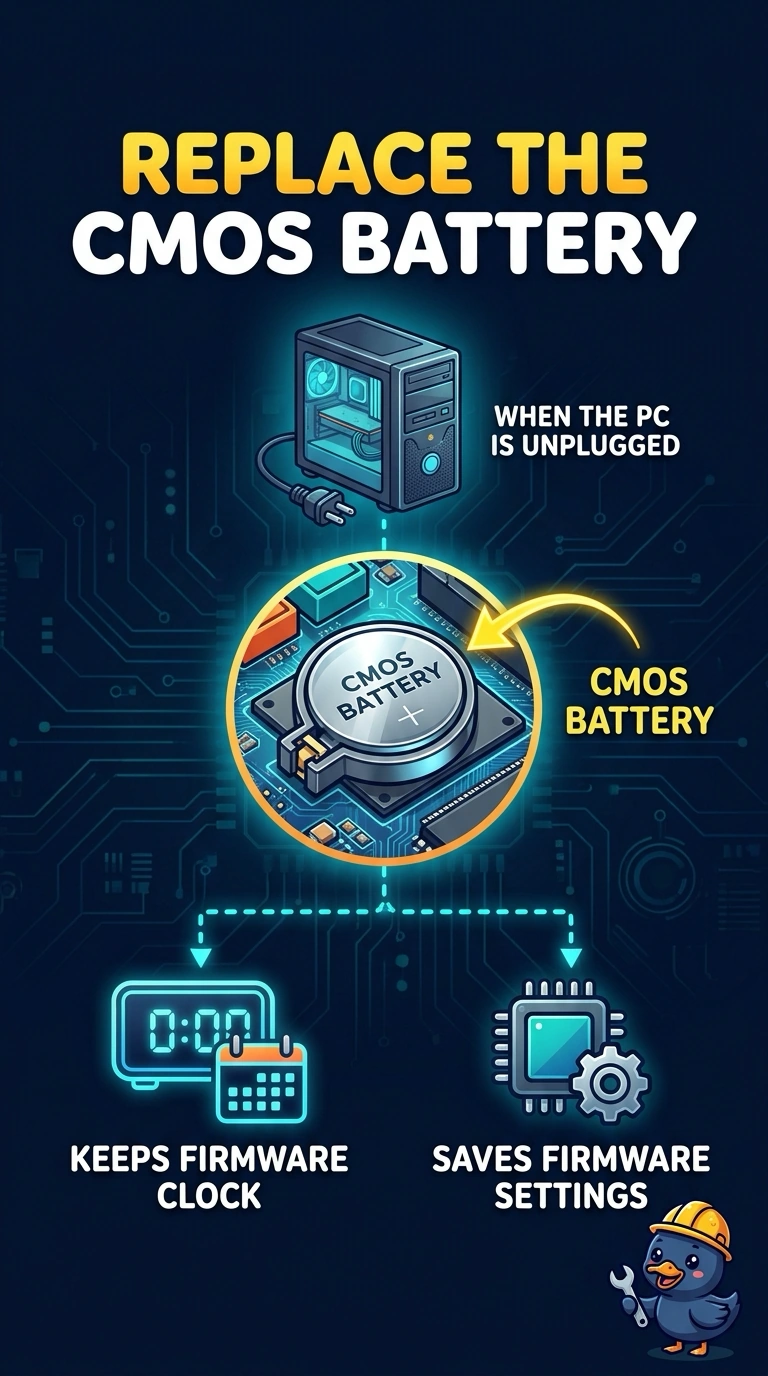
The PC is forgetting the time and the house rules every night, which means the little battery that remembers them while the power is off is spent. You replace the CMOS battery. Reinstalling the operating system, swapping the key chip, or renewing an address lease does not keep firmware settings alive overnight.
Full Explanation
The CMOS battery powers the firmware's clock and the stored setup while the desktop is unplugged or in a deep off state. A date that is wrong every morning, plus a boot order and firmware passwords that revert, is the classic spent coin cell, so that battery is the part to replace. The operating system does not store the firmware boot order or the firmware passwords. Reinstalling it leaves the clock problem in place. A TPM stores keys and measurements for security features. It is not the coin cell that keeps the date, and replacing it does not hold the setup overnight. A DHCP lease is an address from a server. It is not consulted while the firmware is losing its clock with the operating system not even running. Exam caveat: after you fit the new cell you still re-enter the date, the boot order, and the passwords, because the old settings are already gone. Operational check: install the cell, set the clock and the boot order, shut down overnight, and confirm they are still there in the morning.