
A workstation lets out a wisp of smoke and a burning smell from the power supply while it is still running. What should happen first?
Select an answer to reveal the explanation.
Short Explanation
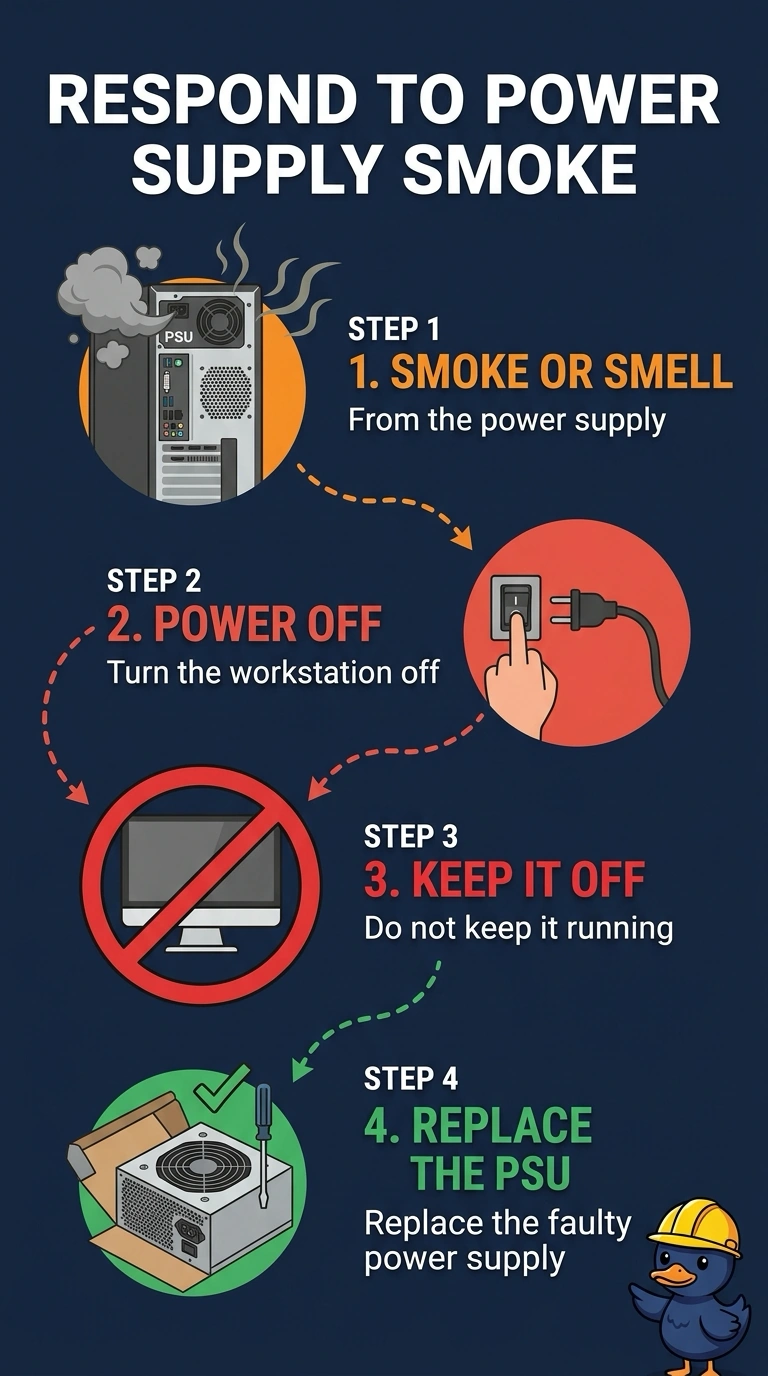
A wisp of smoke and a burning smell from the power supply are serious, so you should power off the workstation and replace the supply rather than keep it running. A firmware update will not fix a smoking supply, and washing the keyboard or replacing the toner cartridge will not address the source.
Full Explanation
Smoke and a burning smell from the power supply mean it has failed in a way that can damage the rest of the workstation or start a fire. You should power the workstation off and replace the power supply; do not leave it running to update firmware. A firmware update requires the machine to stay on and cannot repair a supply that is already smoking. Washing the keyboard does not address smoke coming from the power supply, and a wet keyboard would create a new hazard. Keyboards do not vent smoke through the supply. Toner belongs in a printer, and replacing the toner cartridge cannot stop smoke coming from the workstation’s power supply. Exam caveat: unplug the power cord as well as shutting the workstation down, let the supply cool before handling it, and do not open its case to look for the burned part. Replace the whole unit. Practical check: choose a replacement supply with sufficient wattage, then power on the workstation and confirm the burning smell does not return. During the first boot, check near the vent for the smell and stop if it comes back; do not open the failed supply.