
A lobby display is fuzzy and streaked on a VGA cable. The same PC looks sharp when it is moved to the display's HDMI input. Which cause fits the fuzzy picture?
Select an answer to reveal the explanation.
Short Explanation
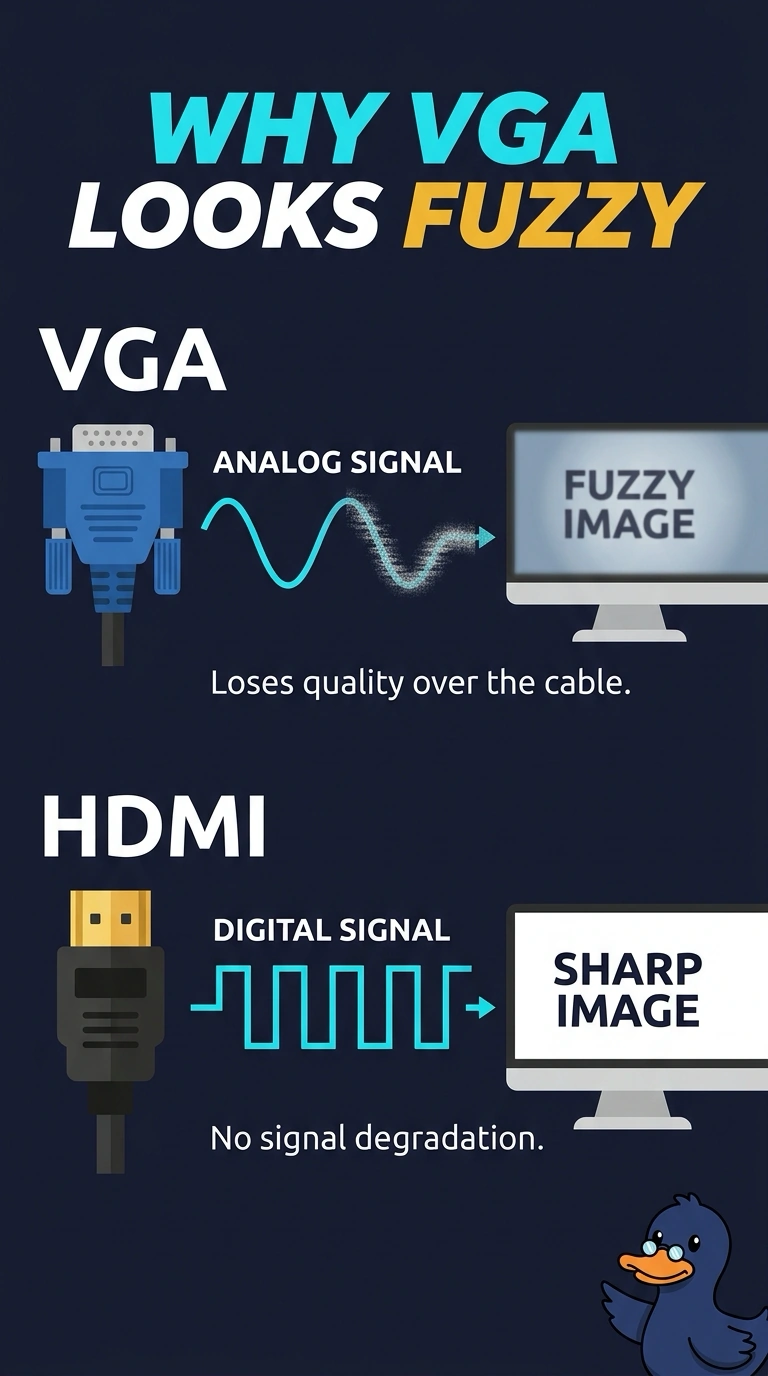
The same PC paints a clean picture on one cable and a smeared one on the other, so the paint is fine and the hose is not. You are looking at the analog VGA connection. Dead dots, a ghosted image, and a backlight part would follow the panel, not the cable you just swapped.
Full Explanation
VGA is an analog video connection, and a poor or noisy analog cable shows up as a fuzzy or streaked image. HDMI carries the picture digitally, and the same PC is sharp on that input, so the panel and the PC are capable of a clean image. The analog VGA path is the cause. Dead pixels are dots stuck on the panel. They stay put when you change cables. Burn-in is a permanent ghost in the panel. It would still be there on HDMI. A backlight inverter, on a panel that still has one, dims or darkens the fluorescent lamp. It does not blur only the VGA input and leave HDMI sharp. Exam caveat: reseat and shorten the VGA run before you replace the display. A long, poorly shielded analog cable is enough to cause the streaks. Operational check: leave the PC on HDMI, or replace the VGA cable and confirm the streaks are gone. Leave the lobby display on the digital input if the VGA run cannot be shortened, and note the cable you removed. Label the retired VGA cable so nobody plugs the streaky lead back in.