
A kiosk will not boot, and the firmware does not list its only drive. The data cable is loose at the drive. Which action should come first?
Select an answer to reveal the explanation.
Short Explanation
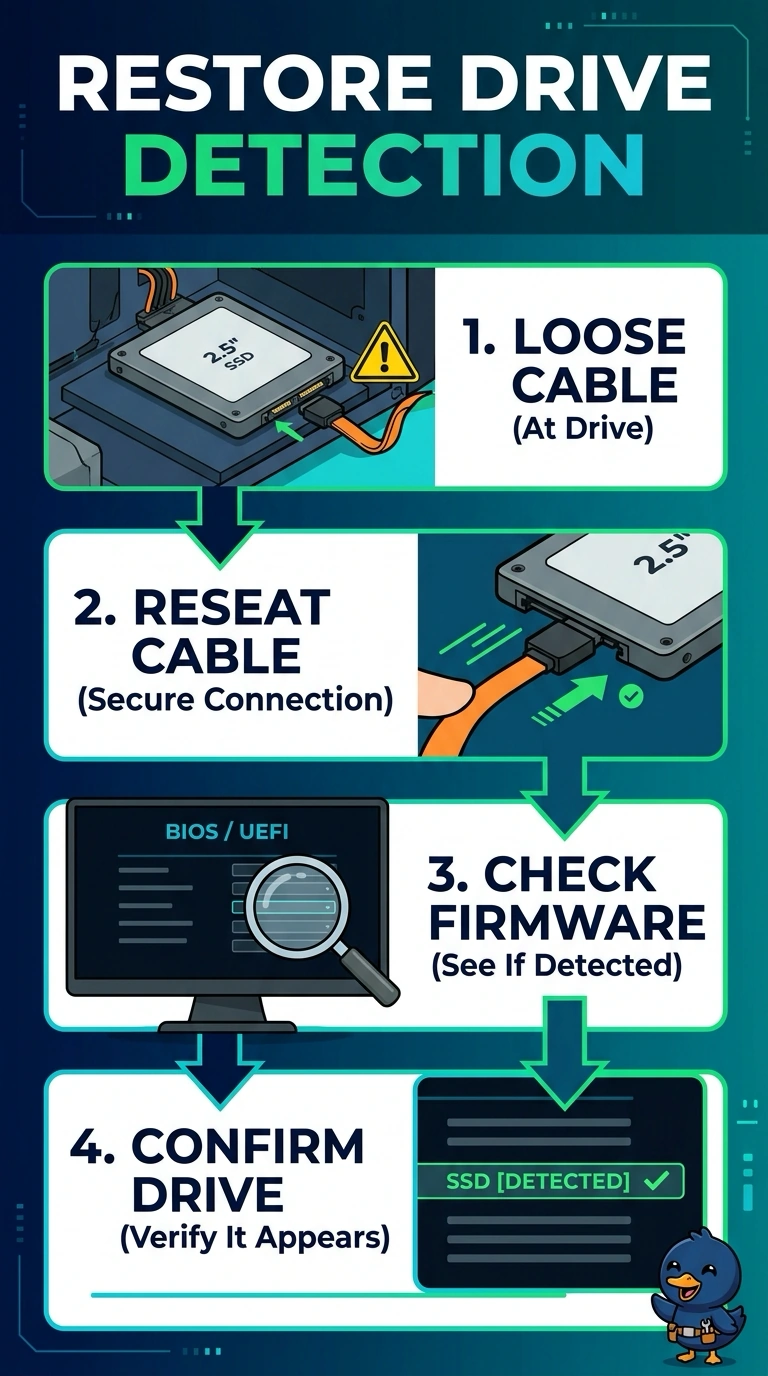
The drive is like a phone that is not plugged all the way in. You seat the loose data cable and look again before you condemn the disk. Replacing the drive, installing an operating system the firmware cannot see, or booting the network leaves the unplugged cable in place.
Full Explanation
A drive that does not appear in firmware cannot be a boot device, and a data cable that is visibly loose at the drive is the first thing to correct. Reseating it lets you test whether the firmware then lists the disk. Replacing the drive first skips a connection fault you can already see. Reinstalling the operating system requires a drive the firmware can address, which this kiosk does not have until the cable is fixed. Pointing the boot order at the network does not seat the cable, and this kiosk was booting from its own drive. Exam caveat: if the drive is still missing after a known-good cable and a known-good port, then you treat the drive as failed. The loose cable earns the first try. Operational check: power off, seat the cable, power on, and confirm the firmware lists the drive before you change the boot order. Power the kiosk off before you reseat the cable, then confirm the drive name in firmware. If the firmware still omits the drive on a known-good cable, then replace the drive.