
A studio PC shuts down only when a render is running. The case is hot, and the fans and heatsink are packed with dust. Which cause fits?
Select an answer to reveal the explanation.
Short Explanation
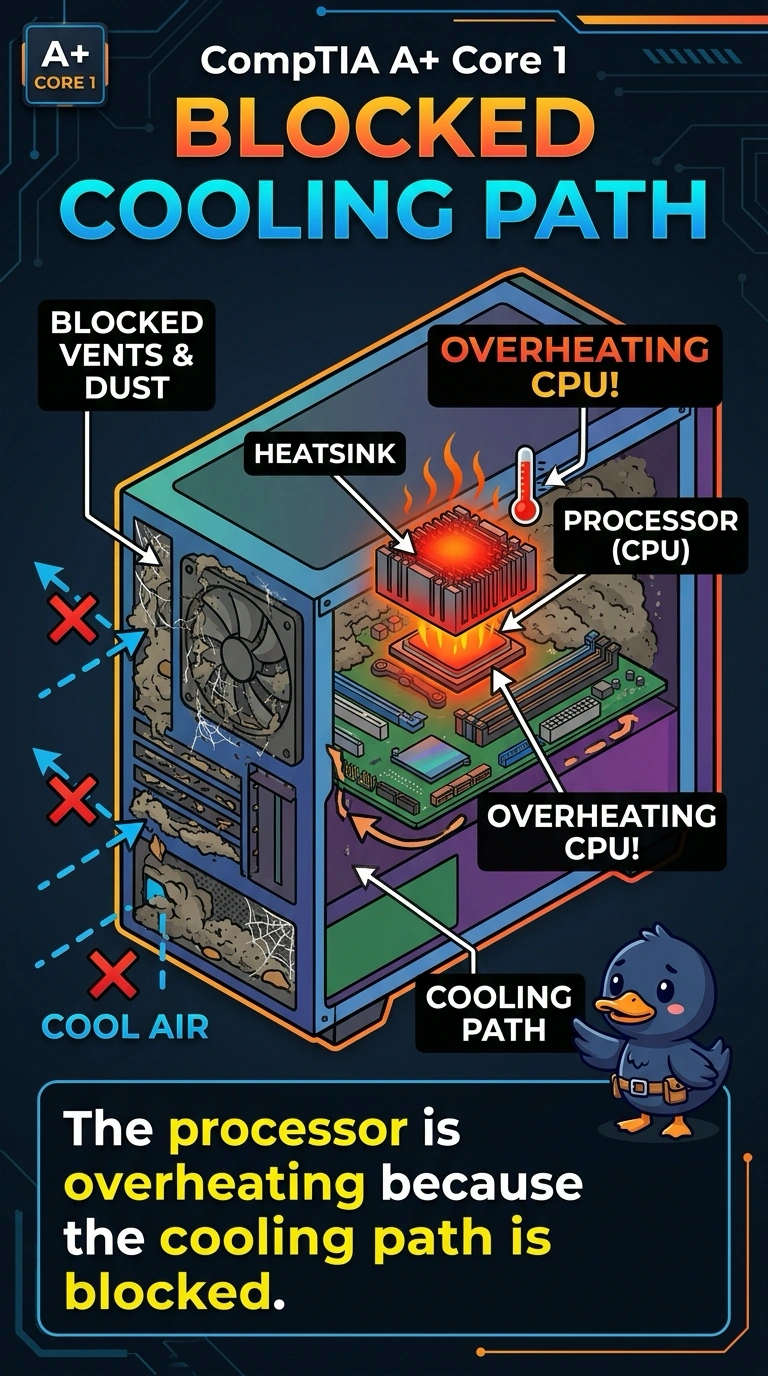
The PC is fine until the work gets heavy, and the heatsink is wearing a wool blanket of dust. You are looking at overheating from a blocked cooling path. A clock battery, a printer cartridge, and a disk array do not pack dust into the fins and then shut the machine down under load.
Full Explanation
Dust packed into the fans and the heatsink stops the processor from shedding heat. A shutdown that happens only under a heavy render, with a hot case, fits overheating caused by that blocked cooling path. A spent CMOS battery loses the date and the firmware settings. It does not wait for a render and then power the PC off. Toner is a printer consumable. An empty cartridge cannot heat a desktop. A degraded RAID array warns about a disk. It does not fill the heatsink with dust or raise the case temperature until the firmware shuts the system down. Exam caveat: clean the dust and replace dried thermal paste if the sink was removed. Do not run the render again until the fans spin freely. Operational check: clear the dust, confirm the fans spin, and run the same render without a shutdown. Run the same render only after the fans are clear and the case is cool. Check that the heatsink sits flat and the fan header is plugged in before the next render. Listen for the fan spinning up as the render starts.