
A laser printer's pages have gone pale across the whole sheet. Shaking the toner cartridge makes a few pages dark again. Which cause fits?
Select an answer to reveal the explanation.
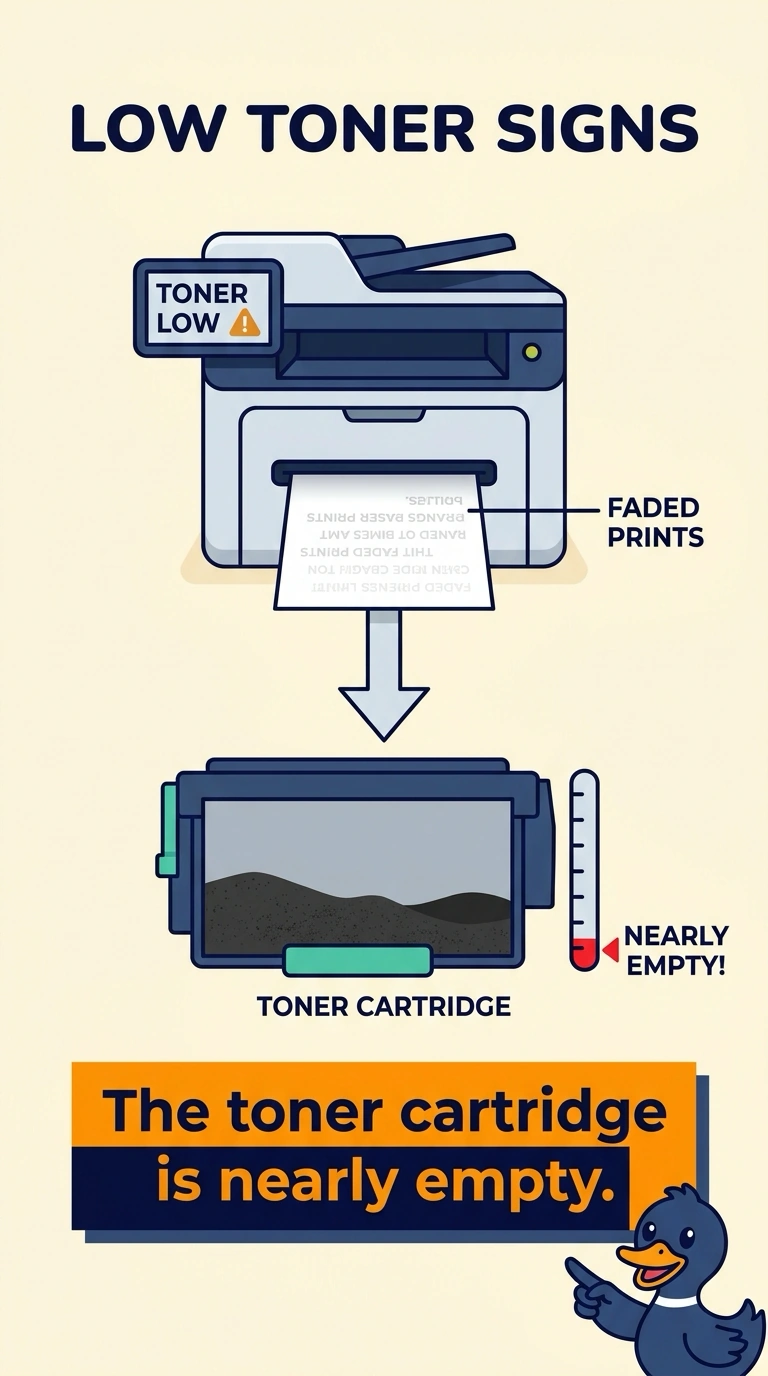
Short Explanation
The cartridge is the ink bottle, and a shake just knocks the last of the powder loose for a moment. You are looking at low toner. A heater that smears, a scratch that draws a line, or a driver that the printer's own page does not use would not come back for a few sheets after a shake.
Full Explanation
Even fading that returns for a few pages after the toner cartridge is shaken means the remaining toner is not reaching the developer reliably. The cartridge is nearly empty and should be replaced. A fuser problem smears toner that is already on the page. It does not turn a pale page dark for a few sheets after a shake. A scratched drum leaves a repeating mark or a line, not a page that is pale everywhere and then temporarily dark. The wrong driver can garble a job from a computer. A shake of the cartridge would not repair a driver, and the stem's recovery after a shake points at the powder supply. Exam caveat: shaking is only a brief confirmation. Put a new cartridge in rather than shipping a half-empty one back into a busy tray. Operational check: install a new cartridge, print a full-page gray, and confirm the pale wash is gone. Keep the shaken cartridge only as evidence. Install the new one before the counter opens. Print a full-page gray after the new cartridge and file that page with the ticket.