
A break-room laptop loses Wi-Fi only while the microwave is running. The laptop is associated on 2.4 GHz. Which cause fits?
Select an answer to reveal the explanation.
Short Explanation
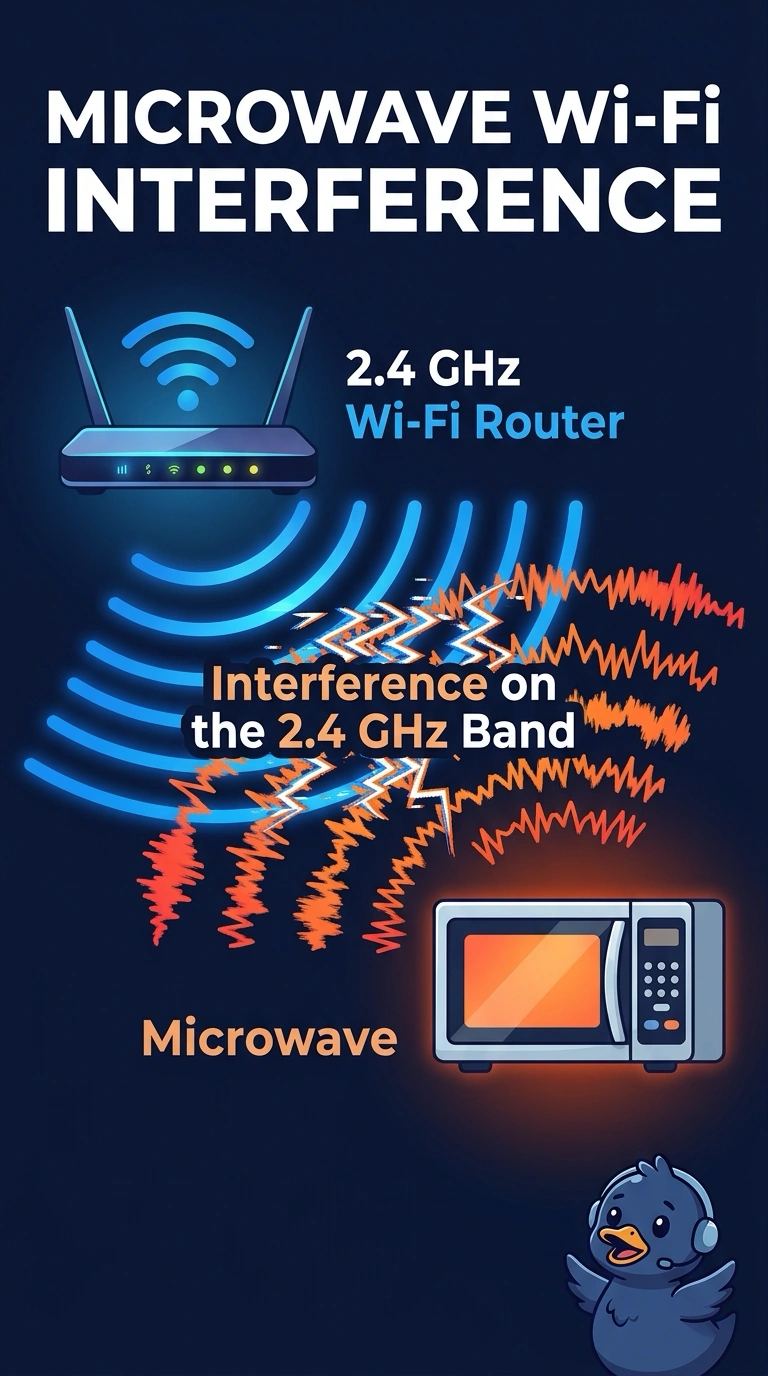
The radio is fine until the microwave starts cooking, and both of them live in the same noisy 2.4 GHz neighborhood. You are looking at interference. An address pool, a name server, or a wired duplex setting would not follow the microwave door.
Full Explanation
Microwave ovens leak energy in the same 2.4 GHz range many Wi-Fi networks use. A laptop that drops only while the oven runs, and that is associated on 2.4 GHz, is seeing interference from the microwave. A DHCP scope does not empty itself because an oven started. Clients would fail to get an address at other times too, not only during a cook cycle. DNS would fail name lookups whenever the server was down, not in time with the microwave door. A duplex mismatch affects a wired link. This laptop is on Wi-Fi and is not described as plugged into that switch port. Exam caveat: moving the laptop to a 5 GHz network, if the access point and the laptop both support it, is a common way around 2.4 GHz noise. Confirm the radio before you replace the access point. Operational check: watch the association while the microwave runs, then again with the microwave off, and note that the drops follow the oven. Note the clock time of the drops next to the microwave use so the pattern is obvious. Repeat the test with the microwave off and confirm the laptop stays associated.