
A laser printer prints random symbols instead of the letter. The printer's own test page looks normal. Which cause fits the bad letter?
Select an answer to reveal the explanation.
Short Explanation
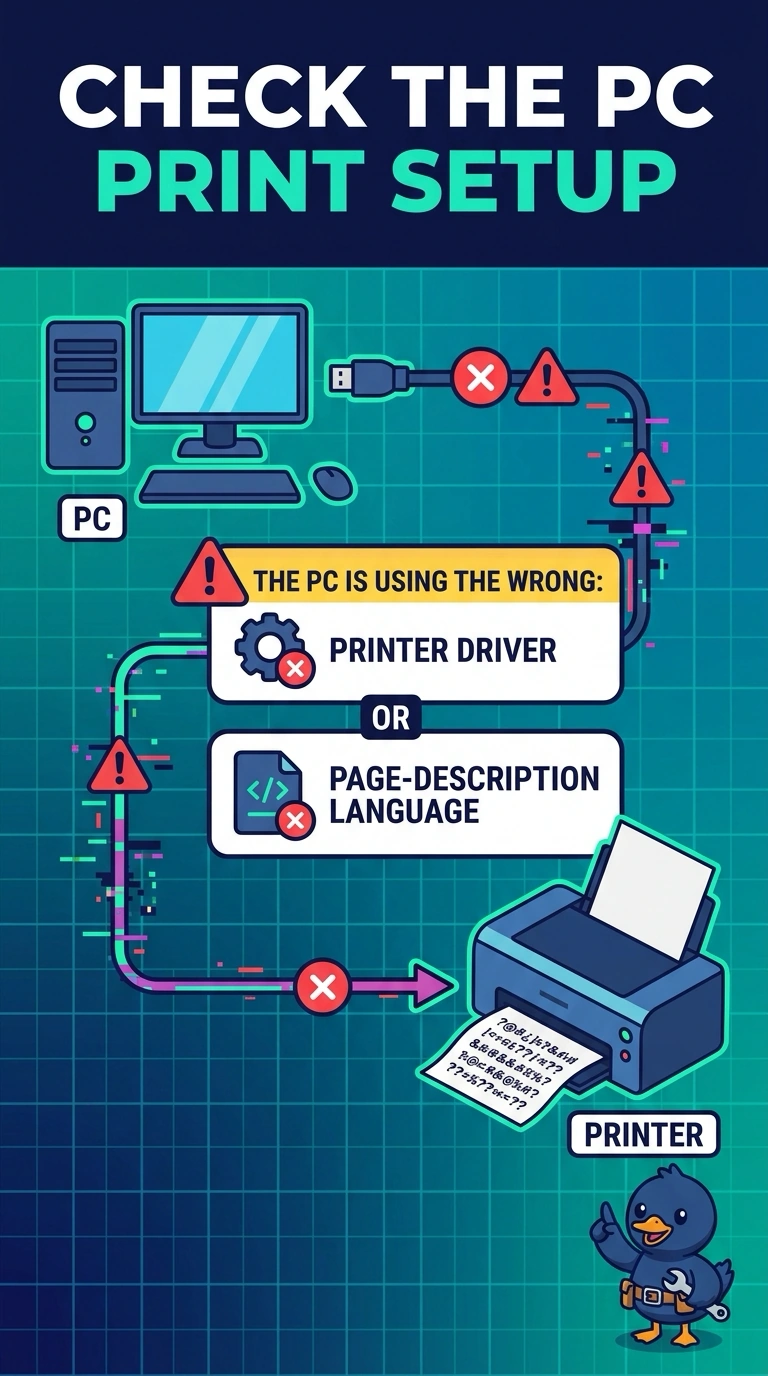
Your printer can still write a clean sentence when it talks to itself. Since the nonsense starts only with the letter from your PC, the PC is likely speaking the wrong printer language. An empty toner cartridge, a swollen motherboard capacitor, or a dead projector bulb would not explain the clean test page and garbled letter together.
Full Explanation
A normal test page from the printer shows that its printing mechanism, toner, and paper path can produce readable output. Because random symbols appear only on a job from the PC, the problem points to the data the PC is sending. The PC may be using the wrong printer driver or page-description language—for example, sending a PostScript job to a printer set up for a different language. An empty toner cartridge would also affect the printer’s own test page, typically making it faded or blank, rather than leaving that page normal while symbols appear only on the PC’s letter. A swollen motherboard capacitor is a PC hardware fault, but it does not specifically explain garbled output from this printer alongside a clean test page. A dead projector bulb affects a projected image, not the text sent to a printer. Exam caveat: a normal test page confirms the printer can produce readable output on its own, but it does not by itself prove the PC’s driver is the only possible cause of a garbled job. Practical check: install the printer’s current, correct driver, print the letter again, and compare it with the printer’s test page. You can also send the same letter from a second PC that already has the correct driver; a clean result there points back to the first PC’s driver or language setting.