
A library server shows a degraded RAID array. One disk has an amber fault light, and staff can still open files. Which action fits?
Select an answer to reveal the explanation.
Short Explanation
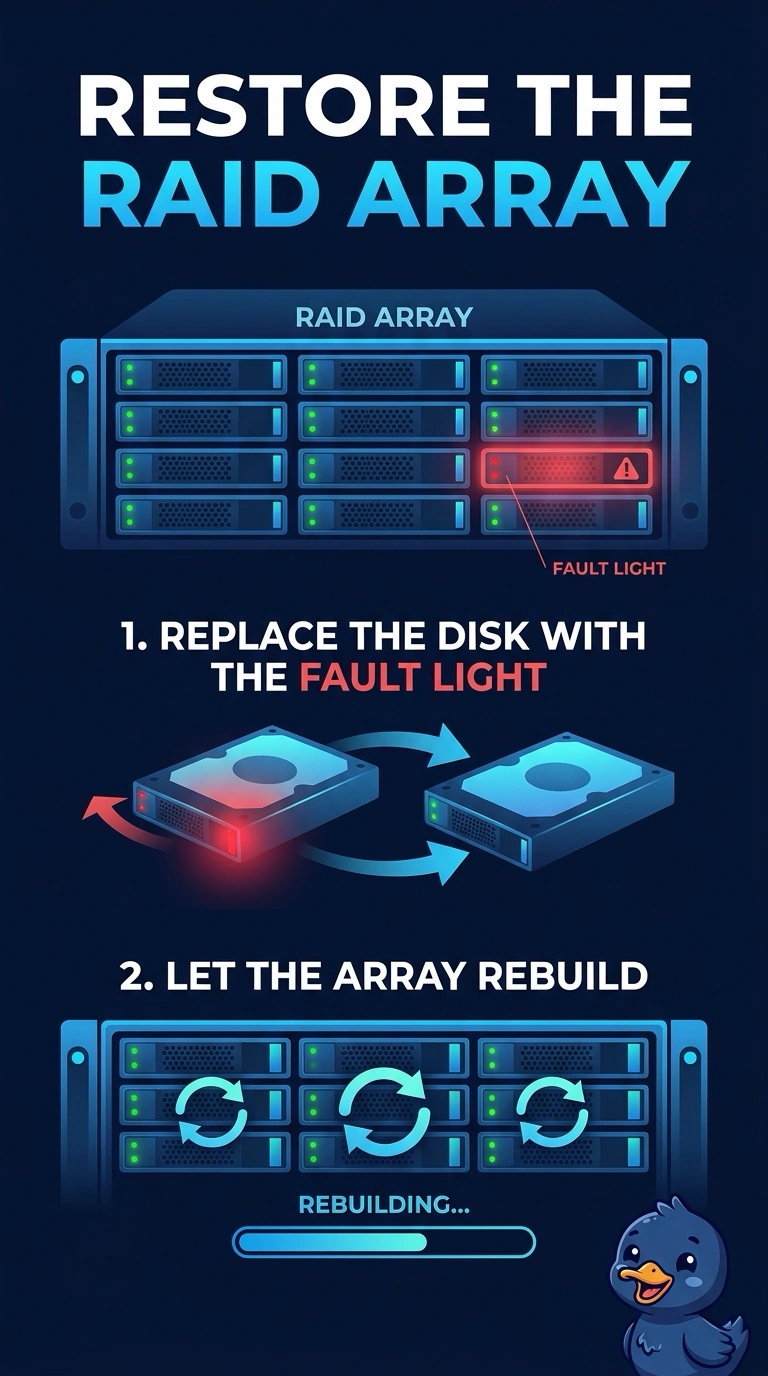
One disk has raised its hand, and the books are still on the shelf. You swap that failed disk and let the array rebuild. Wiping the disks that still work, stripping away the parity, or replacing the controller while the fault light is on a disk aims at the wrong part.
Full Explanation
A degraded array means the RAID set has lost a member and is still serving data from the survivors. The amber light identifies the disk to replace. After a matching disk is installed, the controller rebuilds the missing data onto it. Formatting the remaining disks destroys the copy the array is still serving and is not required to clear a single failed member. RAID 0 has no parity and cannot keep a failed disk in service. Converting to it would throw away the protection that is letting staff open files now. The controller is not the part with the fault light. Replacing it first skips the disk the chassis has already marked. Exam caveat: a rebuild on a large array takes time and a second disk failure during that window can lose the set, so confirm backups before you start. Operational check: swap the amber disk, watch the controller report a rebuild, and confirm the alarm clears when the new disk is healthy. Confirm the backup finished before the rebuild starts, and do not pull a second disk while the lights are still amber.