
A warehouse desktop reboots at random. Several capacitors on the motherboard are visibly swollen. Which action addresses the failed part?
Select an answer to reveal the explanation.
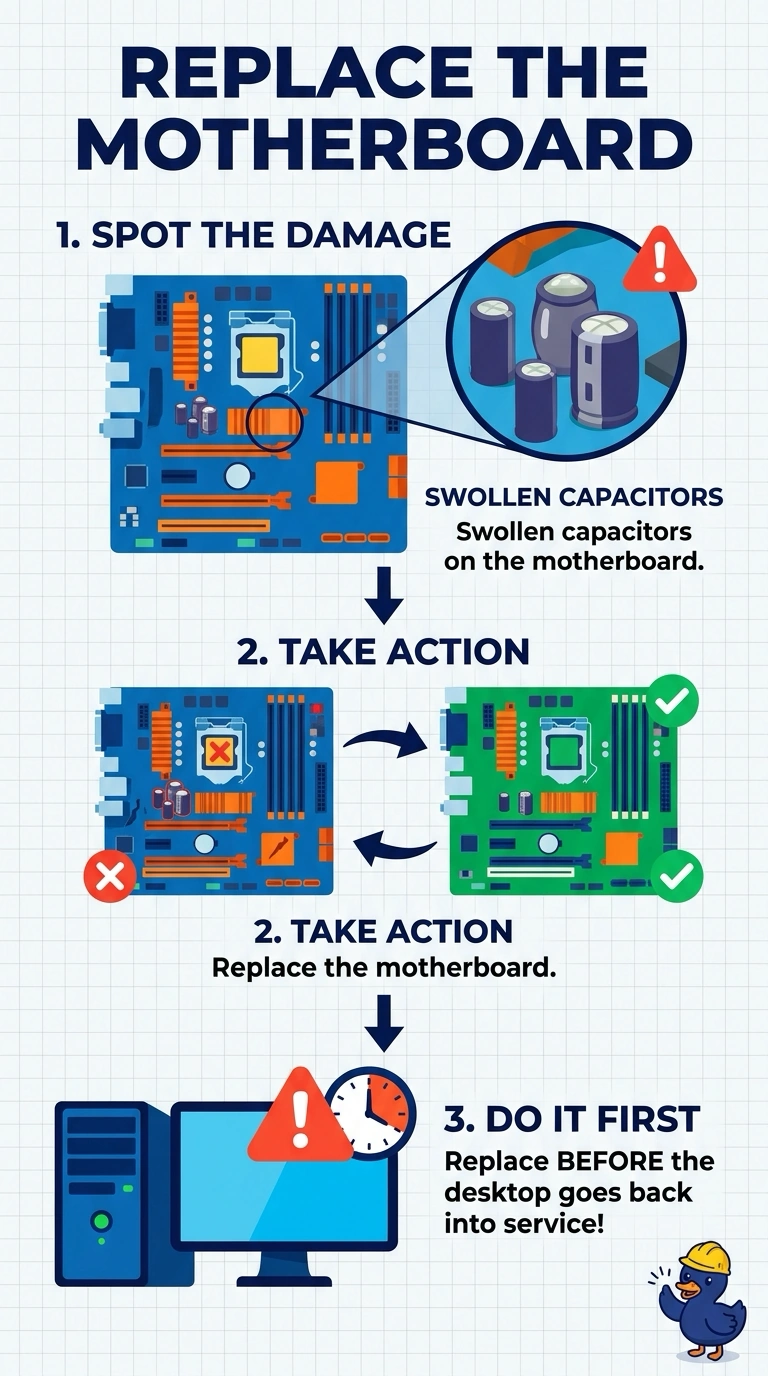
Short Explanation
The cans on the board are bulging the way a damaged battery bulges, and the desktop is dropping out at random. Those swollen capacitors are the failed part, so you replace the motherboard. Reseating memory, swapping the clock battery, or dusting the fan leaves the vented cans in the circuit.
Full Explanation
A capacitor that has swollen can no longer hold a steady voltage, and random reboots with those cans in plain sight point at the motherboard. Replacing the board removes the failed parts. Reseating memory can fix a module that is loose in its slot. It does not rebuild a capacitor that has already vented. The CMOS battery keeps the clock and the firmware settings while the cord is unplugged. It is a coin cell, not the row of cans beside the voltage regulator, and it does not swell in that pattern. Dust in a fan can overheat a processor. Cleaning it is useful maintenance, and it does not repair a capacitor the technician can already see has failed. Exam caveat: power the desktop off and leave it off if the cans are leaking or there is a burning smell. Do not keep rebooting it to confirm the symptom. Operational check: photograph the board, install a compatible replacement, and let the desktop run a full shift without a spontaneous reboot. Leave the desktop unplugged until the replacement board is in.