
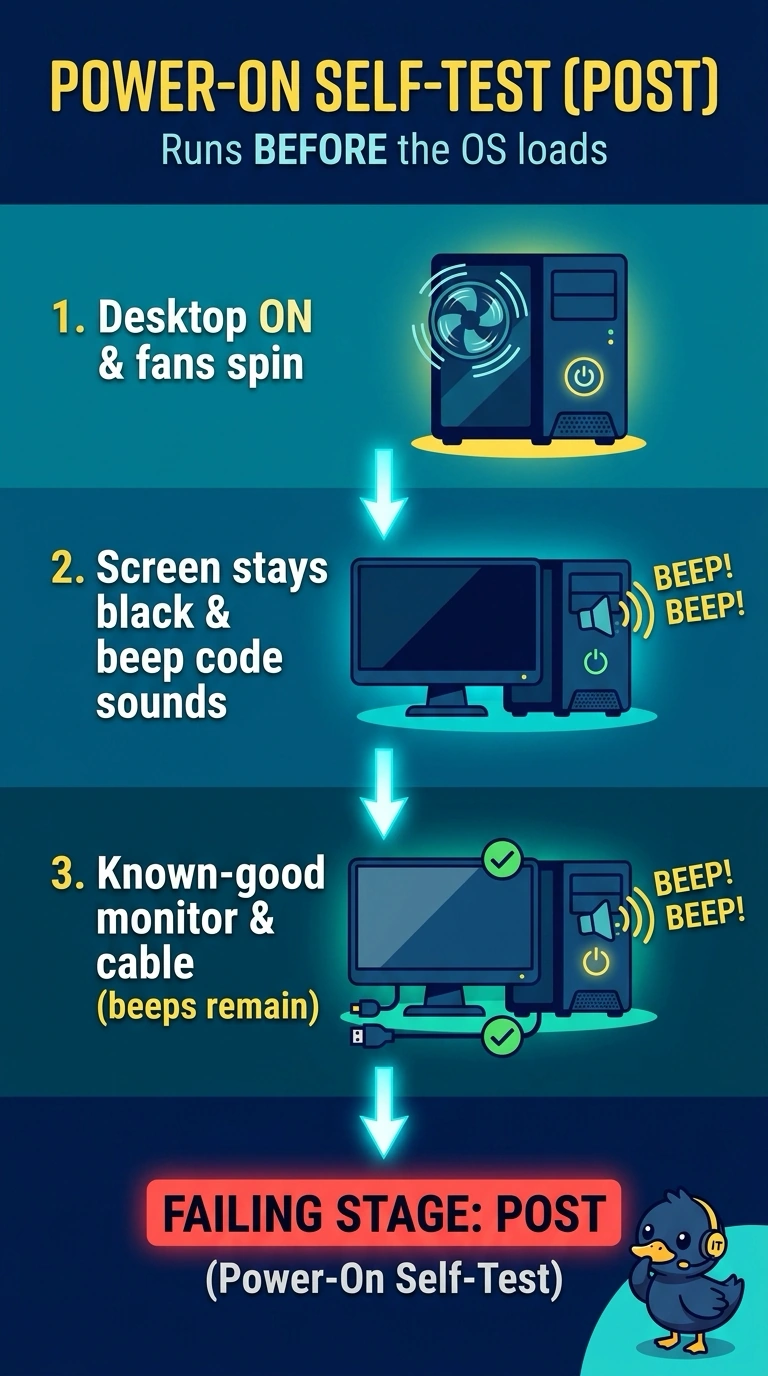
A clinic desktop's fans spin, the screen stays black, and the motherboard emits a beep code. A known-good monitor and cable do not change the beeps. Which stage is failing?
Select an answer to reveal the explanation.
Short Explanation
You’re hearing the computer knock before it opens the front door. Those beeps are the power-on self-test signaling a hardware problem, and a known-good monitor and cable do not stop them. You are not at the operating-system boot loader yet; a printer fuser or DHCP lease renewal is not what makes the motherboard beep.
Full Explanation
The power-on self-test checks core hardware before the operating system loads and uses beep codes when it cannot put a message on the screen. Fans spinning show that some power is present; because a known-good monitor and cable leave the beeps unchanged, the problem is not resolved by replacing those display components. The operating-system boot loader runs only after POST hands off to the disk, so it cannot explain a beep code occurring at this earlier stage. A laser printer fuser melts toner in a printer and has no role in a desktop motherboard’s beep codes. A DHCP lease renewal assigns a network address after the machine is up and connected; it does not cause the motherboard to beep before the operating system loads. Exam caveat: beep patterns vary by BIOS, so a pattern memorized for another brand may mislead you; consult the chart for this motherboard. Practical check: with power removed, reseat the RAM and video card, then power the desktop back up and compare the beep pattern with the motherboard’s manual before replacing parts at random.