
A desktop drive clicks in a steady rhythm, the volume has disappeared, and last week SMART reported reallocated sectors. Which part is failing?
Select an answer to reveal the explanation.
Short Explanation
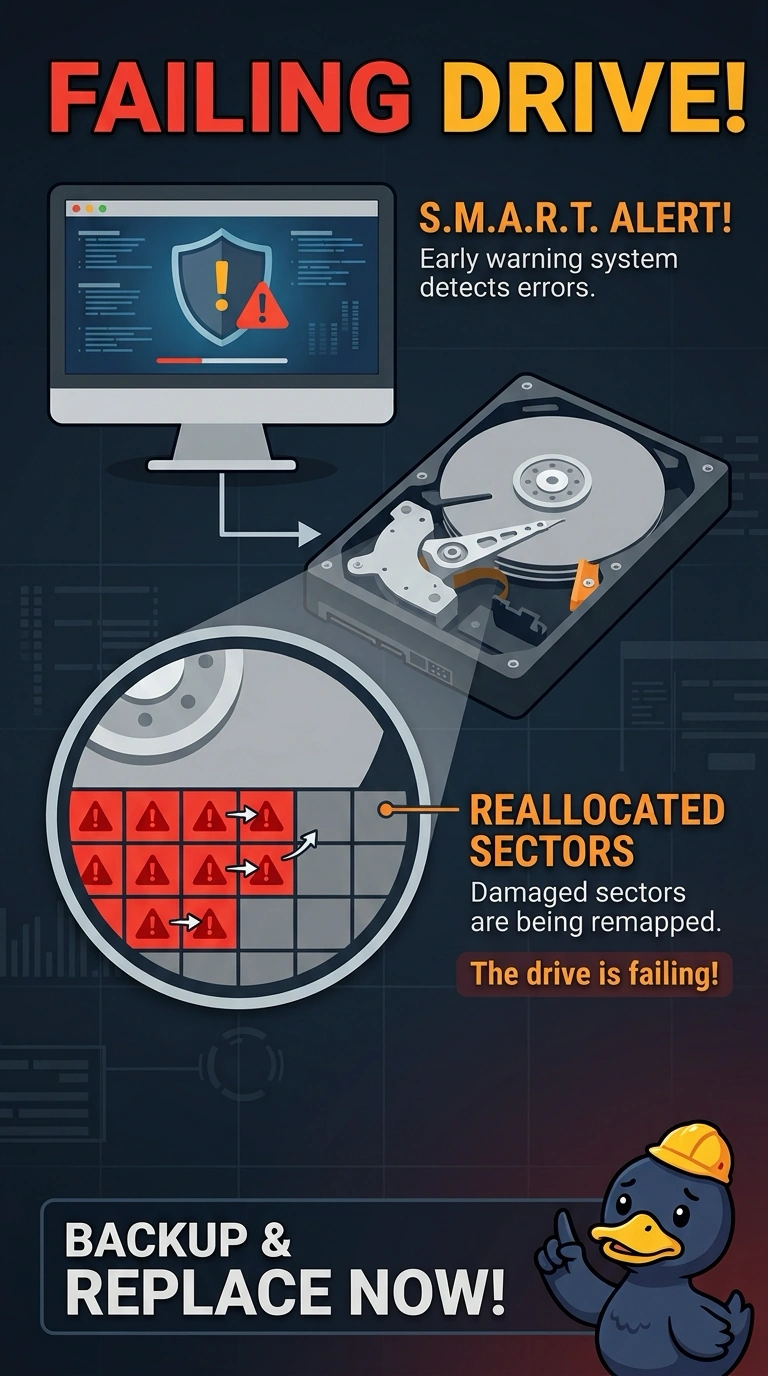
That click is a head that cannot find its place on the platter, and the drive already filed a warning you can read in SMART. Reallocated sectors plus a rhythmic click means the hard disk is failing. A fan, a coin-cell battery, and a printer cartridge do not keep a sector map.
Full Explanation
Self-Monitoring Analysis and Reporting Technology reports drive health, and reallocated sectors mean the disk has been replacing failing spots. A rhythmic click with a missing volume is the mechanical follow-up to that warning, so the hard disk is the failed part. A CPU fan can whir or rattle. It does not reallocate disk sectors. The CMOS battery keeps BIOS settings and the clock. It does not store the drive's sector table. A toner cartridge is a printer part. It cannot make an internal hard disk click. Exam caveat: stop using the disk for normal work once it clicks. Copy what you can, and do not keep rebooting it in the hope the volume returns. Operational check: note the SMART attributes, attach the disk to another machine only long enough to copy data if it still spins, and replace it. If the volume is already gone, do not initialize the disk. Copy what is still readable and replace the drive. Record the SMART values in the ticket before the drive leaves the bench. Bag the failed drive and tag it with the ticket number.