
Every page from a theater's laser printer, including the printer's own test page, shows the same faint vertical line. Which part should be serviced?
Select an answer to reveal the explanation.
Short Explanation
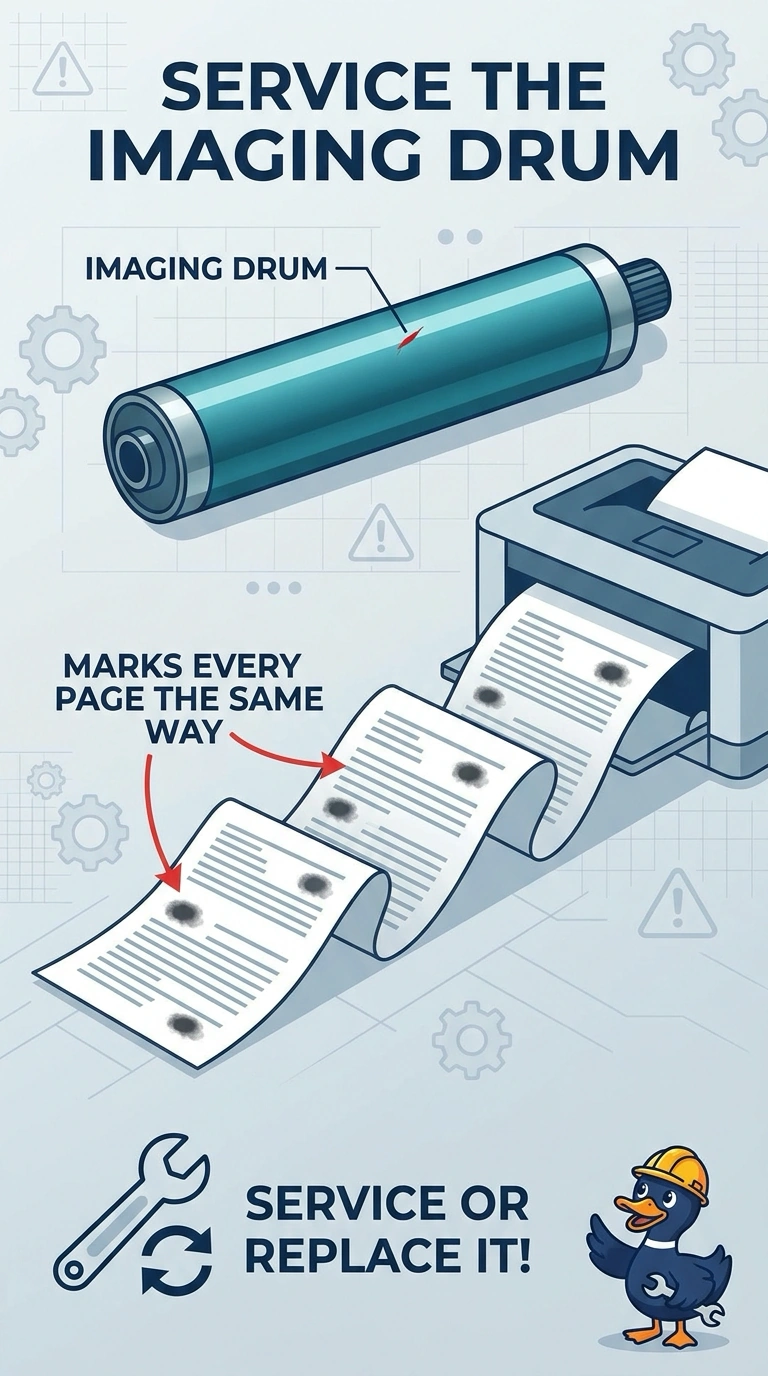
You can trust the printer’s own test page: it shows the line even without a page built by the box-office PC. The imaging drum marks every page, so it is the part to service; the other listed parts do not explain the line on that test page.
Full Explanation
The imaging drum marks each page, so a defect on it can leave the same faint vertical line in the same place repeatedly. The printer’s own test page uses that drum too, making the imaging drum the part to service; clean or replace it, then check whether the line disappears. The print driver on the box-office PC builds pages sent from that computer, but it does not generate the printer’s own test page, so it cannot account for a line on that page. The separation pad in the tray keeps extra sheets from feeding; a worn pad can cause multiple sheets to feed together, not a line of toner down the page. The network cable carries print jobs from the PC, but the printer can produce its test page with the cable unplugged, so the cable is not causing the mark. Exam caveat: a faint vertical line identifies a recurring print defect, but confirm the suspected drum rather than relying on the symptom alone. Practical check: keep the lined test page with the service ticket, replace the drum, and print another internal test page; compare the two and confirm that the line is gone.