
An OLED laptop shows a faint permanent shadow of a toolbar that sat on screen for months. Which display fault is that?
Select an answer to reveal the explanation.
Short Explanation
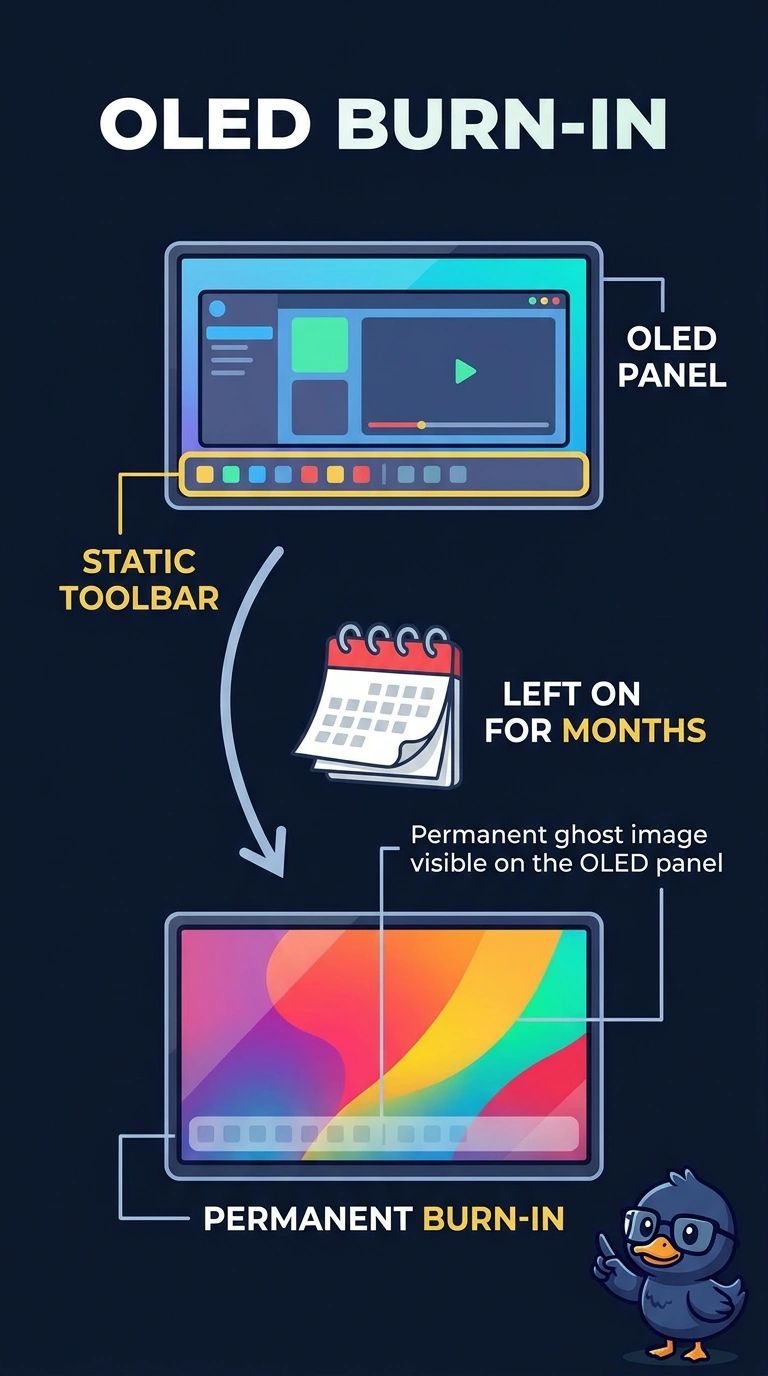
You can think of it as a tan line left by the toolbar after months in the same place. On an OLED panel, that permanent ghost is burn-in. Dead pixels, a backlight inverter, and a resolution setting do not etch a toolbar into the panel.
Full Explanation
Burn-in is a lasting image left in a display after a static picture remains for a long time. A faint, permanent toolbar shadow on an OLED panel fits burn-in from the static toolbar: OLED pixels emit their own light, and prolonged uneven use can leave a visible residual image. A block of dead pixels is not the same fault; dead pixels are individual dots that stay black or bright, rather than a soft ghost of a toolbar that used to be there. A failed backlight inverter also does not explain the shadow. Inverters drive older fluorescent backlights, while an OLED panel makes light at each pixel and does not use that component. The wrong resolution can make text or images look too large, too small, or blurry, but changing resolution does not etch a previous image into the panel. Exam caveat: image retention can sometimes fade, whereas true burn-in is permanent. For a practical check, photograph the ghost, show varied content, power-cycle the laptop, and display a solid color; confirm whether the shadow remains when the toolbar is no longer on screen. If it persists through those checks, treat it as permanent burn-in and replace the panel.