
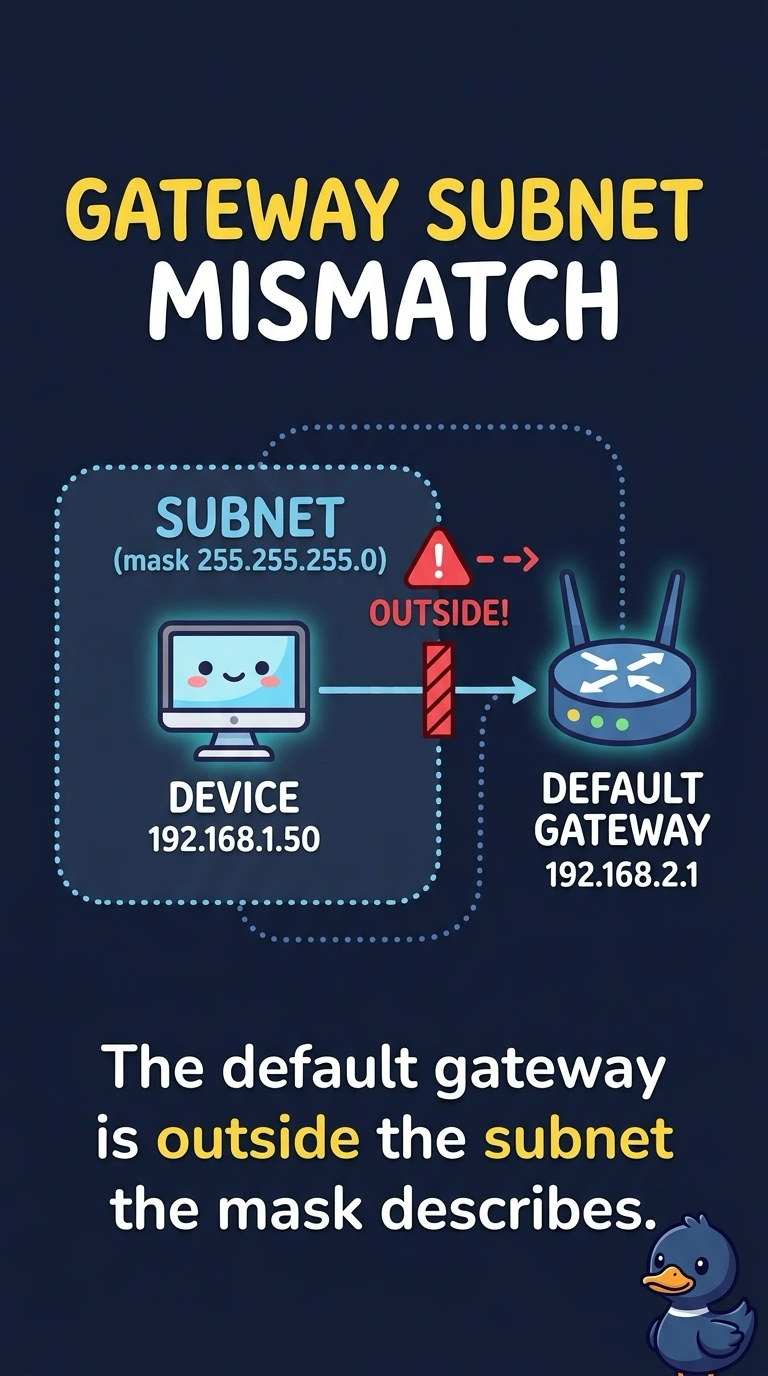
A front-desk PC shows limited connectivity. It has an address and a mask, and it cannot ping its gateway. That gateway address is not inside the PC's subnet. Which setting is wrong?
Select an answer to reveal the explanation.
Short Explanation
The PC has a home address and a map, and the door it was told to use is on a different street. A gateway has to sit inside your own subnet or the PC will not use it. A display cable, a printer cartridge, and a disk stripe do not choose that door.
Full Explanation
The default gateway must be an address the host considers local, which means it has to fall inside the subnet the mask describes. This gateway does not, so the PC cannot ARP for it and the limited-connectivity symptom follows. A monitor cable carries video. It does not set the gateway. Toner is a printer consumable. It does not change IP settings. RAID 0 is disk striping. Rebuilding it, or failing to, does not move a gateway address. Exam caveat: a gateway that is inside the subnet can still be the wrong router. This stem's address is not even on the subnet, so fix that before you chase the router's routes. Operational check: set the gateway to the router address in the PC's subnet, or correct the mask if the subnet was typed wrong, and ping the gateway again. After the gateway is inside the subnet, ping it, then ping a host beyond it so you separate a local address mistake from a routing problem. Write the corrected gateway next to the address and the mask so the three settings agree.