
A DDR4 module will not seat in a desktop slot built for a newer DDR generation. Which rule explains that?
Select an answer to reveal the explanation.
Short Explanation
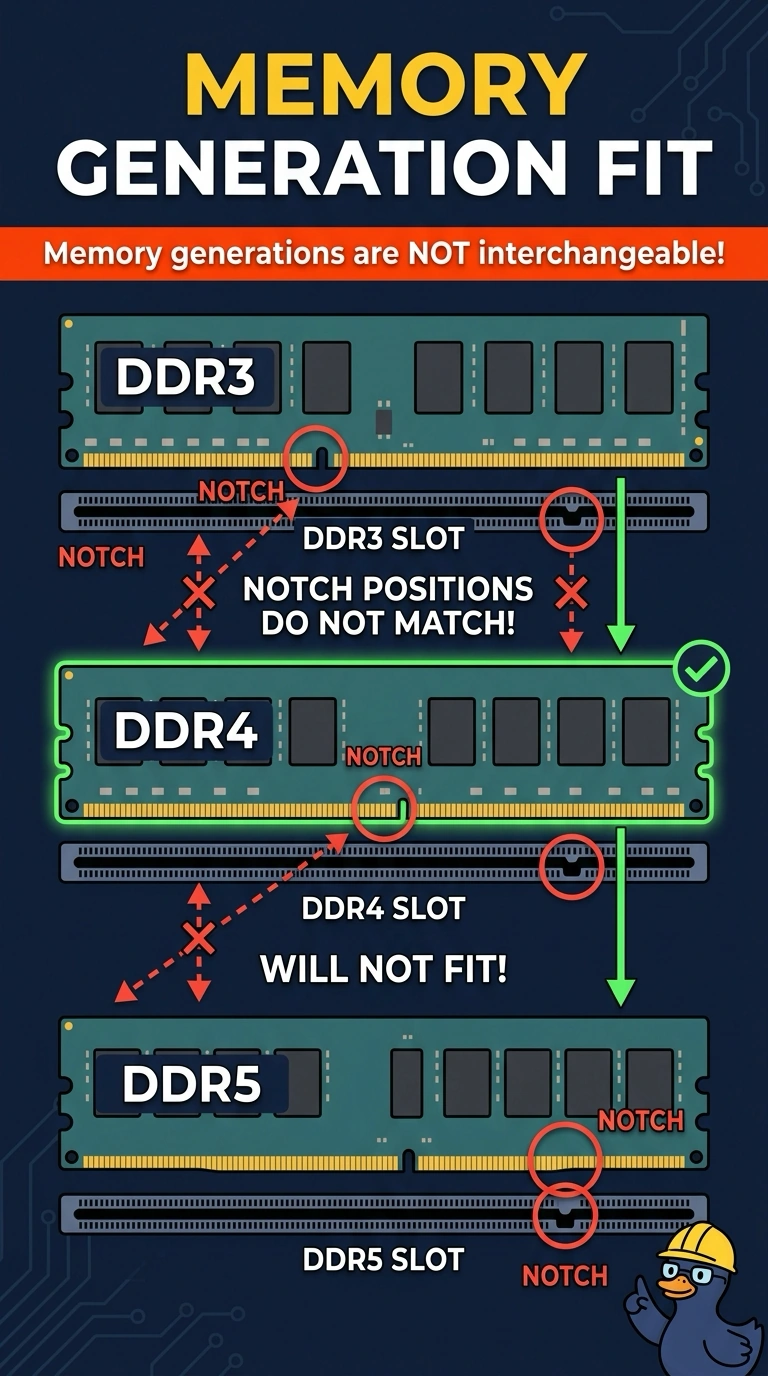
The notch and the slot are a lock and a key cut for one generation. You cannot reuse a DDR4 module in a newer generation's slot. Pressing harder, calling it error-correcting, or substituting a laptop module does not recut that notch.
Full Explanation
Each DDR generation uses a different notch and electrical design, so a module from one generation does not seat in a slot built for another. DDR4 will not go into a newer generation's slot, and it should not be forced. Pressing harder risks the slot and still will not line the notch up. ECC is an error-correction feature. It does not change which generation a module belongs to. A SODIMM is the smaller laptop outline. It is not the desktop module for a newer generation, and it does not fit a full-size desktop slot either. Exam caveat: match both the generation and the desktop or laptop outline. A right generation in the wrong outline still will not seat. Operational check: read the slot label and the module label, and install only a module whose generation matches the board. Read both labels before you press. Forcing a mismatched notch breaks the slot. Note the result on the ticket. Install the matching generation and confirm the firmware sees the new capacity.