
A laptop port is marked Thunderbolt, and one cable from that port must carry both a display signal and data. Which cable fits the port?
Select an answer to reveal the explanation.
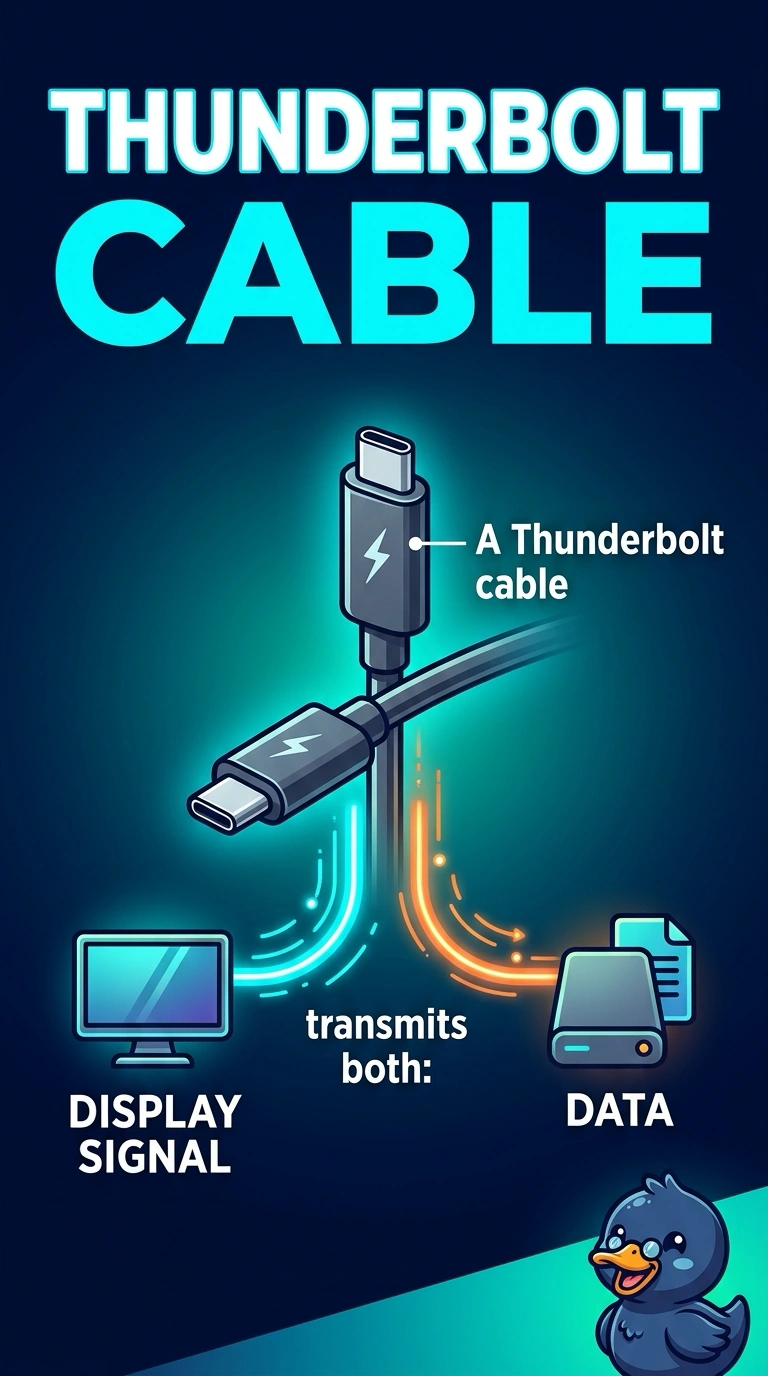
Short Explanation
You can match the cable to the Thunderbolt mark on the port: a Thunderbolt cable carries display and data together. VGA carries analog video only, while RJ11 and DB9 are telephone and serial connectors, not leads for this port.
Full Explanation
A Thunderbolt cable is the right fit because Thunderbolt is the port and cable family that can carry display and data together, matching what this laptop port is marked for. A VGA cable carries analog video only; it does not plug into a Thunderbolt port or carry data with the display. An RJ11 cable is a telephone connector, not a Thunderbolt lead. A DB9 cable is a serial connector and does not mate with a Thunderbolt port. Exam caveat: a USB-C-shaped plug is not automatically a Thunderbolt cable, even if it fits a port with that shape. Use a cable rated for the Thunderbolt port; otherwise, the display and data may not both come up. As a practical check, connect the Thunderbolt cable, confirm the external display lights, and verify that a data device on the same chain is visible. Use a cable rated for that Thunderbolt port, not a charge-only lead.