
A clinic copier should send a scanned page to a staff mailbox. Which feature does that?
Select an answer to reveal the explanation.
Short Explanation
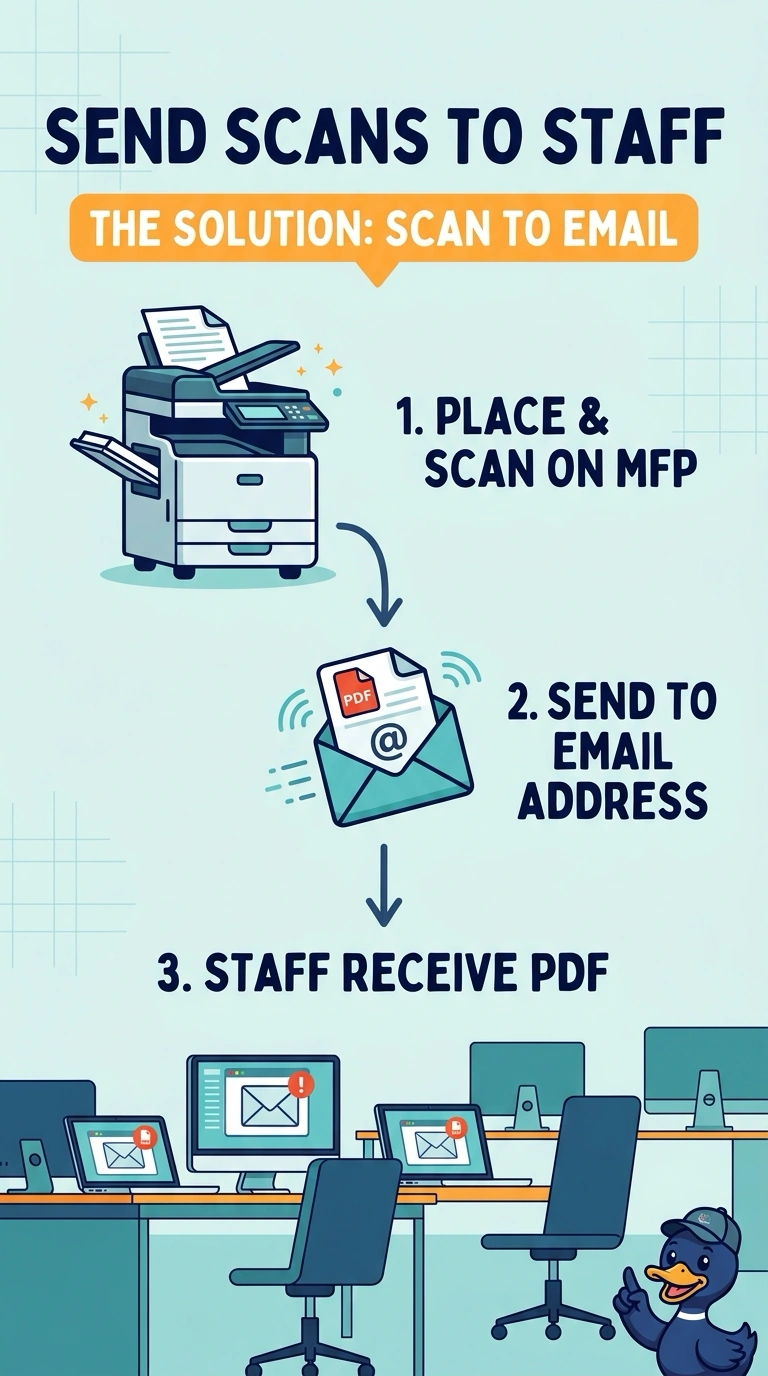
The page should leave as a message, not as another sheet in the tray. You use scan to email. Two-sided printing, a badge hold on a print job, and a deeper paper tray do not address a mailbox.
Full Explanation
Scan to email sends the scanned image to a mailbox. That is the feature the clinic wants. Automatic duplex prints on both sides of a sheet. It does not email a scan. Secured print holds a print job until the user authenticates at the device. It is not a scan destination. A larger tray holds more paper. Capacity does not deliver a scan by email. Exam caveat: the copier needs a path to a mail server and a permitted sender address, or the scan will fail after you pick the feature. Operational check: scan one page to a test mailbox and confirm the message arrives with the page attached. Scan one page to a test mailbox and confirm the attachment arrives. Record the result on the ticket before you close the call. Confirm the copier is allowed to send as the address the mail server expects.