
An impact printer that prints multipart forms has gone faint. The pins still strike. Which maintenance restores the darkness?
Select an answer to reveal the explanation.
Short Explanation
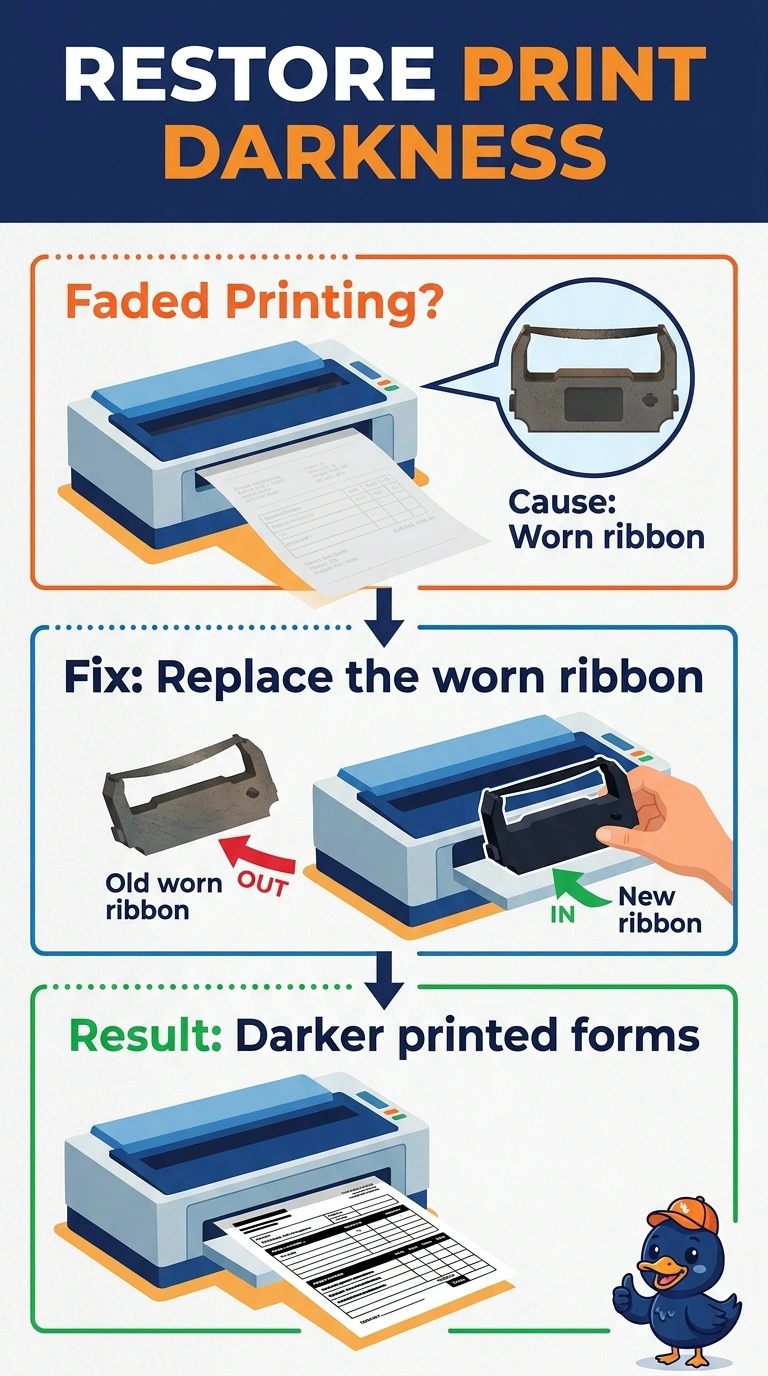
The pins are still hitting, and the cloth they hit has run out of ink. You replace the ribbon. Laser powder, heat-sensitive paper, and spray nozzles belong to other printers.
Full Explanation
An impact printer strikes an inked ribbon against the page, and multipart forms are a classic use because the strike carries through the copies. Faint print with the pins still striking means the ribbon is worn and should be replaced. A toner cartridge supplies a laser printer. An impact printer does not use toner on the forms. Thermal paper darkens under a heating element. This printer is striking pins, not heating a coating. Inkjet nozzles spray ink. The pins on an impact printer are not nozzles, and cleaning a head will not re-ink a ribbon. Exam caveat: use the ribbon the printer's manual lists, and keep the multipart forms aligned in the tractor so the faintness is not just a form that has walked off the pins. Operational check: install the ribbon, print a form, and confirm the copies are dark again. Align the multipart form and print one copy set after the new ribbon is in. Print a multipart form and check that the copies, not only the top sheet, are dark. Seat the ribbon the way the diagram shows so the pins hit ink, not a dry fold.