
A clinic printer must keep a record of who printed each job. Which printer feature provides that record?
Select an answer to reveal the explanation.
Short Explanation
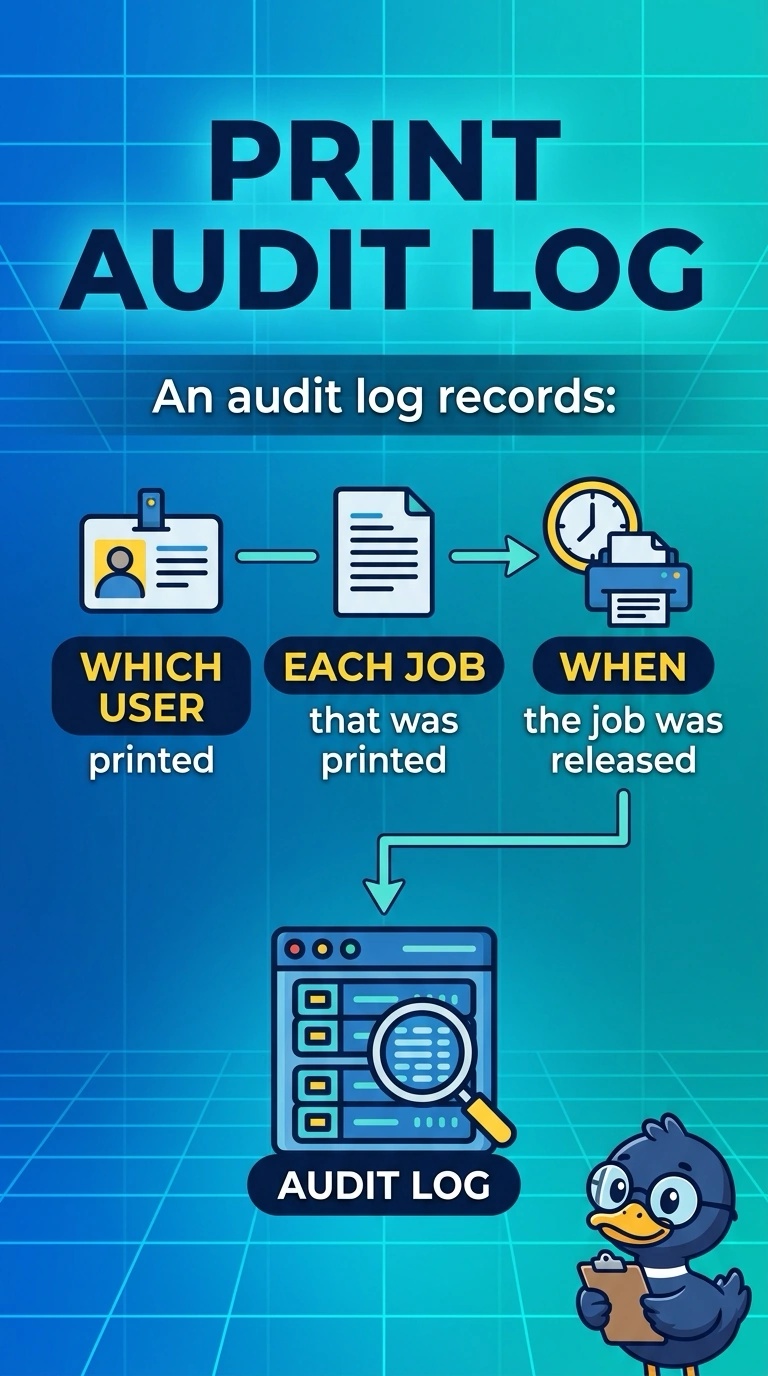
The clinic wants a guestbook for every page that leaves the printer. You turn on the audit log. Printing on both sides, making the dots finer, or sending a scan to the cloud does not write down who printed.
Full Explanation
An audit log records activity such as which user printed which job and when. The clinic asked for that record, so the audit log is the feature. Automatic duplex prints on both sides of the sheet. It does not store the user's identity. A higher resolution changes print quality. It is not a log of users. Scan to cloud sends a scanned image to a cloud destination. It does not write the trail of print jobs. Exam caveat: the log only names a user if the job arrived with an identity, which means users sign in or the queue passes a username. Anonymous jobs will show up as anonymous. Operational check: print a page as a named user, open the audit log, and confirm that user and that job are listed. Print once as a named clinic user and once as a guest, and compare how the audit log records each job. Open the log as a second user and confirm that user cannot erase the entry. Keep the log enabled after the test so the next shift does not print without a record. Export a copy of the log with the ticket.