
An older laptop uses a fluorescent backlight. The image is barely visible unless a flashlight is held against the panel, and the brightness setting is already at maximum. Which part is failing?
Select an answer to reveal the explanation.
Short Explanation
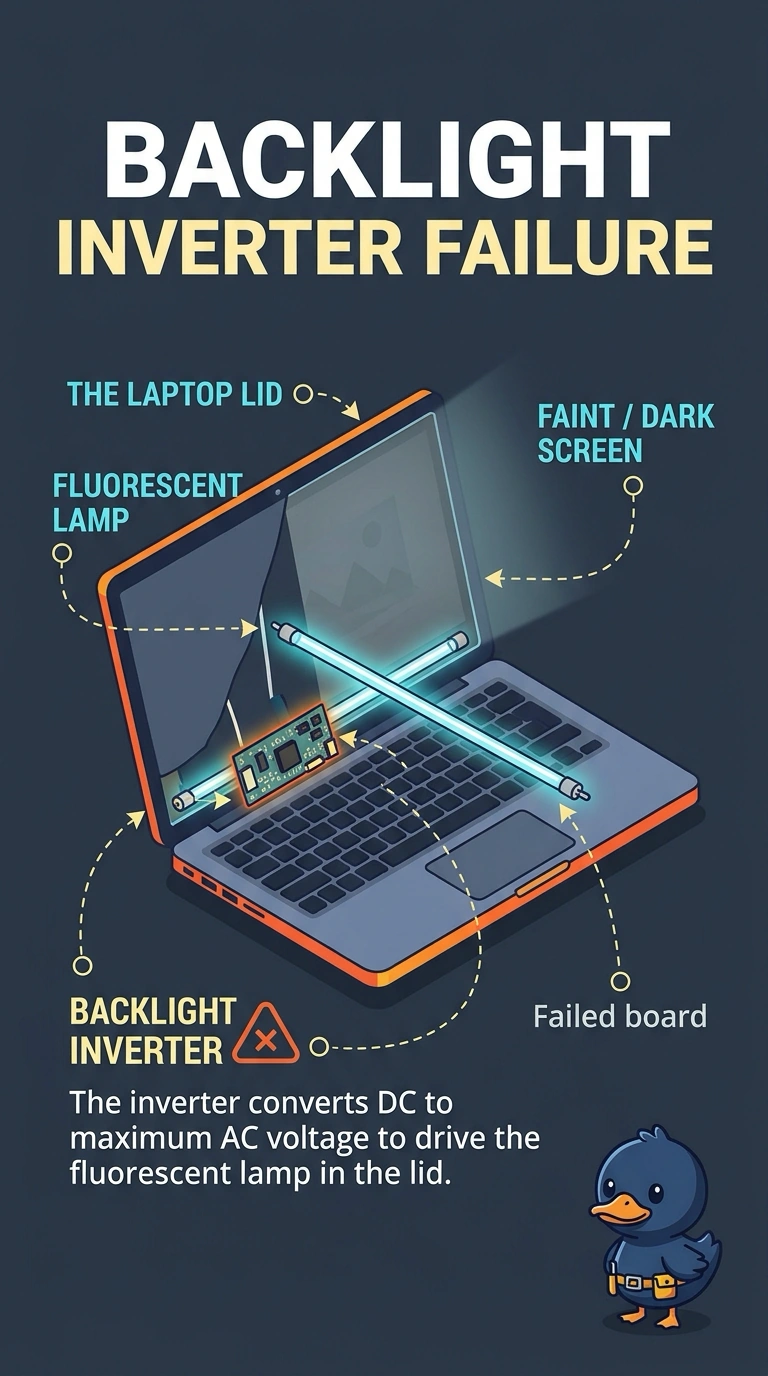
The picture is still there, like a painting in a room with the lamp burned out, and a flashlight proves it. On a fluorescent panel that lamp circuit is the inverter you replace. Dead dots, a resolution change, and a video cable do not explain a faint image that a flashlight brings back.
Full Explanation
A fluorescent backlight needs an inverter to make the high voltage the lamp uses. When the image is faint and a flashlight shows it is still being drawn, the panel is working and the backlight is not. With the brightness already at maximum, the failing part is the inverter. Dead pixels are spots with no image. A flashlight test that reveals a full faint picture means the pixels are drawing. The wrong resolution changes size and sharpness. It does not extinguish the lamp. A VGA cable carries an external analog signal. It does not power the fluorescent lamp inside the lid, and this symptom is the internal panel. Exam caveat: LED-backlit laptops do not use that inverter. This stem is the older fluorescent design, so the inverter applies. Do not order one for an LED panel. Operational check: with power removed, replace the inverter, and confirm the panel lights without a flashlight. Confirm this lid is the fluorescent design before you order an inverter, and do not fit one to an LED panel.