
A laptop upgrade calls for more memory. The desktop DIMM in the kit will not enter the laptop slot. Which module should be ordered?
Select an answer to reveal the explanation.
Short Explanation
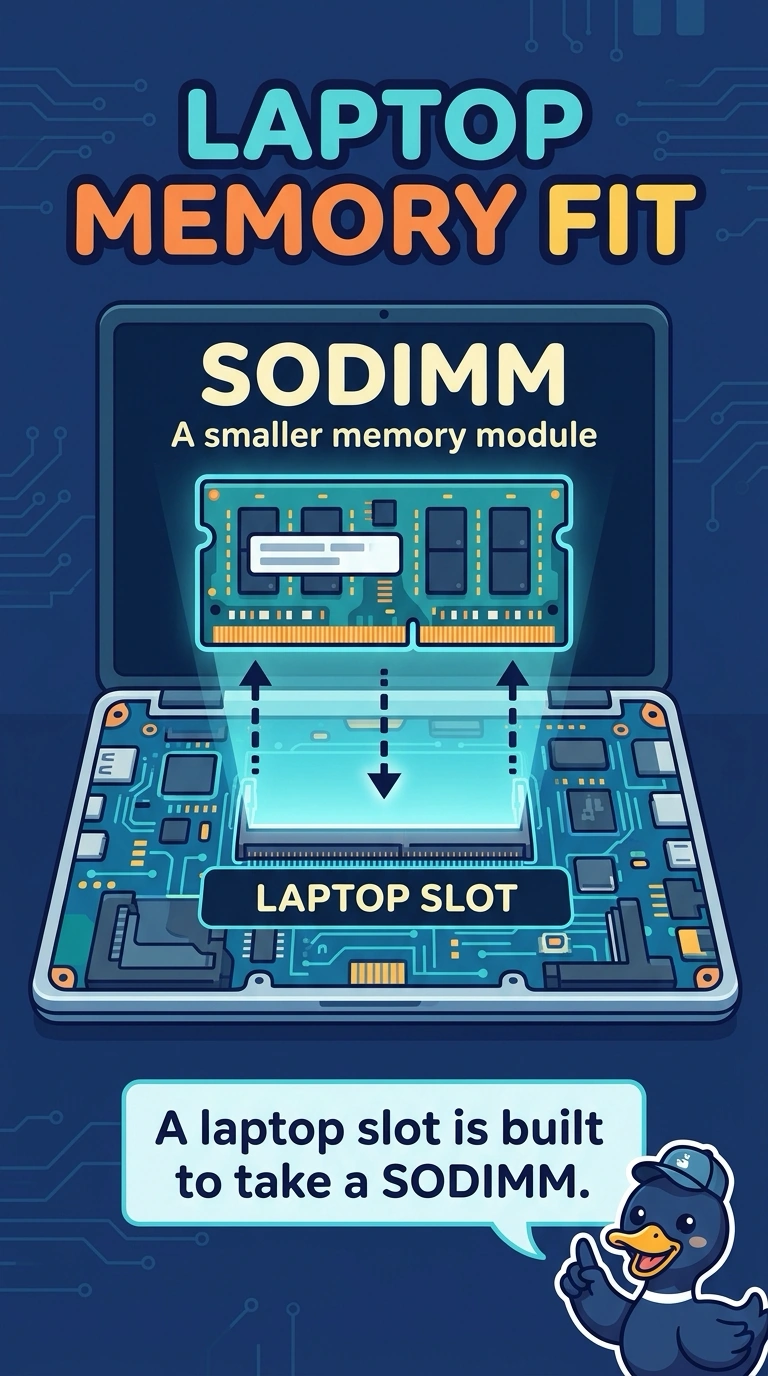
The stick in the kit is cut for a full-size desktop slot, and the laptop slot is the smaller pattern. You order a SODIMM. Pressing the desktop module in, asking for error-correcting memory of any shape, or substituting a storage gumstick does not match the slot.
Full Explanation
Laptops use the smaller SODIMM outline. A desktop DIMM is longer and its notch pattern will not line up with a laptop slot, so the module that belongs in the order is a SODIMM of the generation the laptop supports. Forcing the desktop DIMM risks the slot and still will not make the contacts line up. ECC describes error-correcting chips used on many servers. It is not a form factor, and an ECC DIMM is still the wrong shape for this laptop. An M.2 module is storage or sometimes a wireless card. It does not install in the memory slot and it does not add RAM. Exam caveat: SODIMM is the shape. The laptop still needs the DDR generation its manual lists, because generations are not interchangeable. Operational check: match the manual's memory type, seat the SODIMM until the clips close, and confirm the firmware reports the new capacity. Check the notch and the generation printed on the module against the laptop manual before you press it in. After the clips close, check the firmware capacity against the module you installed.