
A desktop build needs the fast gumstick drive that seats on the motherboard and uses NVMe. Which part is that?
Select an answer to reveal the explanation.
Short Explanation
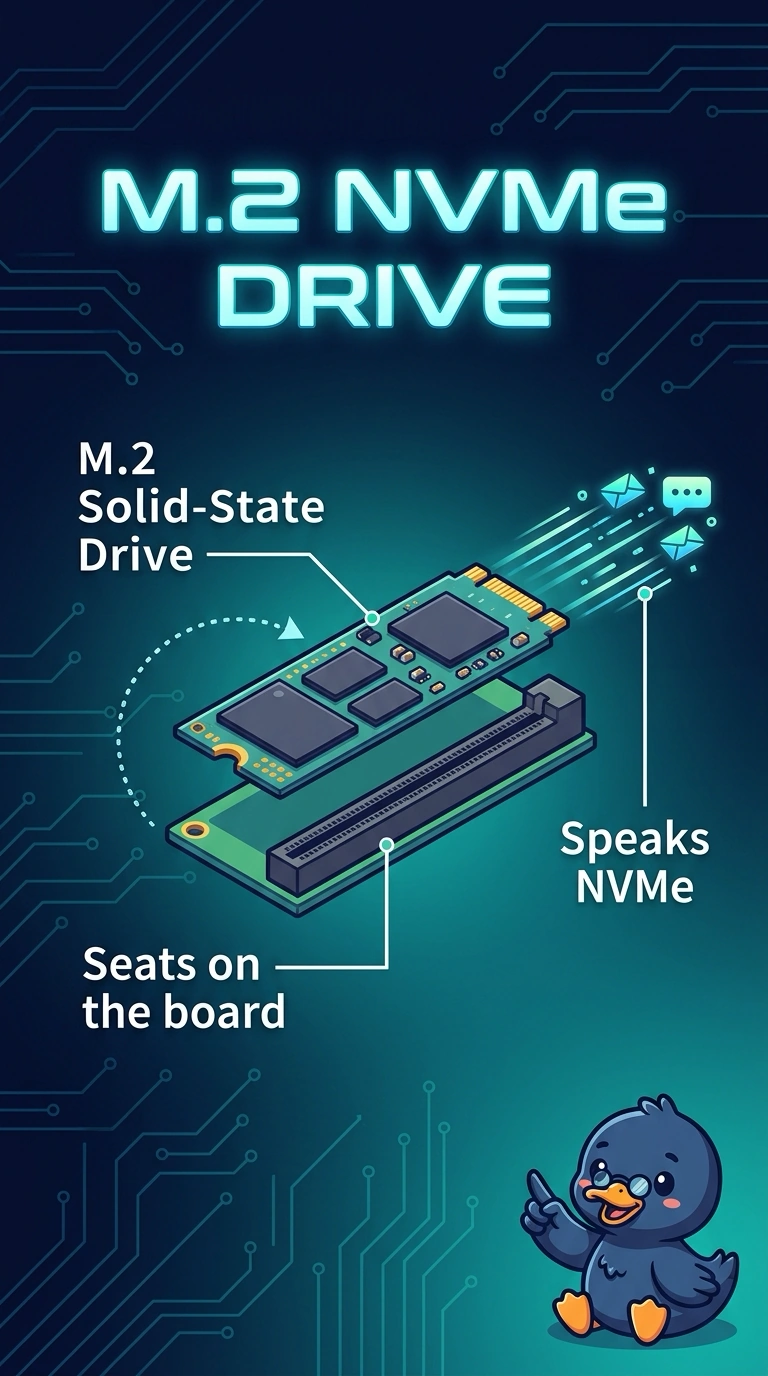
The fast drive is a short stick that lies flat on the board and speaks NVMe, not a spinning disk or a memory module. You want an M.2 solid-state drive. A hard disk, a DVD bay, or a memory stick does not take that slot or that protocol.
Full Explanation
M.2 is the gumstick form factor, and NVMe is the protocol those fast motherboard slots use. A desktop that asks for both is asking for an M.2 solid-state drive. A 3.5-inch hard disk is a spinning drive that uses SATA power and a data cable. It does not lie flat in the M.2 slot. A SATA optical drive reads discs from a front bay. It is not NVMe storage. A SODIMM is memory. Seating it adds RAM, not a drive, and it does not speak NVMe. Exam caveat: some M.2 slots are SATA-only and some NVMe drives need a particular key and length. Match the motherboard's slot before you order. Operational check: seat the drive in the M.2 slot the manual marks for NVMe, boot the firmware, and confirm the drive appears as storage. Look in the firmware boot menu and confirm the new drive is listed before you install an operating system. Screw the drive down so a loose gumstick does not disappear after the case is moved. Confirm the drive shows in firmware before you install anything. Screw the gumstick down so it cannot lift out of the slot.