
A hospital printer must hold each job until the nurse badges in at the device, so pages are not left in the output tray. Which feature is that?
Select an answer to reveal the explanation.
Short Explanation
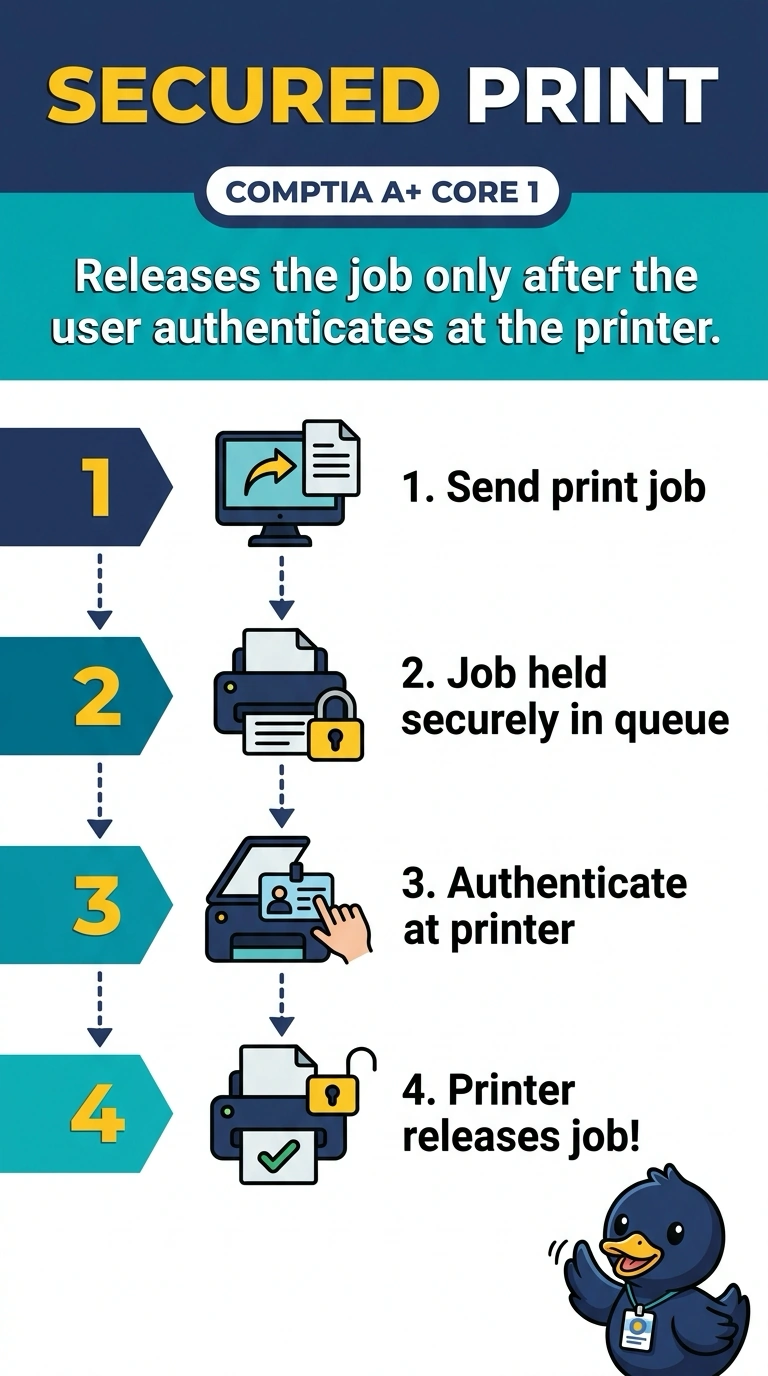
The page should wait in the printer like a package at the counter until the right person shows a badge. That hold-and-release behavior is the secured print you turn on. Printing on both sides, feeding a stack of originals, or emailing a scan does not keep a confidential page off the tray.
Full Explanation
Secured print, sometimes called badge release, stores the job on the printer or the print server and sends it to paper only after the user authenticates at the device. The hospital wants exactly that, so pages are not sitting in the tray. Automatic duplex prints on both sides of the sheet. It does not wait for a badge. An automatic document feeder pulls original pages across a scanner. It is not the badge reader and it does not hold outbound jobs. Scan to email sends a scanned image to a mailbox. It does not stop a print job from landing in the tray. Exam caveat: the badge system and the printer have to share the same account directory, or the tap will not match the job's owner. Operational check: send a test job, confirm nothing prints until the badge tap, and confirm a different badge does not release it. Badge in with a second nurse account and confirm that account cannot release the first job. Send a job and walk away. The tray should stay empty until the right badge taps. Confirm a different badge does not release the job.