
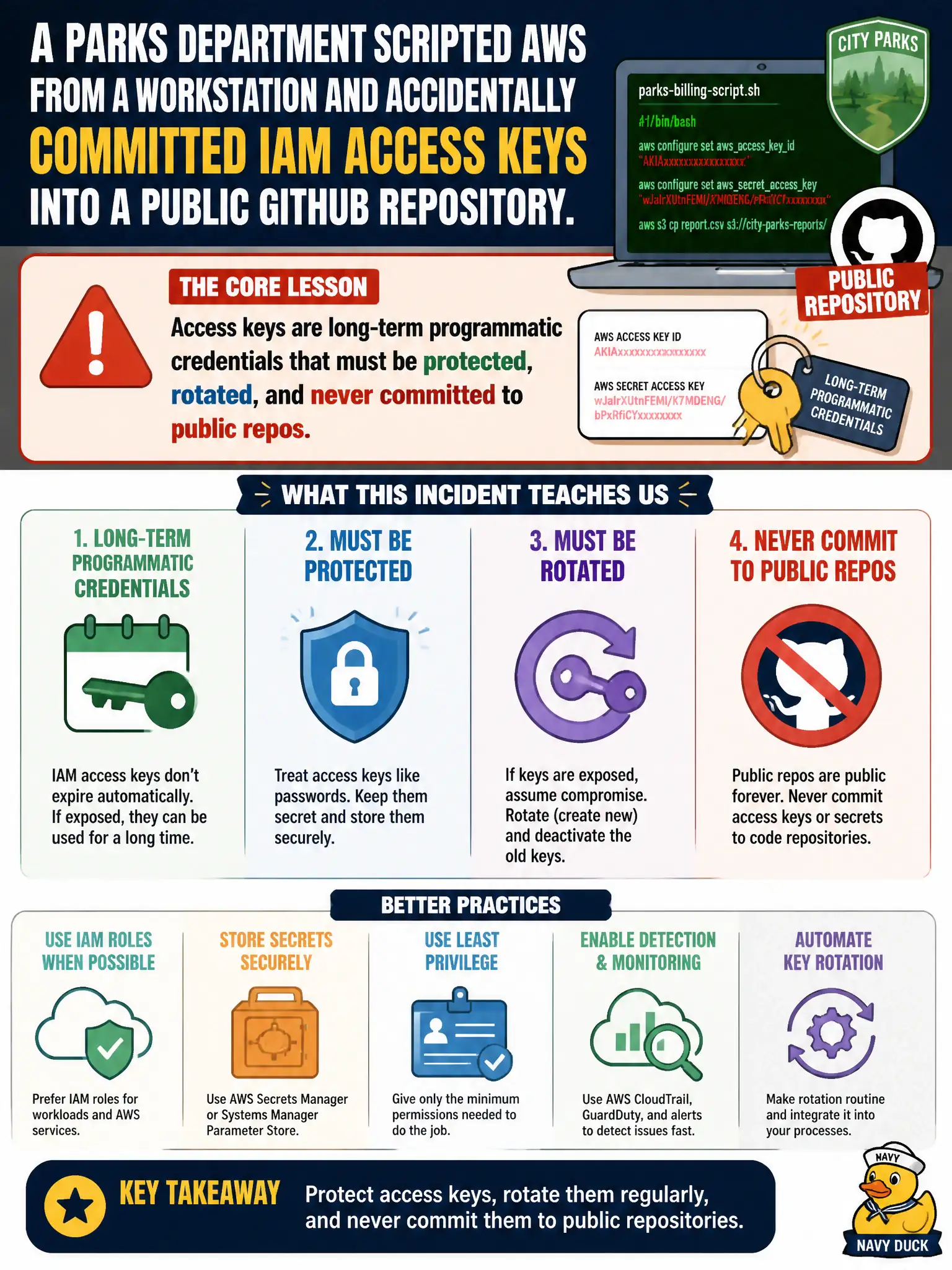
A parks department scripts that call AWS from a workstation accidentally committed IAM access keys into a public GitHub repository. What should the city treat as the core lesson about those keys?
Select an answer to reveal the explanation.
Short Explanation
Think of access keys like a spare house key taped under a doormat — once it's on the internet, anyone can use it. Those keys let scripts talk to AWS without the console, so treat them as secrets: store them safely, rotate them, and never paste them into public repos.
Full Explanation
IAM access keys are long-term programmatic credentials that must be protected, rotated, and never committed to public repositories. When parks department scripts accidentally commit keys to public GitHub, the core lesson is that those keys are like a spare house key taped under a doormat — once on the internet, anyone can use them to call AWS APIs. It is false that access keys are only for root and never need rotation after a leak. Access keys are not console passwords safe to paste into tickets. Access keys do not replace MFA for every human console sign-in. Distractors fail by narrowing keys to root-only myths, by confusing them with console passwords, or by treating them as MFA substitutes. Exam caveat: after a leak, deactivate and delete exposed keys immediately, inspect CloudTrail for abuse, and prefer IAM roles for compute over long-lived keys on workstations when possible. Operational check: scan repos for secrets, rotate any exposed keys, move automation to roles where feasible, store remaining secrets in Secrets Manager or secure parameter stores, and train staff that "temporary paste to GitHub" is never acceptable for civic account credentials. In practice, after any public leak, deactivate keys within minutes, rotate dependent secrets, review CloudTrail for abuse, and add pre-commit secret scanning to parks automation repos.