
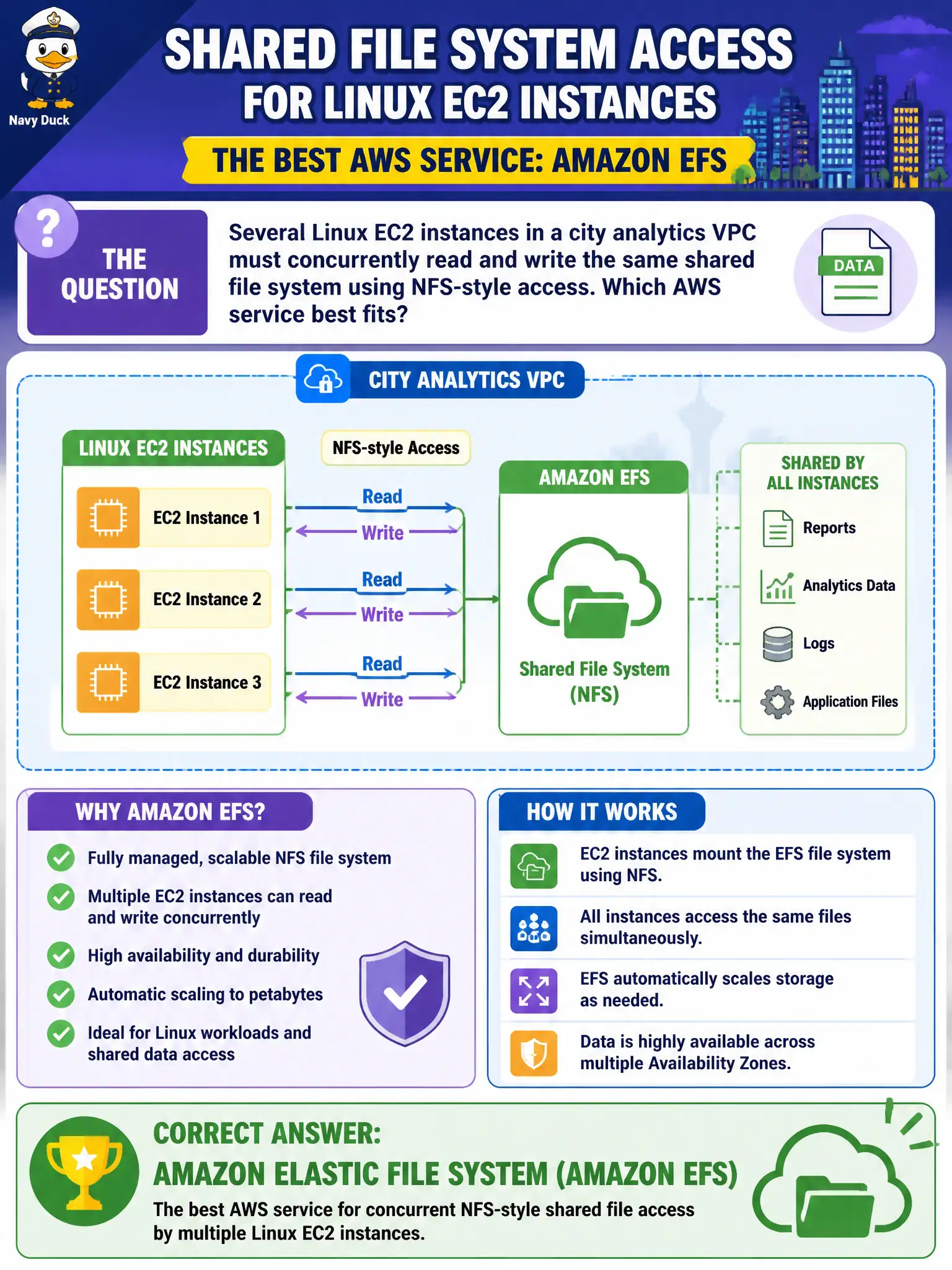
Several Linux EC2 instances in a city analytics VPC must concurrently read and write the same shared file system using NFS-style access. Which AWS service best fits?
Select an answer to reveal the explanation.
Short Explanation
Many Linux boxes sharing one growing file tree? That is classic Amazon EFS territory—elastic NFS-style file storage. S3 is objects; EBS is usually one instance at a time. EFS is the shared file system those analytics EC2s can mount together.
Full Explanation
When several Linux EC2 instances in a city analytics VPC must concurrently read and write the same shared file system using NFS-style access, Amazon Elastic File System (Amazon EFS) is the service that best fits. EFS provides a managed, elastic, NFS-accessible file system that multiple Linux instances can mount simultaneously, growing and shrinking with the working set. That matches analytics, shared home directories, or common content trees where POSIX-style file access across many compute nodes matters for municipal data science and batch pipelines.
Amazon S3 Glacier Deep Archive is cold object archival; it is not a POSIX mount for concurrent read/write file sharing. Amazon DynamoDB global tables are a multi-Region NoSQL database capability, not a file system mounted at /mnt/share. AWS Certificate Manager private CAs issue private certificates; they do not provide file locking or shared storage. Those options fail the shared NFS file-system requirement by category.
Exam caveat: Contrast EFS (shared Linux NFS file system), FSx (managed file systems for specific OS/protocol needs including Windows), EBS (block volumes, typically single-instance attach patterns), and S3 (object API). Multi-attach EBS exists for specific use cases but is not the default CLF answer for many Linux instances sharing NFS-style storage—that remains EFS.
Operational check for analytics: create the EFS file system in the VPC, mount targets in the required subnets/AZs, configure security groups to allow NFS from instance security groups, mount on each Linux host, verify concurrent writes with application smoke tests, choose performance/throughput modes appropriate to the workload, and enable backup so shared research files are not a single point of irreversible loss.