
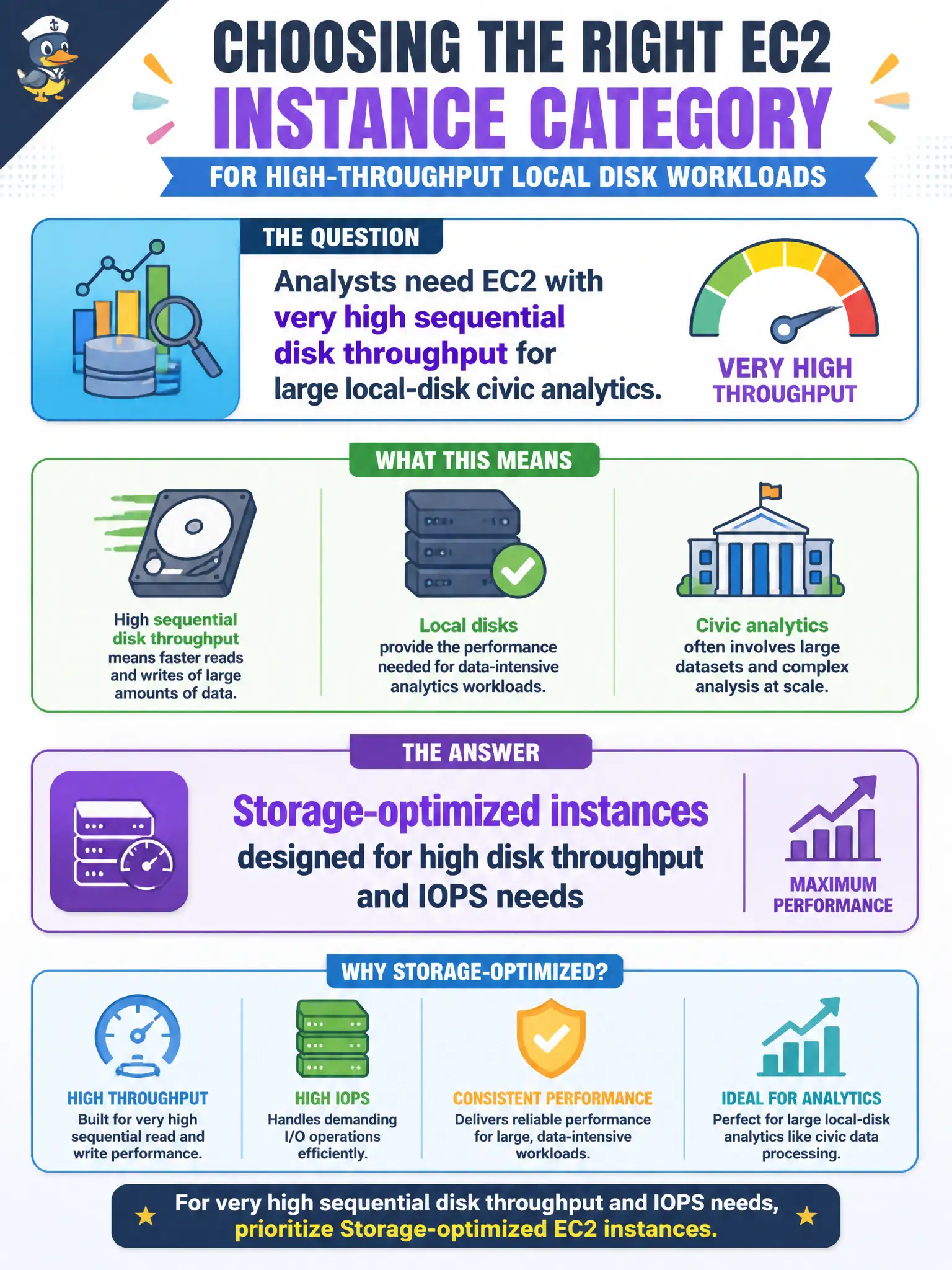
Analysts need EC2 with very high sequential disk throughput for large local-disk civic analytics. Which instance category should they prioritize?
Select an answer to reveal the explanation.
Short Explanation
When the bottleneck is chewing through local disks at high speed, storage-optimized instances are the right toolbox. Compute-optimized helps CPU-bound work; Mac instances and 'no local disk' myths do not fix sequential analytics I/O on EC2.
Full Explanation
Analysts who need EC2 with very high sequential disk throughput for large local-disk civic analytics should prioritize storage-optimized instances. Those families are designed for workloads that demand high disk throughput and IOPS against local instance storage—examples include data-intensive analytics, certain distributed file-system nodes, and processing pipelines that stream large volumes from local disks rather than relying only on remote block or object I/O mid-job.
Compute-optimized instances focus on CPU performance and are not “only for GPU video encoding”; they are simply the wrong priority when the stem emphasizes disk throughput. General-purpose instances balance resources and do not literally “remove all local disk options,” but they are not the category to lead with for very high sequential disk needs. Mac instances exist for macOS build and development use cases; they are not required for every Linux analytics pipeline in a municipal data shop.
Exam caveat: Storage-optimized = high local disk throughput and IOPS. Avoid choosing compute-optimized merely because “analytics” sounds computational when the question explicitly highlights sequential disk throughput.
Operational check: select a storage-optimized instance type with the needed local NVMe characteristics, place analytics hosts in private subnets, stage inputs and durable outputs via S3 as required, monitor disk metrics in CloudWatch during representative jobs, and confirm the city’s data-handling policy allows ephemeral local-disk processing for the dataset classification involved.