
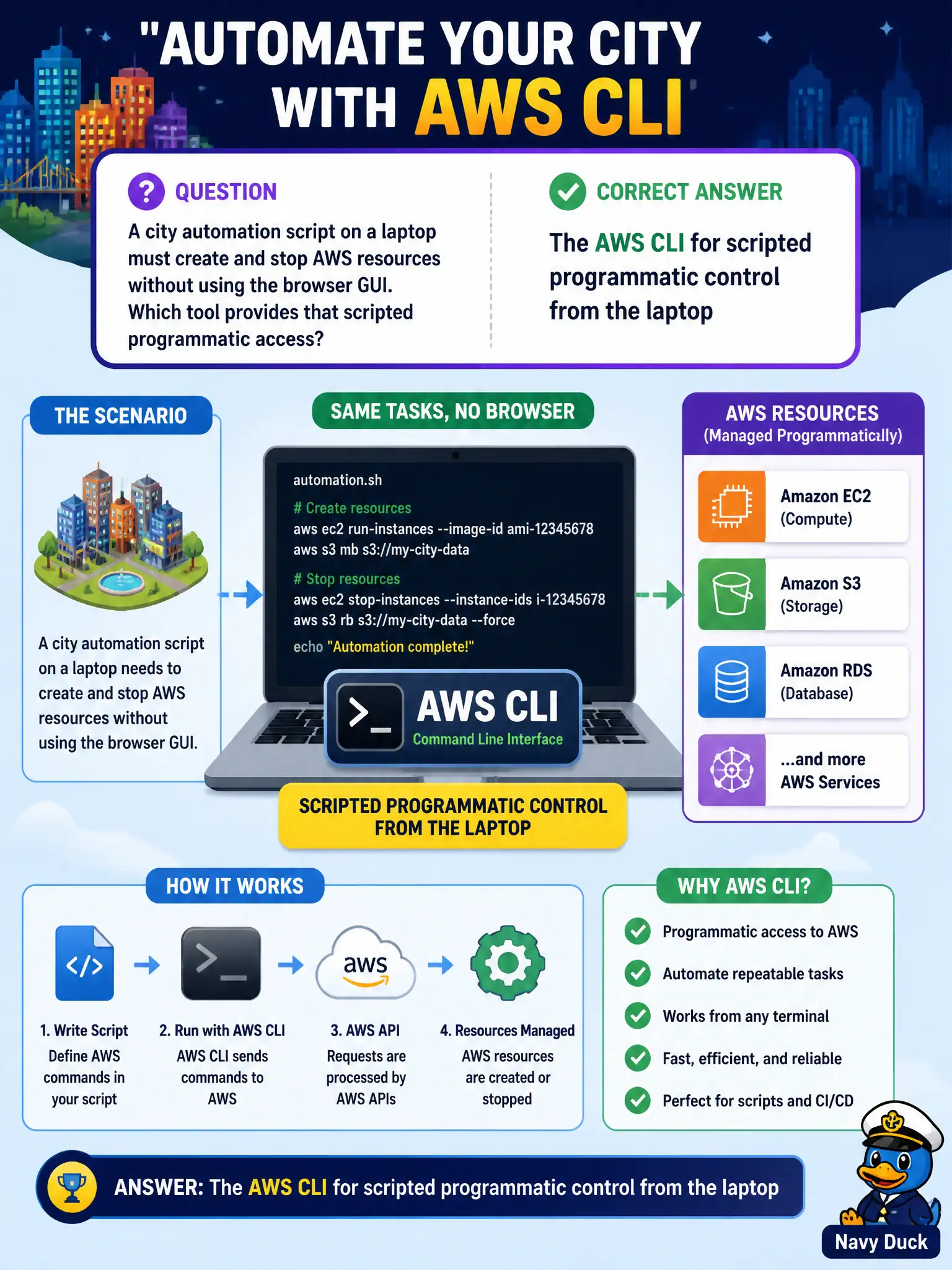
A city automation script on a laptop must create and stop AWS resources without using the browser GUI. Which tool provides that scripted programmatic access?
Select an answer to reveal the explanation.
Short Explanation
Scripts love a command line. The AWS CLI lets that laptop talk to AWS in code-friendly commands instead of clicking around the console.
Full Explanation
When a city automation script on a laptop must create and stop AWS resources without using the browser GUI, the AWS Command Line Interface (AWS CLI) provides that scripted programmatic access. The CLI calls AWS service APIs from a shell, so bash or PowerShell scripts can launch, tag, stop, and terminate resources consistently from an operator workstation. Municipal runbooks often wrap CLI commands for night-time start/stop of non-production fleets to save cost.
Amazon QuickSight is a business intelligence service for dashboards and analytics; its sheets are not a shell into EC2. AWS Artifact delivers compliance reports and agreements; those reports are not executed as bash scripts to manage compute. Amazon Macie runs sensitive-data discovery jobs on S3; it is not an EC2 launcher and should not appear in compute automation paths.
Exam caveat: CLI and SDKs both provide programmatic access. Stems that emphasize a laptop script and avoiding the browser typically expect the AWS CLI. Application code embedded in a permitting system more often points to an SDK.
Operational check: install the AWS CLI v2 on the administration laptop, configure named profiles with short-lived credentials via SSO or assumed roles, test aws ec2 describe-instances against the city lab account, store scripts in the municipal source-control repo, and never embed long-lived access keys in plaintext on shared machines. Add CloudTrail review so scripted create/stop actions remain attributable.