
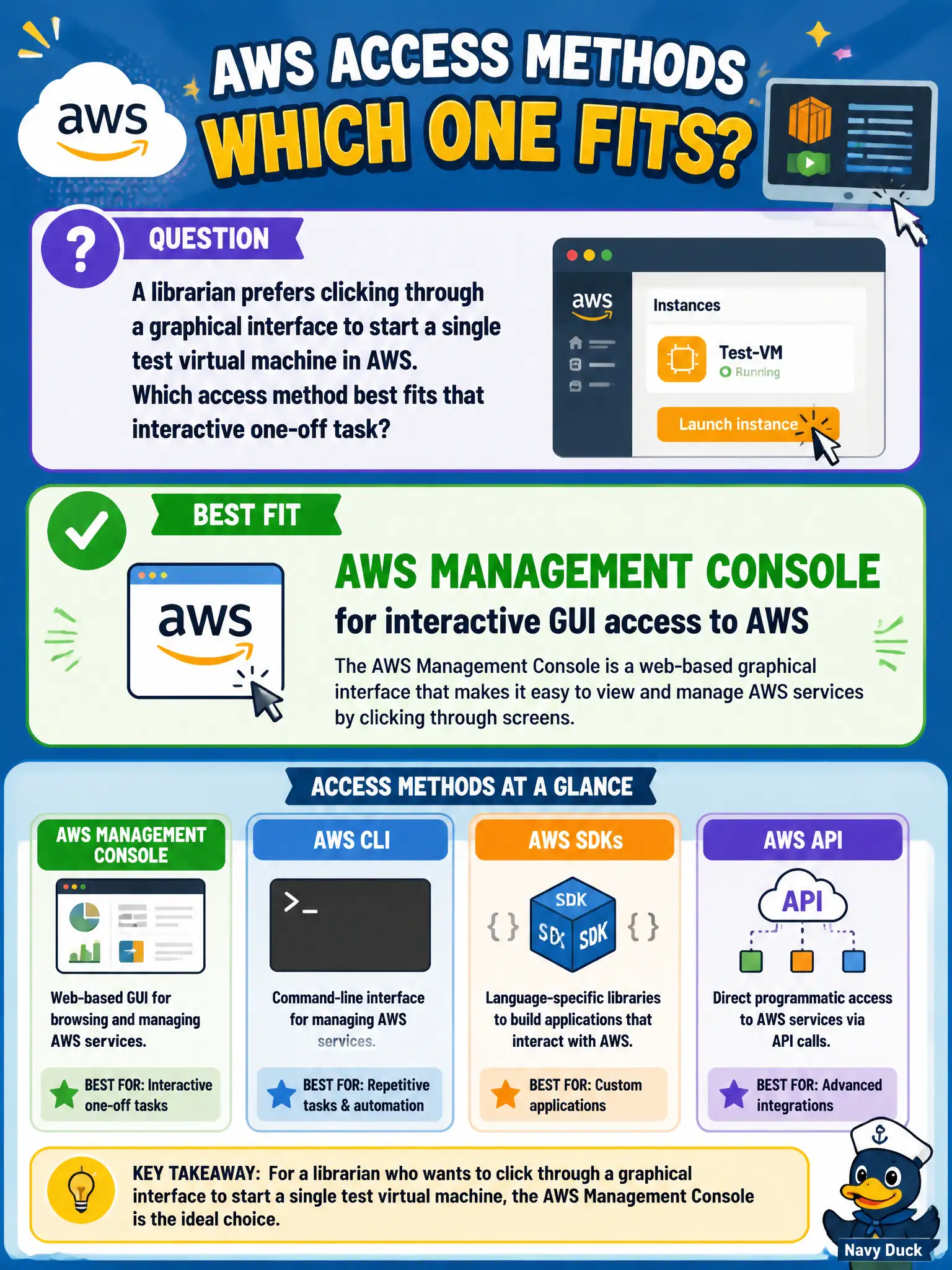
A librarian prefers clicking through a graphical interface to start a single test virtual machine in AWS. Which access method best fits that interactive one-off task?
Select an answer to reveal the explanation.
Short Explanation
Want to point and click like a normal desktop app? That is the AWS Management Console. Direct Connect is a network pipe, CloudFront is CDN, and CloudTrail is the audit log—not the launch button UI.
Full Explanation
A librarian who prefers clicking through a graphical interface to start a single test virtual machine should use the AWS Management Console. The console is the web-based GUI for interactive exploration and one-off tasks across AWS services, including launching an EC2 instance with guided screens. For infrequent lab work by staff who are not writing automation yet, the console is the appropriate access method at Cloud Practitioner depth.
AWS Direct Connect is a dedicated network connectivity service between on-premises networks and AWS; it is not a point-and-click VM launcher. Amazon CloudFront is a content delivery network; it is not the supported way to launch EC2 instances. AWS CloudTrail records API activity for governance and auditing; it is not an instance-start console and is never the exclusive launch path.
Exam caveat: Match access method to task—Console for interactive GUI; CLI/SDK for programmatic and scripted control; IaC for repeatable multi-resource environments. Questions about a single test VM and a graphical preference point squarely at the Management Console.
Operational check: grant the librarian a least-privilege IAM role usable via console login (preferably through the city’s identity federation), restrict the lab account or permissions to approved instance types and subnets, require MFA, and encourage graduating repeatable labs to CLI or CloudFormation once the team needs identical rebuilds rather than one-off clicks.