
A county IT office must charge departments for the AWS resources each team owns. What should they apply so Cost Explorer can group spend by department?
Select an answer to reveal the explanation.
Short Explanation
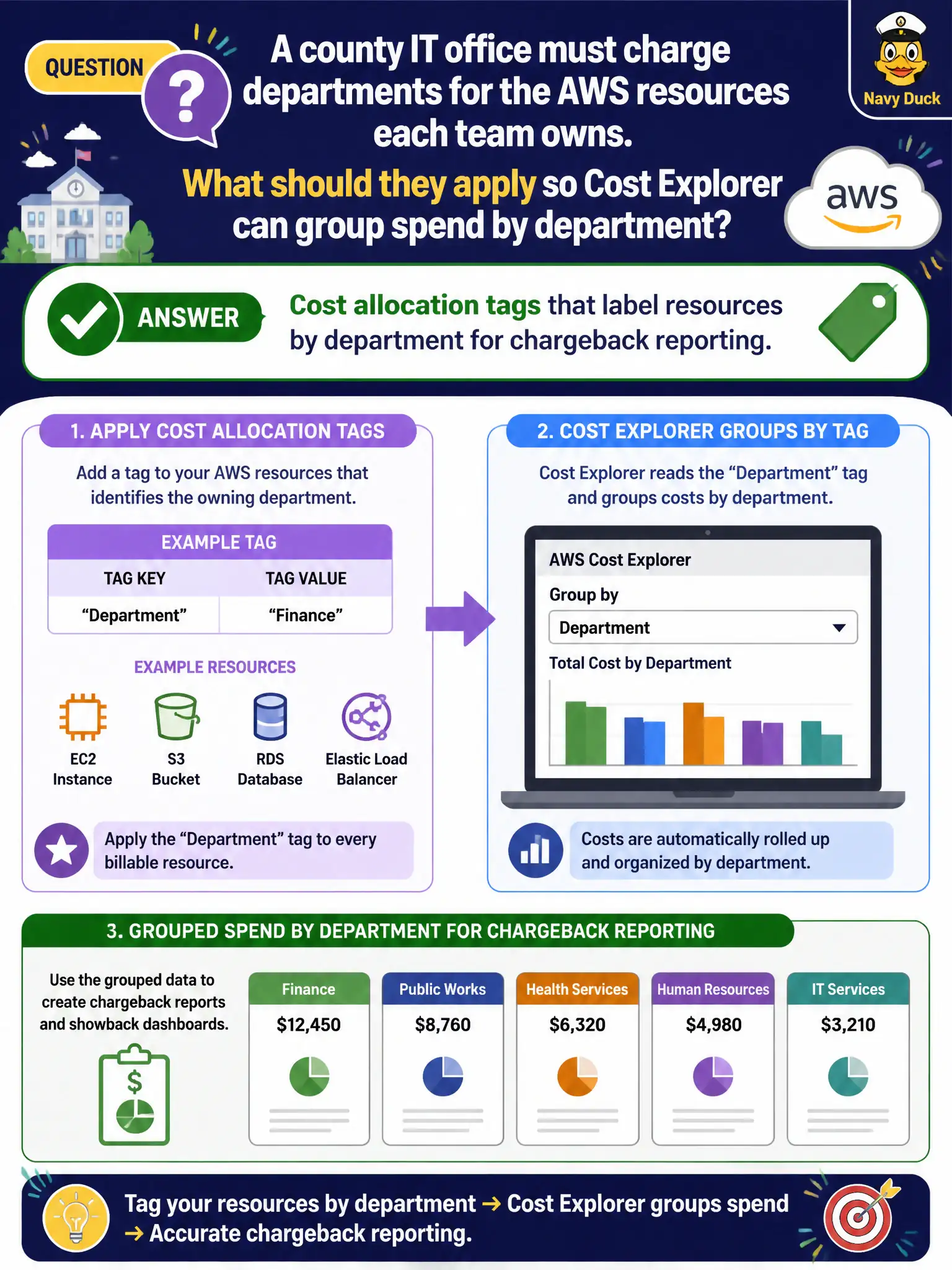
Chargeback needs labels on the resources. Activate cost allocation tags like Department=Parks, then Cost Explorer can slice the bill. Untagged chaos makes every department look the same.
Full Explanation
A county IT office that must charge departments for the AWS resources each team owns should apply cost allocation tags that label resources by department for chargeback reporting. Consistent key-value tags (for example Department=Parks) activated for cost allocation allow Cost Explorer and billing reports to group spend by department so chargeback or showback becomes possible across a shared municipal cloud.
Random untagged resource names with no consistent metadata make allocation impossible. Disabling AWS CloudTrail so tag changes cannot be audited worsens governance and does not create chargeback. Amazon Macie discovers sensitive data rather than allocating cloud spend. Untagged chaos, disabled audit, and data-classification tools fail the chargeback enablement need.
Exam caveat: Tags must be applied and activated for cost allocation. Tagging alone in the console is insufficient until billing recognizes the keys. Pair with Organizations and Budgets for a full FinOps starter kit.
Operational check for chargeback: define a mandatory Department tag, enforce via CloudFormation/Service Catalog/policy, activate the tag keys in billing, wait for activation propagation, build Cost Explorer saved reports per department, and reconcile monthly with finance so disputed spend can be traced to specific untagged exceptions.