
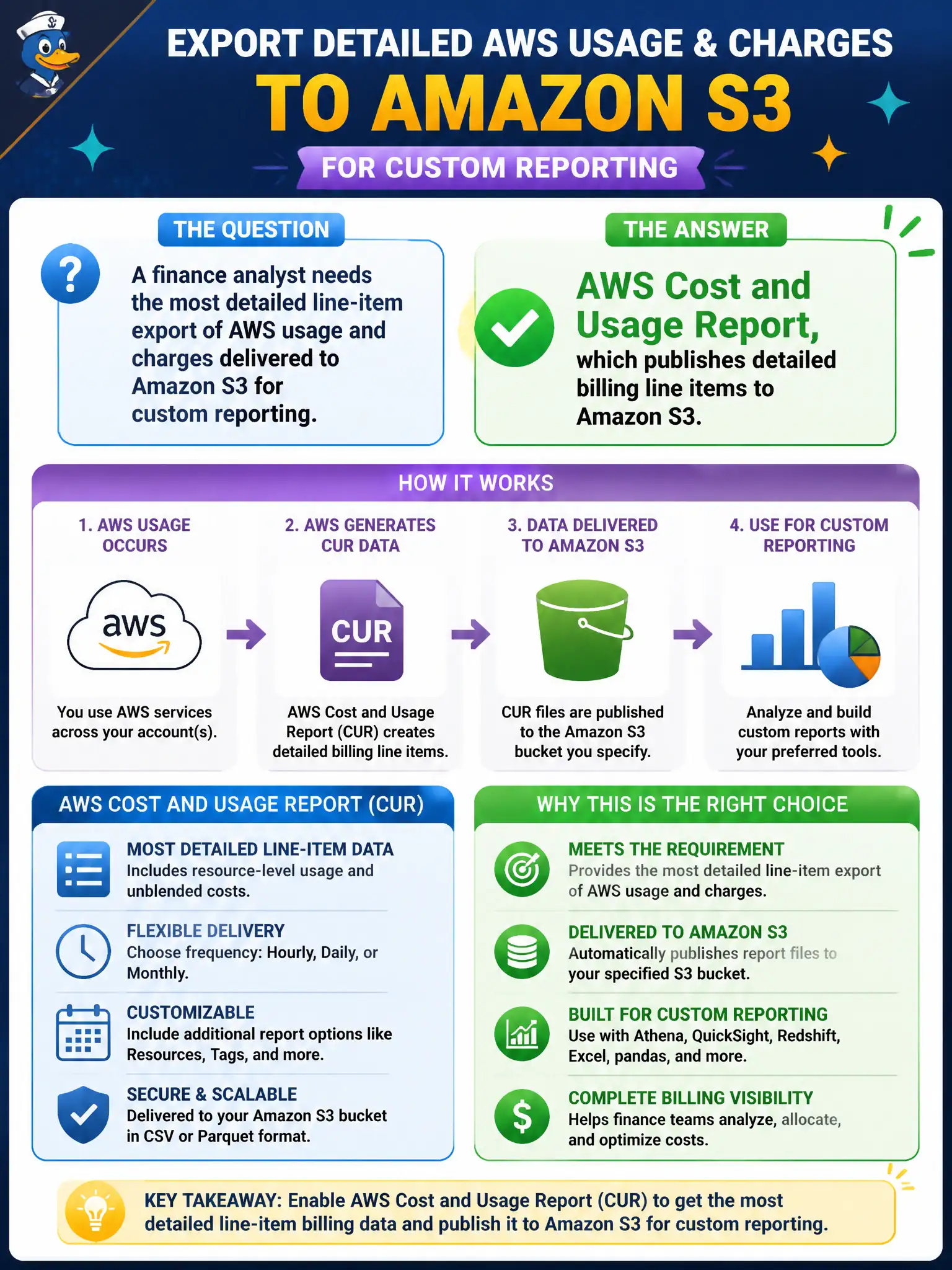
A finance analyst needs the most detailed line-item export of AWS usage and charges delivered to Amazon S3 for custom reporting. Which artifact should they enable?
Select an answer to reveal the explanation.
Short Explanation
Need every billing line item in a bucket for a custom spreadsheet or warehouse? Turn on the Cost and Usage Report. SNS and WAF are not your invoice dump.
Full Explanation
A finance analyst who needs the most detailed line-item export of AWS usage and charges delivered to Amazon S3 for custom reporting should enable the AWS Cost and Usage Report (CUR). CUR publishes fine-grained billing line items to S3 so analysts can build custom SQL, QuickSight, or warehouse models beyond what summary consoles provide—useful for complex municipal showback and audit trails.
Amazon SNS topic subscriptions deliver messages but not full billing line-item exports. AWS WAF rule groups filter web requests rather than export invoices. Amazon Lightsail blueprints launch simple stacks rather than produce CUR files. Messaging, WAF, and Lightsail are unrelated to detailed billing export.
Exam caveat: CUR = detailed actuals to S3; Cost Explorer = interactive historical analysis; Pricing Calculator = estimates; Budgets = alerts. "Most detailed line-item export to S3" is almost always CUR.
Operational check for finance: enable CUR to a dedicated billing bucket with lifecycle policies, restrict IAM access to finance/auditors, query with Athena using the CUR catalog, validate totals against the invoice, and automate monthly pipelines so custom department reports refresh without manual CSV downloads.