
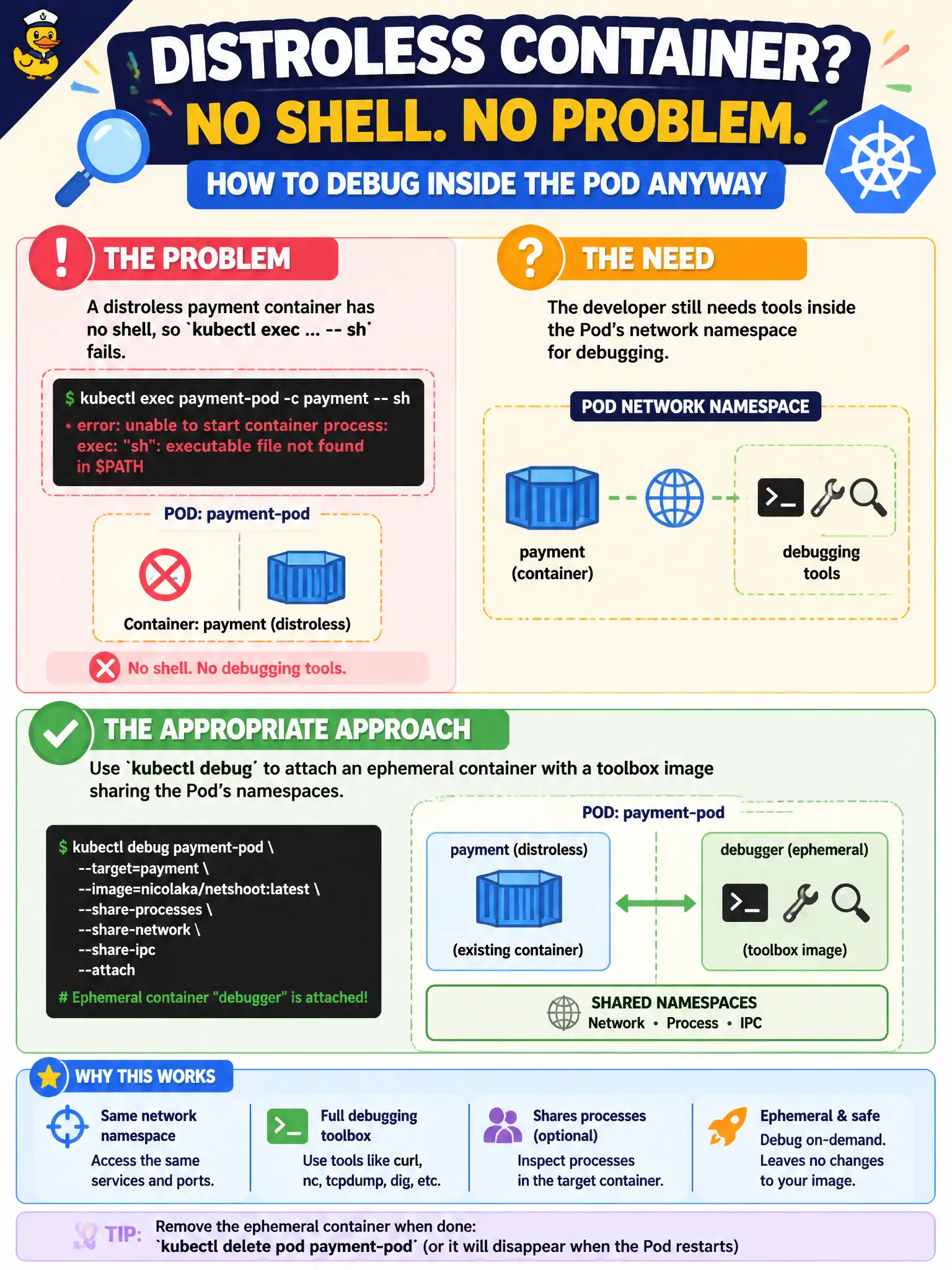
A distroless payment container has no shell, so kubectl exec ... -- sh fails. The developer still needs tools inside the Pod’s network namespace for debugging. What is the appropriate approach?
Select an answer to reveal the explanation.
Short Explanation
Distroless images are locked showrooms—no shell under the counter. kubectl debug rolls in a toolbox ephemeral container beside the app. That is the supported way to poke around without rebuilding a fat image first.
Full Explanation
Distroless payment images omit a shell, so kubectl exec ... -- sh fails even though the Pod is Running. The appropriate debugging approach is kubectl debug (ephemeral containers) with a toolbox image that joins the Pod’s namespaces—network, and optionally process/pid—so you can run dig, curl, and similar tools beside the distroless app without rebuilding it with a shell. That pattern matches modern CKAD troubleshooting for locked-down municipal payment containers.
Setting privileged: true so Kubernetes “injects busybox automatically” fails because privileged mode does not conjure a shell binary into an image that lacks one. Changing restartPolicy to OnFailure fails because restart policy does not unlock an interactive shell or add debugging packages. Annotating the Service with debug=true fails because Services have no such cluster-wide exec-sidecar switch; debugging is Pod-centric via debug/ephemeral containers or a purposeful debug sidecar in the template.
Exam caveat: ephemeral debug may require feature gates/permissions; some clusters restrict who can create ephemeral containers. Operational check: kubectl debug -it <pod> --image=busybox:1.36 --target=<container>, run network/DNS checks, remove debug when finished, and keep production payment images distroless.