
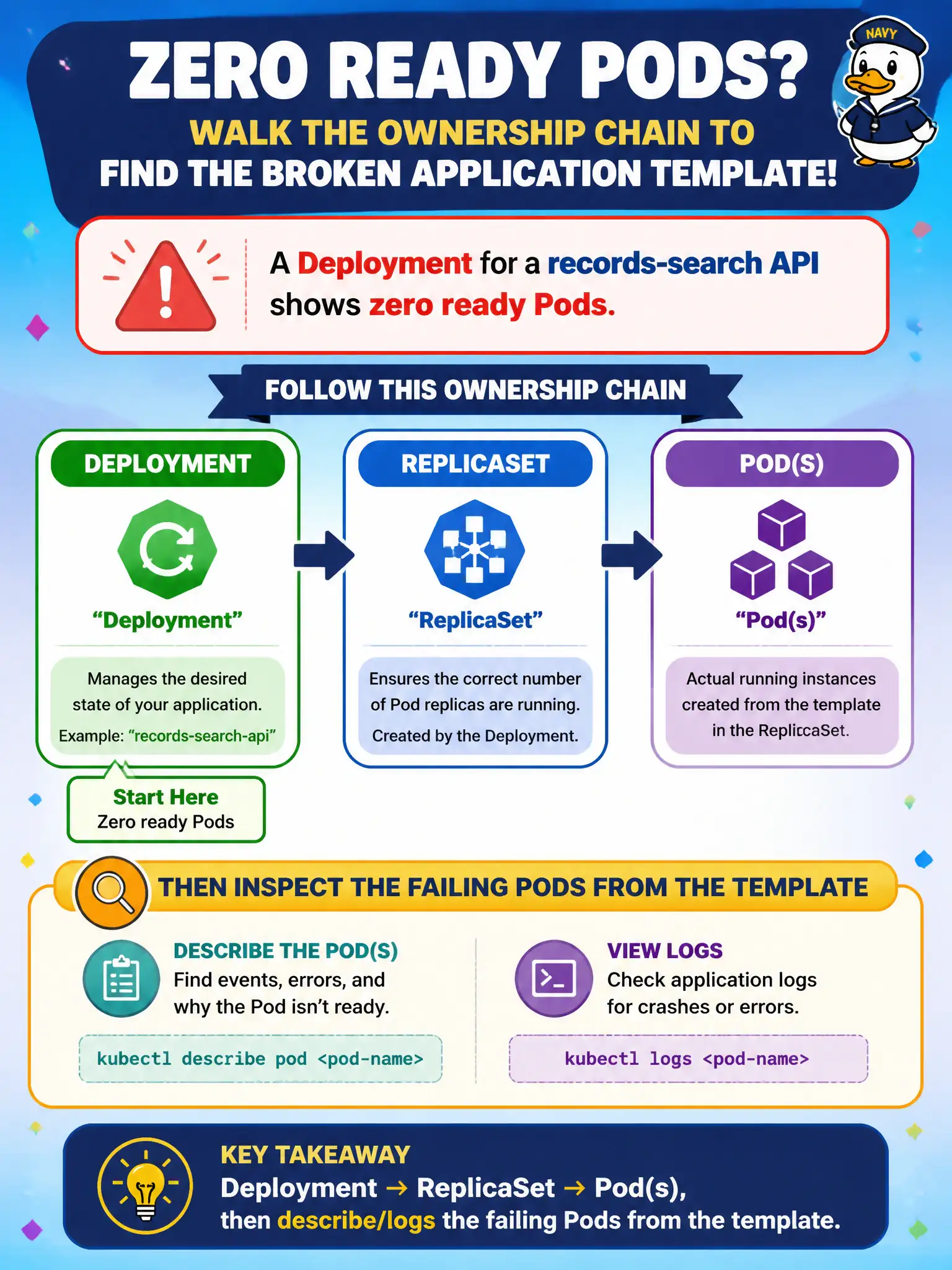
A Deployment for a records-search API shows zero ready Pods. What ownership chain should the developer walk to find the broken application template?
Select an answer to reveal the explanation.
Short Explanation
Deployments manage ReplicaSets that manage Pods—follow that breadcrumb trail. When ready is zero, the broken bit is almost always in the Pod template. Describe and log the Pods that RS created.
Full Explanation
When a records-search API Deployment shows zero ready Pods, walk the ownership chain Deployment → ReplicaSet → Pod(s). The Deployment controller creates ReplicaSets from the Pod template; ReplicaSets create Pods; readiness failures live on those Pods. Describe and logs on the failing Pods reveal probe failures, crashes, pulls, or config errors stemming from the template. That breadcrumb trail is the reliable way to find the broken application spec in civic search APIs.
Walking only Service → Endpoints → Ingress → Node while skipping Pods fails because zero ready Pods means Endpoints are empty for that reason—you must inspect Pods. Claiming Deployments never own ReplicaSets and only chasing ConfigMap → Secret → ServiceAccount fails the controller model (though config can still be the root cause once you reach Pod events). Jumping to PersistentVolume → StorageClass → CSI for all non-ready Deployments fails as a universal first path; only storage-related Pending/Mount errors warrant that focus after Pod Events say so.
Exam caveat: a stuck old ReplicaSet versus a failing new one during rollout can confuse “which template is live”—check kubectl get rs and the Deployment’s current revision. Operational check: kubectl get deploy,rs,pods -l app=records-search, describe the non-ready Pod, fix the Pod template, and confirm ready replicas rise above zero.