
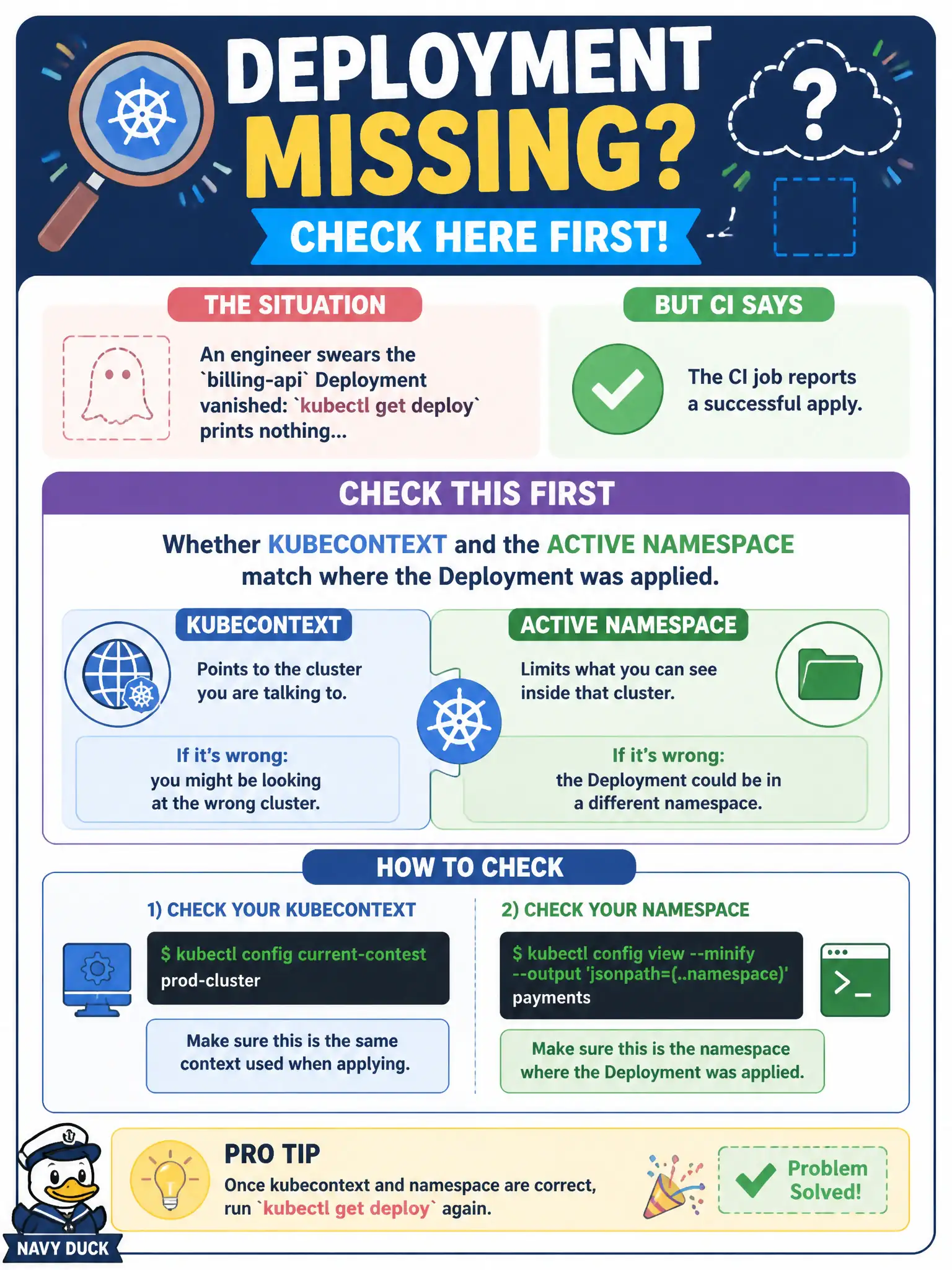
An engineer swears the billing-api Deployment vanished: kubectl get deploy prints nothing, yet the CI job reports a successful apply. What should they check first?
Select an answer to reveal the explanation.
Short Explanation
Empty kubectl output is often “wrong building, wrong floor”—context or namespace mismatch. Confirm where you are pointing before tearing into deeper failure theories. CI may have applied somewhere else entirely.
Full Explanation
When CI reports a successful apply for billing-api but kubectl get deploy prints nothing, the first check is whether your kubecontext and active namespace match the destination of that apply. Empty lists are frequently “wrong cluster or wrong namespace,” not vanished objects. Confirm kubectl config current-context, the namespace in the kubeconfig context or -n flag, and where the CI kubeconfig pointed—then kubectl get deploy -A | grep billing if needed. Civic platform engineers waste hours re-applying before noticing they are looking at a different floor of the building.
Checking etcd encryption rotation first fails because encryption-at-rest does not hide Deployments from authorized list calls in the normal UI path. Restarting the Ingress controller fails because Ingress controllers reconcile Ingress/Service traffic; they do not gate whether Deployments appear in kubectl get deploy. Blaming a CVE image scan for blocking list verbs cluster-wide fails conceptually: scans may gate CI promotion, but they do not rewrite API authorization so list suddenly returns empty without Forbidden errors.
Exam caveat: a successful apply to namespace A is invisible in namespace B; also watch for different contexts (staging vs prod). Operational check: kubectl config get-contexts, kubectl get deploy -n <ci-namespace>, compare names with the CI manifest’s metadata.namespace, then align your context before declaring the Deployment missing.