
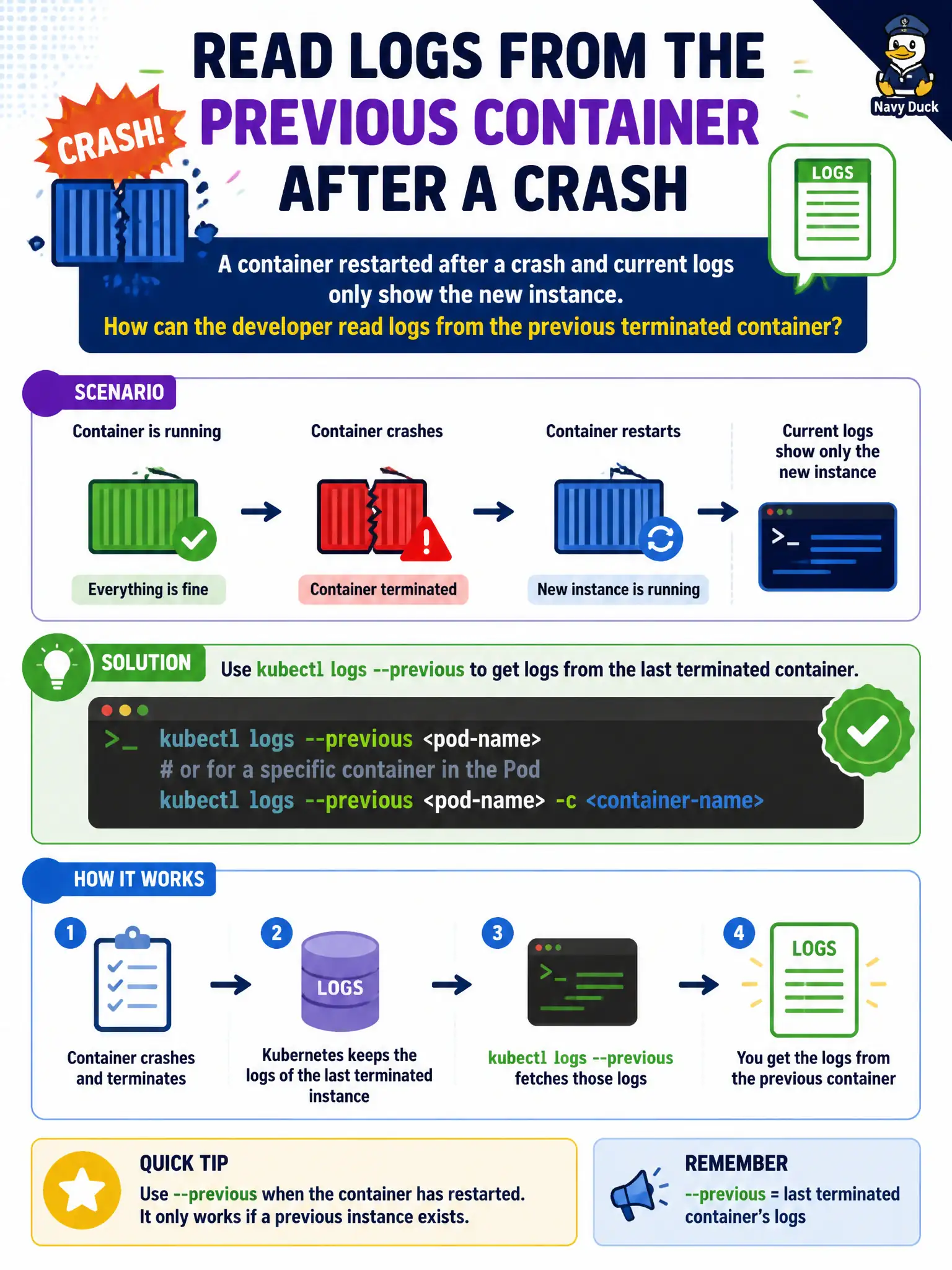
A container restarted after a crash and current logs only show the new instance. How can the developer read logs from the previous terminated container?
Select an answer to reveal the explanation.
Short Explanation
After a restart, ‘current’ logs are the new process—the crash story is in the previous instance. kubectl logs --previous grabs that last terminated container’s output. Don’t delete the Pod hoping Events will replay the full stack trace.
Full Explanation
When a container restarted after a crash and current logs only show the new instance, kubectl logs --previous on the Pod/container fetches the last terminated instance’s logs. That switch is essential municipal incident tooling: the smoking gun often lived in the previous container’s stdout before kubelet started the replacement.
Why the other options fail by concept: kubectl logs --tail=0 does not force the kubelet to resurrect deleted log files forever. kubectl debug with a forever sleep ignores prior crash logs. Deleting the Pod so previous logs are “reconstructed from Events only” destroys access to --previous logs and leaves thin Events behind.
Exam caveat: --previous only works while the Pod object still retains the prior terminated container status—another crash or Pod delete can lose it. Specify -c for multi-container Pods. Combine with kubectl describe events for OOMKilled/exit codes. Ship logs to a central system for retention beyond kubelet’s local previous buffer.
Operational check: On CrashLoopBackOff, immediately kubectl logs <pod> -c <container> --previous --tail=200, capture exit reason from describe, fix the app/config, and roll forward. Verify new logs stay clean and restarts stop for the city workload.