
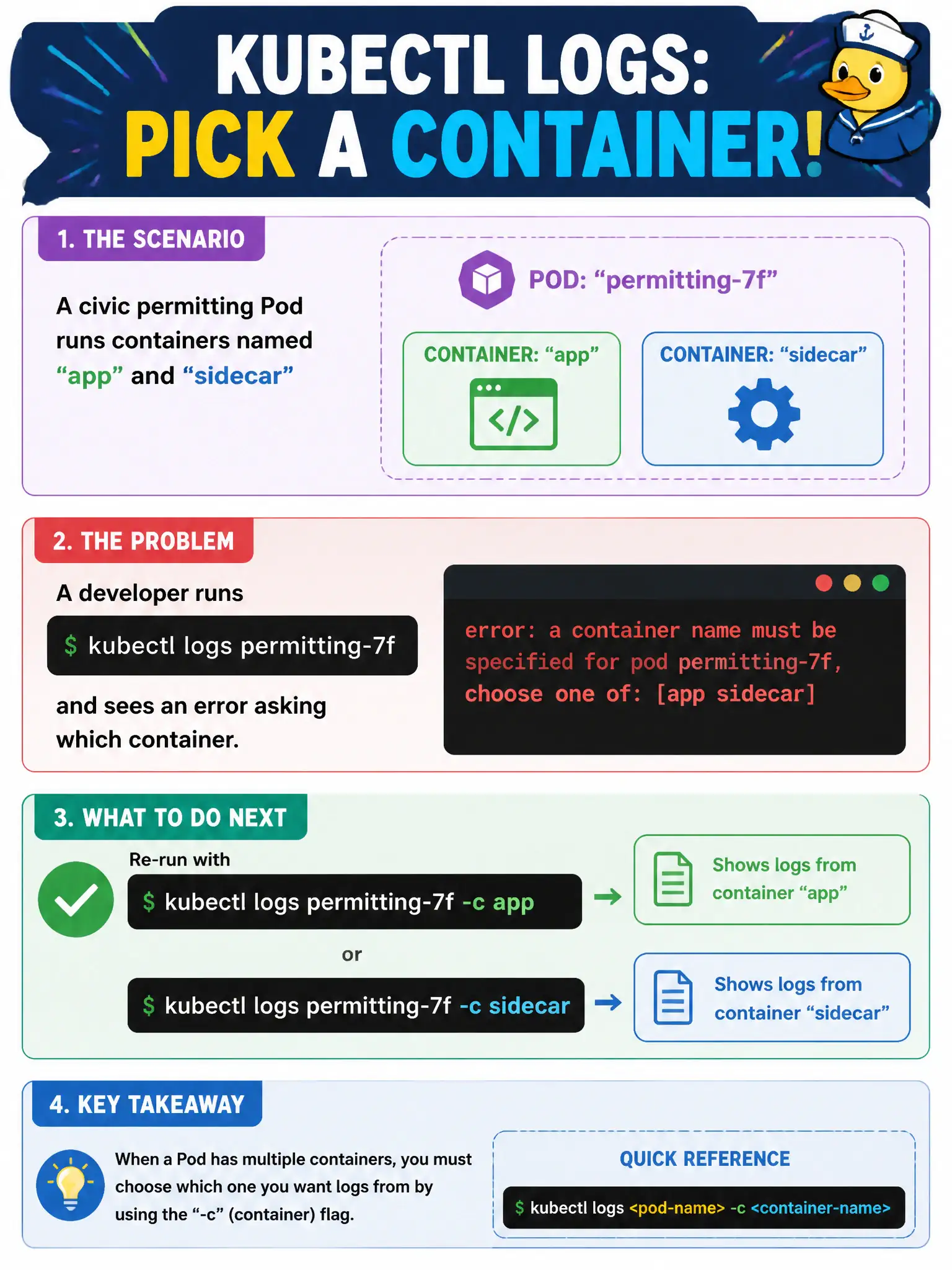
A civic permitting Pod runs containers named app and sidecar. A developer runs kubectl logs permitting-7f and sees an error asking which container. What should they do next?
Select an answer to reveal the explanation.
Short Explanation
Multi-container Pods are like a duplex with two mailboxes—you have to say which one you want. kubectl logs needs -c when more than one container is in the Pod. Point it at app or sidecar and the stream shows up.
Full Explanation
When a civic permitting Pod runs more than one container, kubectl logs <pod> cannot choose a default stdout stream. Kubernetes returns an error asking which container you mean because both app and sidecar publish independent logs. The correct next step is to re-run with an explicit selector such as kubectl logs permitting-7f -c app or -c sidecar (the --container long form is equivalent). That flag targets one container’s log stream without changing the Pod’s architecture, deleting workloads, or switching tools. In municipal multi-container designs—application plus logging, proxy, or policy sidecars—this is the routine observability path during triage.
Deleting the Pod and recreating a single-container Deployment fails conceptually because the duplex layout is often intentional; collapsing architecture just to avoid a flag discards operational design rather than solving log selection. Switching only to kubectl describe fails because describe shows Events and status, not the continuous application stdout needed for request-level debugging; logs remain available for multi-container Pods once -c is supplied. Using kubectl port-forward to a Service fails as a substitute because port-forward exposes a live TCP path for interactive testing; it does not retrieve historical or streaming container logs.
Exam caveat: if you also need prior-instance output after a restart, combine -c with --previous, and remember that -c is required whenever the Pod has multiple containers—even if you “usually” only care about app. Operational check: run kubectl get pod permitting-7f -o jsonpath='{.spec.containers[*].name}' to list container names, then kubectl logs permitting-7f -c <name> --tail=50 to confirm the intended stream before deeper investigation.